Free No account needed
ODT to PDF: convert OpenDocument Text
Turn an .odt file from LibreOffice or OpenOffice into a PDF here, free: every page laid out as it was written, ready to print, upload or send. You get an editable Word copy with it.
- Free. No account, no watermark.
- See the pages right on this site.
- Deleted after 24 hours. Nobody reads it.
ODT documents converted by FileOpens
newsletter.odtnewsletter.pdf + .docx
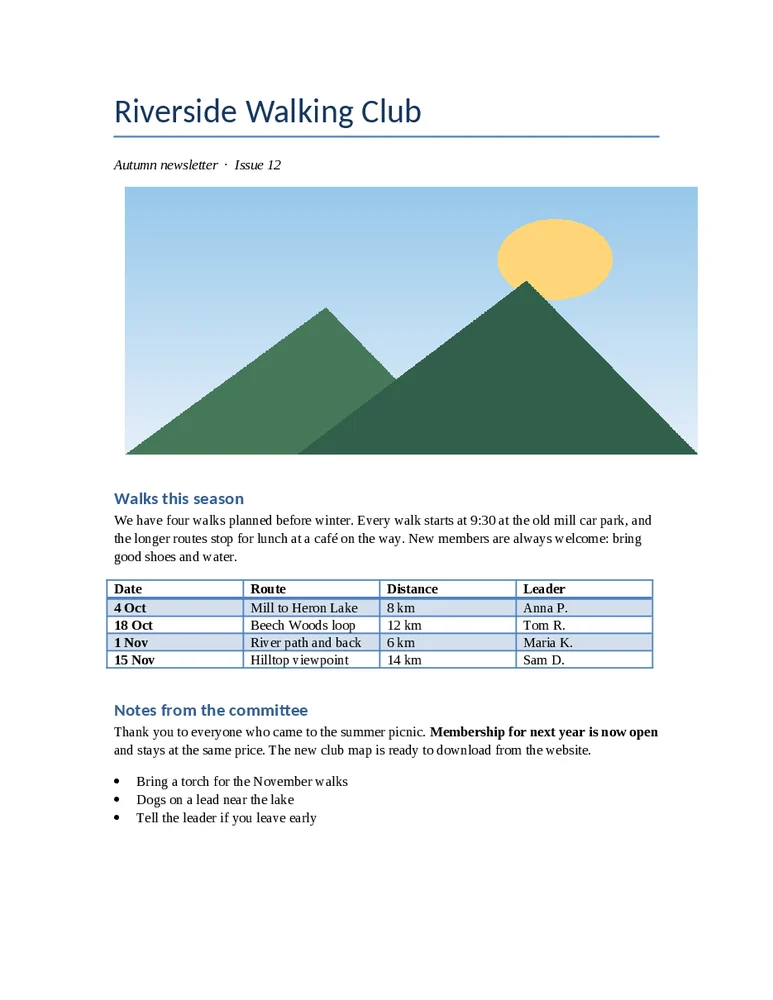
Club newsletter with a photo
- Headings, bold and italics
- Picture in its place
- Table with borders
- Bullet list
quote.odtquote.pdf + .docx
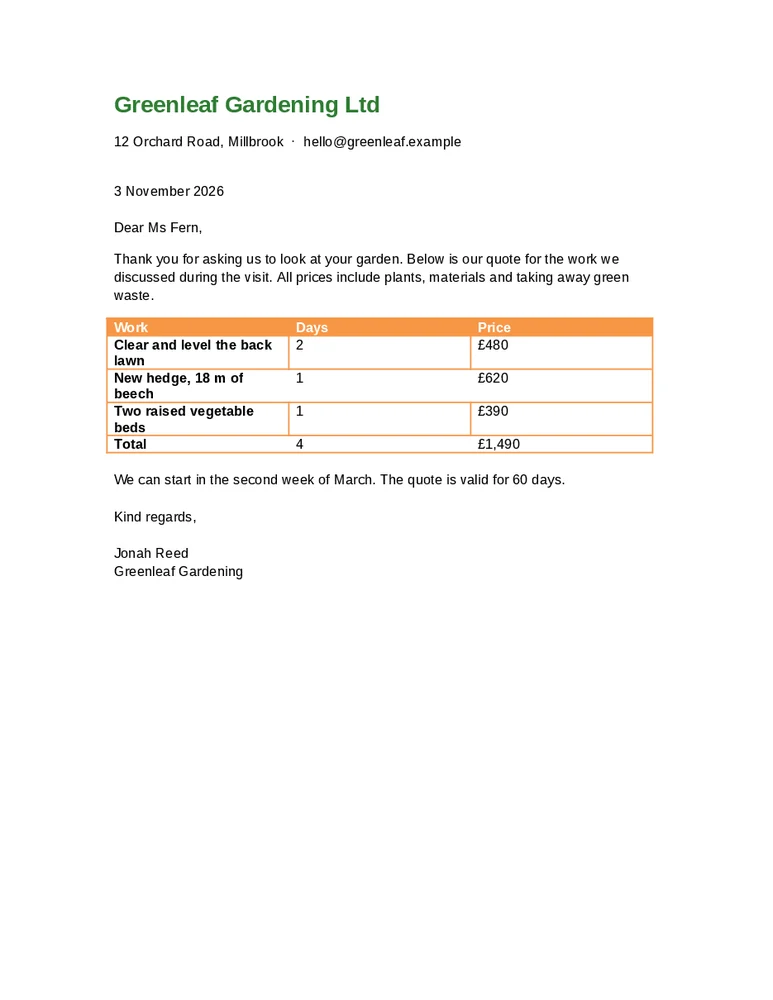
Letter with a price quote
- Letterhead in colour
- Price table kept
- Ready to print or edit in Word
Sample documents we made ourselves, with made-up names and data, converted here and shown as they came out. Your own files are never shown to anyone.
What you get
- Word documentAn editable .docx with the text, headings, tables, lists, footnotes and pictures.
- A PDF as wellEvery page as it looks in LibreOffice, ready to print or send.
- ODT, OTT, FODTDocuments and templates from LibreOffice, OpenOffice and other OpenDocument apps.
- See it firstThe pages appear on this site before you download anything.
Why convert ODT to PDF
ODT is the standard document format of LibreOffice and OpenOffice, and of the OpenDocument standard (ISO/IEC 26300). It is a good format for writing, but many of the places a document has to go next want a PDF: job portals, government forms, schools, print shops and e-mail to someone who may only have a phone. A PDF looks the same everywhere, cannot be changed by accident and opens in any browser. Converting ODT to PDF is the safest way to make sure the reader sees exactly the pages you made.
How to convert ODT to PDF here
Choose the .odt file above. In a few seconds the pages appear on this site, so you can check them. Then download the PDF. It is free, with no account, no watermark and no limit on how many files you convert, one at a time. We also make a Word (.docx) copy of the same document, in case someone asks for a file they can edit. Need only the Word file? See ODT to Word.
What the PDF keeps
The PDF is made by LibreOffice itself, the program most .odt files come from, so page breaks, margins, headers and footers, page numbers, tables, footnotes, pictures and fonts stay where they were. Text stays text, so the PDF can be searched and copied from. If the document uses a font we do not have, a similar font takes its place, so a line may break a little differently: check the pages before you download.
If you have LibreOffice already
In LibreOffice Writer you can do the same yourself: File > Export as PDF. This page is for the times you do not have it: on a work computer where you cannot install software, on a Chromebook, a phone, or a Mac with only Pages. It is also quicker than installing a whole office suite for one file.
Templates, flat files and privacy
Templates (.ott) and flat XML documents (.fodt) convert the same way. A document protected with a password cannot be opened without it: open it in LibreOffice, save a copy without the password, and upload that. Your file is used only to make the PDF and is deleted 24 hours after upload. Spreadsheets and presentations work too: ODS to Excel and ODP to PowerPoint.
Also on FileOpens
Questions about ODT to PDF
Will the PDF look the same as in LibreOffice?
Yes, as long as the fonts are the same: the PDF is made by LibreOffice. Common free fonts such as Liberation, DejaVu, Carlito and Caladea are installed; others are replaced with a similar font.
Can I convert several ODT files at once?
One at a time for now. Each one takes a few seconds, and there is no daily limit for normal use.
Is it really free?
Yes: no account, no watermark, no limit on the number of files. We make our money converting old document formats such as Publisher and Works files.
What happens to my file?
It is used only to make your PDF and is deleted automatically 24 hours after upload. Nobody looks at it.