MBOX viewer: open an .mbox file online
Got an .mbox file from Google Takeout, Apple Mail or Thunderbird and nothing to open it with? This MBOX viewer reads it in your browser: it counts the e-mails and shows the first 20 as PDF, free.
- First 20 e-mails free to check before you pay.
- Every attachment saved next to its e-mail.
- Nothing loaded from the web. No tracking pictures.
- Deleted after 24 hours. Nobody reads your mail.
A mailbox converted by FileOpens
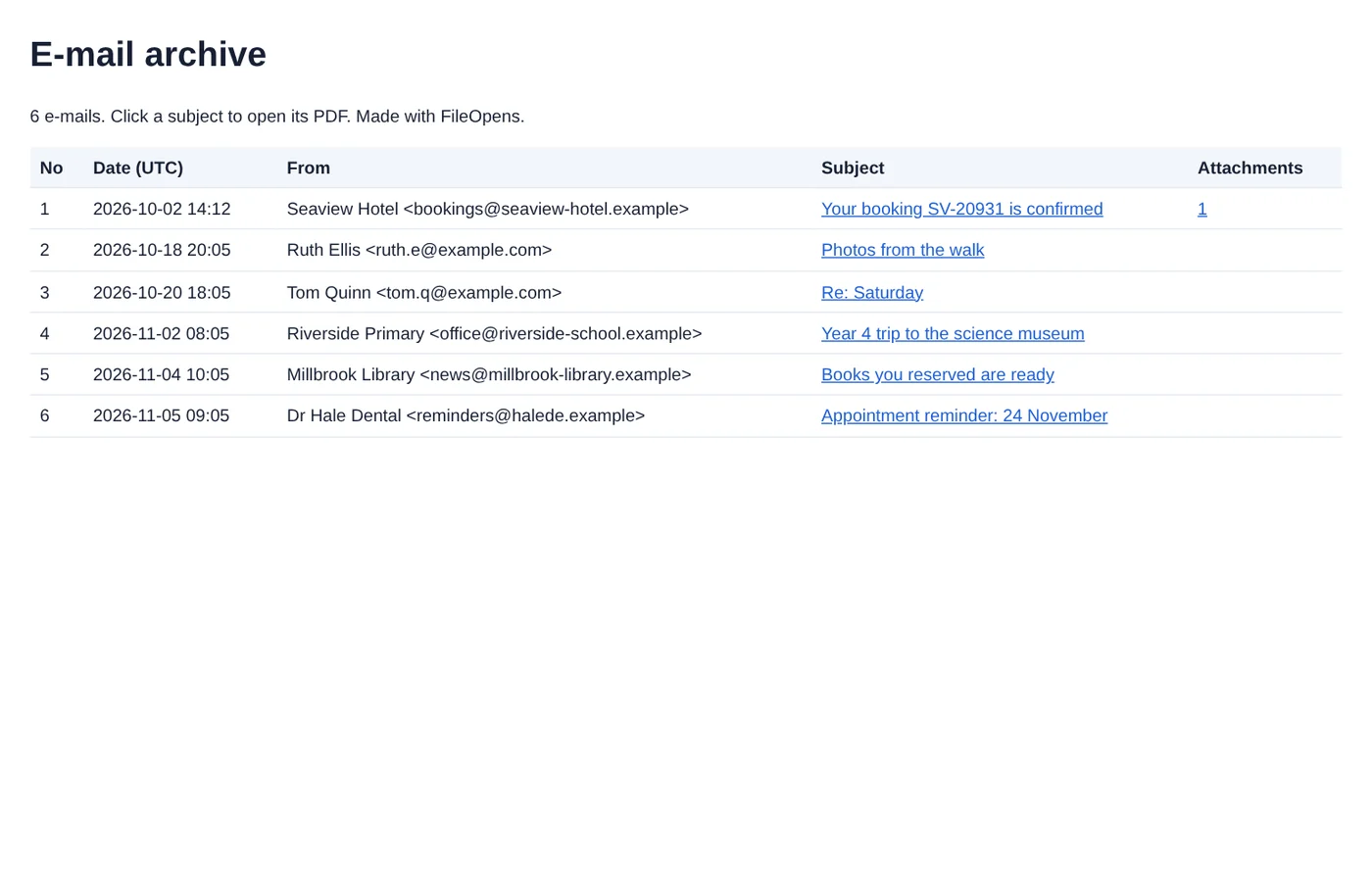
Martha-2026.mboxIndex.html
Index of every e-mail
- Date, sender and subject
- Click a subject to open its PDF
- Attachments counted
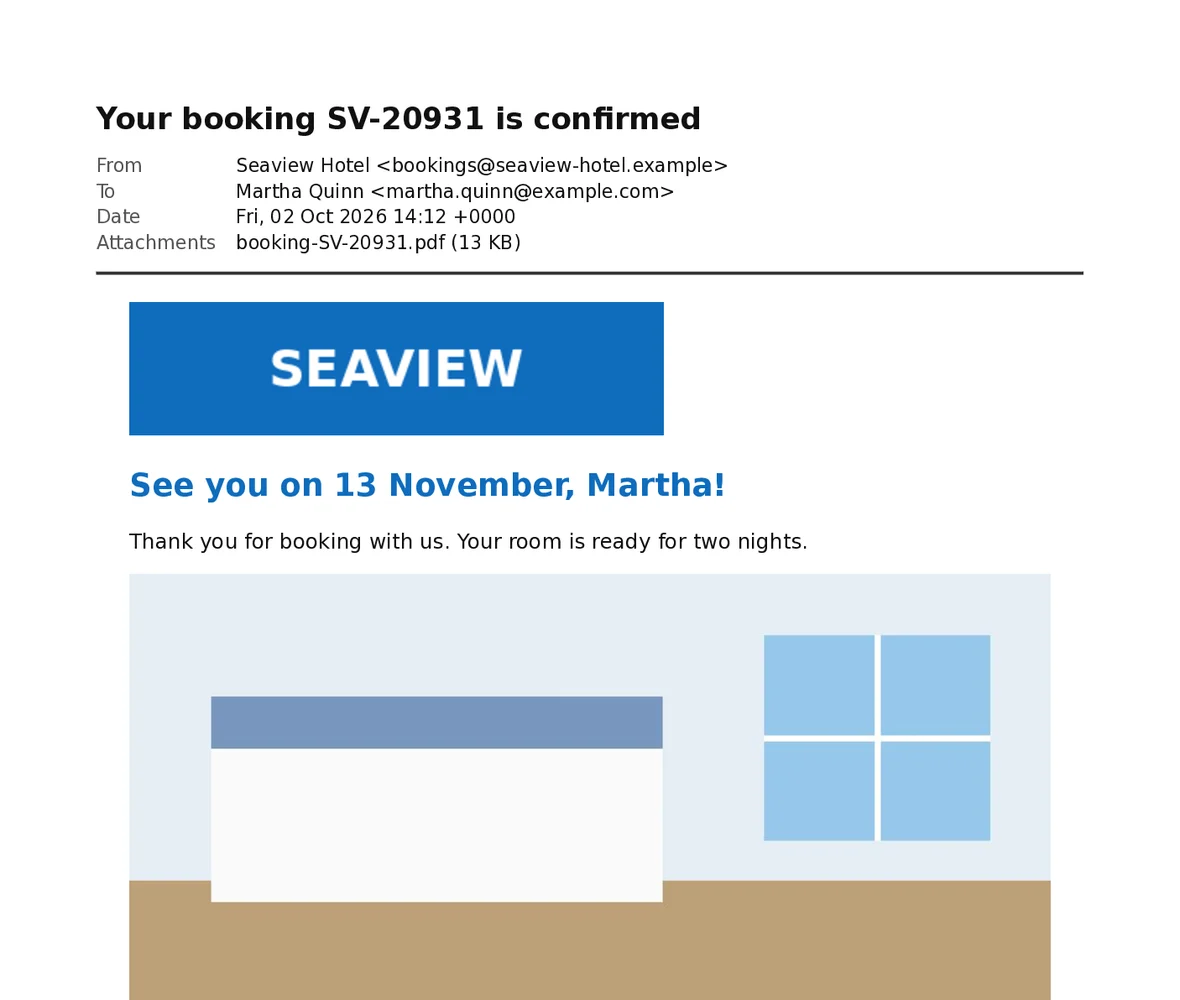
Martha-2026.mboxAll e-mails 2026.pdf
One PDF with every e-mail
- Oldest first, each from a new page
- Pictures and tables kept
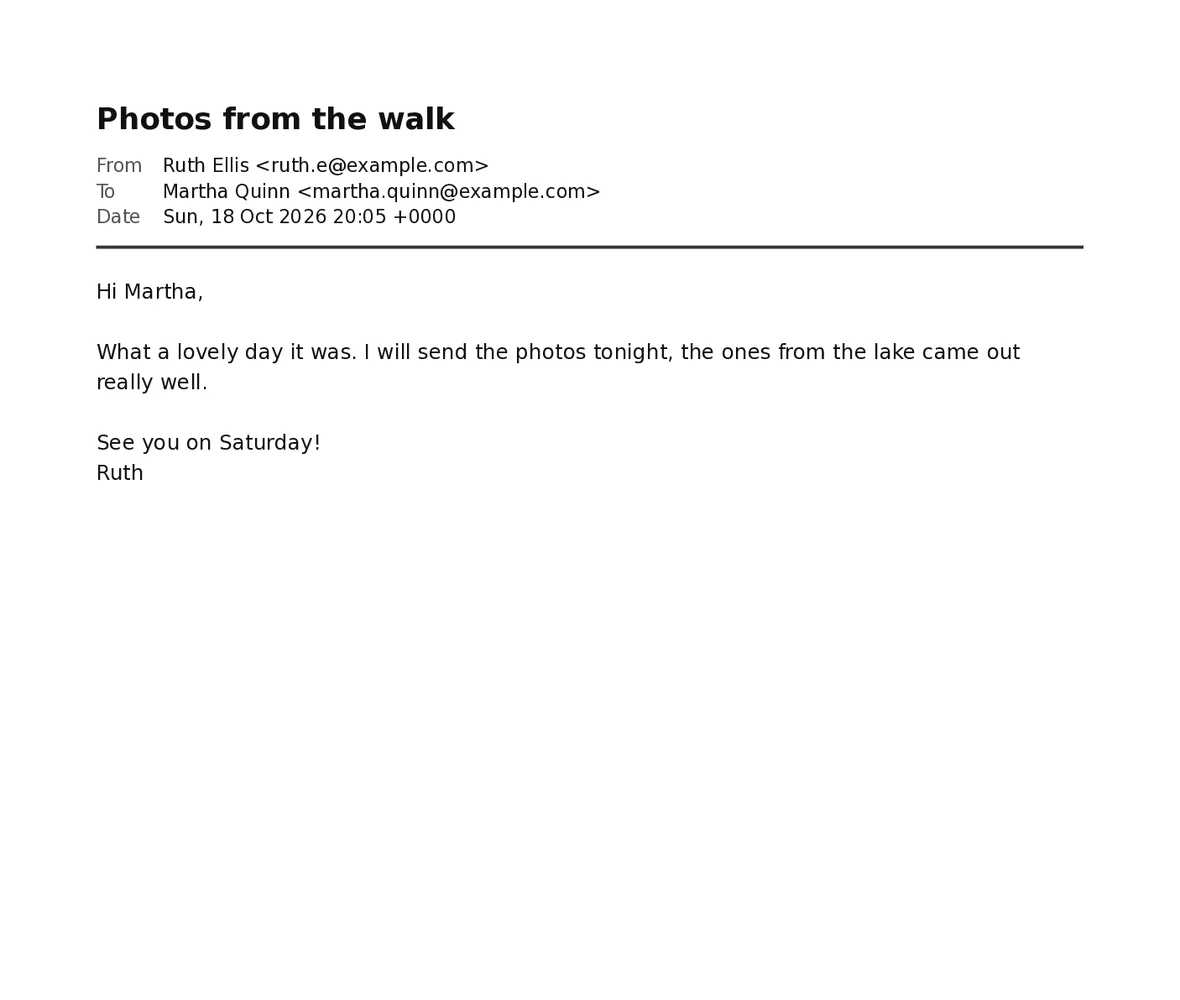
Martha-2026.mboxAll e-mails 2026.pdf
A plain-text e-mail
- Also as its own PDF, one per e-mail
Sample mailbox we made ourselves, with made-up names and data, converted here and shown as they came out. Your own files are never shown to anyone.
What you get: a whole mailbox as a PDF archive
A sample mailbox of a made-up bakery, 95 e-mails over three years, converted by FileOpens.

Why people archive a mailbox
- Leaving a job or closing an account
- Gmail storage is full
- A court case or an audit
- Mail of a relative who passed away
- Moving away from Outlook
- Business records to keep for years
- Old Thunderbird or Apple Mail
How to turn a mailbox into PDFs
-
STEP 1
Upload your mailbox
An .mbox, a .zip of Thunderbird folders, or an Outlook .pst.
-
STEP 2
See the first 20 e-mails
We count every e-mail and show you the oldest ones as PDF, free.
-
STEP 3
Pay once, get the archive
A PDF per e-mail and per year, an index and attachments.
What is in your archive
- A PDF for every e-mailNumbered from the oldest, named with the date and subject, so they sort the right way.
- One PDF per yearAll e-mails of a year in a single file, ready to print, search or send to a lawyer.
- An indexIndex.csv opens in Excel: number, date, sender, recipients, subject, and the folder for Outlook and Thunderbird mail. Index.html links to every PDF.
- All attachmentsIn a folder next to each e-mail, exactly as they were sent.
- The e-mail as it looksHeader on top, then the message with its fonts, tables and pictures. Every language.
- Searchable textText stays text, so you can search the PDFs and copy from them.
Price
Checking your mailbox and the first 20 e-mails are free. The full archive is one payment: $14.99 for up to 1,000 e-mails, $39.00 for up to 20,000. No subscription.
What an MBOX file is, and why it does not open
MBOX is the most common format for a whole mailbox: every e-mail of a folder, one after another, in a single file. Google Takeout delivers Gmail as .mbox, Apple Mail exports mailboxes as .mbox, and Thunderbird keeps its folders this way. Because it is one big text file, Windows and macOS have nothing that shows it as e-mails: double-clicking either does nothing or opens thousands of lines of raw text in Notepad. That is why people search for an MBOX viewer after downloading their Gmail, or after their internet provider closes its e-mail service.
How to open an MBOX file here
Choose the .mbox file above. It uploads in parts, so a mailbox of several gigabytes over a slow connection is fine. We open it, count the e-mails, and show you the first 20 as PDF pages, with sender, date, subject, the message and the names of attachments. This part is free and needs no account. If you want to keep the whole mailbox readable, pay once and we make the archive: a PDF for every e-mail, one PDF per year, all attachments, and an index for Excel.
Free ways to view an MBOX file
To be fair, there are free routes if you are comfortable installing software. Thunderbird, the free e-mail program, can open an .mbox with the ImportExportTools NG add-on (import the file into a local folder). Apple Mail on a Mac can import an .mbox with File > Import Mailboxes. Both show the e-mails, but keep them inside that program. This page is for when you cannot or do not want to install anything, need the mail on a work computer or a Chromebook, or need it as PDF to share, print or keep. A PDF archive also outlives e-mail programs: in twenty years it will still open, and anyone you give it to can read it without importing anything.
From Google Takeout to readable e-mails
Takeout gives a .zip or a .tgz. A .zip you can upload just as it is: we find the mailbox inside, usually Takeout > Mail > "All mail Including Spam and Trash.mbox". A .tgz works the same way, as it is. If you exported several labels, each comes as its own .mbox in the same .zip, and the index shows which label every e-mail came from.
Mail from a closing e-mail service
Many internet providers have closed their e-mail in the last two years and deleted the mailboxes afterwards. If yours is closing, first copy the mail to your computer while you can still sign in: add the account to Thunderbird or Apple Mail with IMAP and let it download everything. Then put the mail folders into one .zip and upload it here: you get one PDF archive of every folder that does not depend on any e-mail program. Virgin Media, Blueyonder, ntlworld and virgin.net users: see Virgin Media email closing for the exact steps, HughesNet users HughesNet email shutdown; website owners on Universe: Universe website builder shutdown. Amazon WorkMail ends on 31 March 2027: its mailbox export is a .zip of e-mails, which you can upload here as it is, without renaming anything. Outlook users: PST to PDF; a single e-mail: EML to PDF, free.
More E-mail tools
Also on FileOpens
Questions about mailbox to PDF
Is the MBOX viewer free?
Counting the e-mails and the PDF of the first 20 are free. The full archive of every e-mail is a one-time $14.99 for up to 1,000 e-mails, or $39.00 for up to 20,000.
Can I search the e-mails?
The free preview shows the first 20. In the full archive, every e-mail is a separate PDF with searchable text, and the index (Excel and HTML) lists date, sender, recipients and subject, so you can sort and filter thousands of e-mails.
Will attachments open?
Yes. In the archive, the attachments of each e-mail are saved in a folder next to its PDF, with their original names, so they open in their usual programs.
How do I open an MBOX file on Windows?
Windows has nothing built in for it. Upload it here and read it in the browser, or install Thunderbird with the ImportExportTools NG add-on.
How big can the file be?
Up to 2 GB. It uploads in parts; keep the page open until the upload finishes.
Is my mail safe?
The mailbox is used only to show and convert it. Nothing in it runs, nothing is loaded from the internet, and everything is deleted automatically 24 hours after it is done. Nobody reads it.