FileOpens

Documents

All document converter →Microsoft PublisherApple PagesApple KeynoteMicrosoft WorksWordPerfectAppleWorksLotus Word ProMS Write, StarOfficeEvernote notes

Spreadsheets

All spreadsheet converter →Apple NumbersSPSS to Excel or CSVMicrosoft AccessMicrosoft ProjectPrimavera P6Asta PowerprojectGanttProject, ProjectLibreSureTrak, Primavera P3Lotus 1-2-3, Quattro ProWorks databases

Drawings & sites

All cad file viewer →Visio to PDFVisio viewerAutoCAD DXFCorelDRAW to PDFPageMaker to PDFFreeHand to PDFWeebly to WordPress

E-mail & chats

All email to pdf →WhatsApp to PDFPrint WhatsApp messagesWhatsApp chat exportText messages (SMS)Print text messagesSlack export viewerSkype chat historyDiscord chat exportTelegram to PDFInstagram DMs to PDFMessenger to PDFEML to PDFOutlook MSG to PDFMailbox to PDFMBOX viewerVirgin Media email closingHughesNet email shutdownOutlook PST to PDFOutlook for Mac OLMOLM to Outlook for WindowsGmail to PDF

PDF tools

All pdf tools →Merge PDFSplit PDFCompress PDFCompress PDF to 100 KBDelete PDF pagesRotate PDFExtract PDF pagesReorder PDF pagesCrop PDFAdd page numbersWatermark PDFSign PDFProtect PDFUnlock PDFOCR PDFFlatten PDFPDF to grayscaleInvert PDF colorsRemove PDF metadata

Convert PDF

All pdf converter →PDF to WordWord to PDFPDF to ExcelExcel to PDFPDF to PowerPointPowerPoint to PDFJPG to PDFPNG to PDFImage to PDFPDF to JPGPDF to PNGPDF to textHTML to PDFPDF to EPUBPDF to PDF/APDF to TIFFPDF to SVG

Images

All image tools →Image converterCompress imageJPG to PNGPNG to JPGJPEG to JPGCompress JPEGCompress PNGGIF to PNGPNG to GIFGIF to JPGJPG to GIFGIF makerRemove backgroundBackground eraserMake background transparentWhite background for photoRemove white backgroundResize imageCrop imageRotate imageFlip imageBlur imagePixelate imageBlack and white photoInvert image colorsMerge imagesWatermark imageAdd text to imageRemove EXIF dataEXIF viewerChange DPIImage to Base64Base64 to imageMP4 to GIFVideo to GIFGIF to MP4GIF compressorPNG to SVGJPG to SVGImage to SVGSVG to PDFImage to textPNG to DXFSVG to DXFDXF to SVGHEIC to JPGHEIC to PNGHEIC to PDFHEIC viewerWebP to PNGWebP to JPGWebP to GIFWebP to PDFPNG to WebPJPG to WebPAVIF to PNGAVIF to JPGJFIF to JPGJFIF to PNGSVG to PNGSVG to JPGPNG to ICOICO to PNGBMP to JPGBMP to PNGTIFF to JPGTIFF to PNGPSD viewerPSD to PNGPSD to JPGPSD to PDFAI to SVGAI to PNGOpen AI fileEPS to PNGDDS to PNGTGA to PNGTGA to JPGRAW to JPGCR3 to JPGCR2 to JPGNEF to JPG

Free tools

All file viewer →Universe shutting downOpen winmail.datGEDCOM viewerArc to ChromeKML / KMZ viewerKMZ to CSVKML to GPXGPX editor3MF to STLOpen a .p7m fileXPS to PDFMHT to PDFCHM to PDFEPS to PDFPS to PDFEPUB validatorTIFF to PDFDjVu to PDFLIT to PDF or EPUBMOBI to PDFEPUB to PDFCBR readerCBR to PDFODT to Word or PDFHWP to PDF or WordODS to ExcelODP to PowerPointICS calendar viewerICS to CSVVCF to Excel

Free No account needed

LIT to PDF: convert Microsoft Reader e-books

Got old e-books in the .lit format and nothing to read them with? Convert LIT to PDF here, free: the whole book as a PDF to read on any device or print, plus an EPUB for your e-reader.

or drop it here. Microsoft Reader e-books (.lit). Up to 25 MB. Free, no account needed.

A Microsoft Reader LIT converted by FileOpens
1 / 2
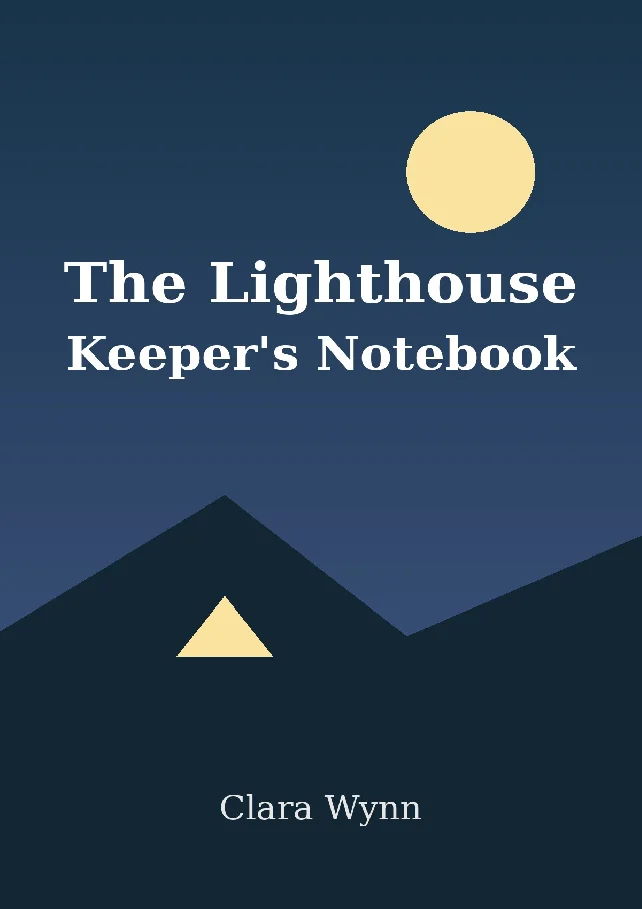
The cover kept: an example made with FileOpens

lighthouse.litlighthouse.pdf

The cover kept

  • Cover as the first page
  • A5 paperback pages
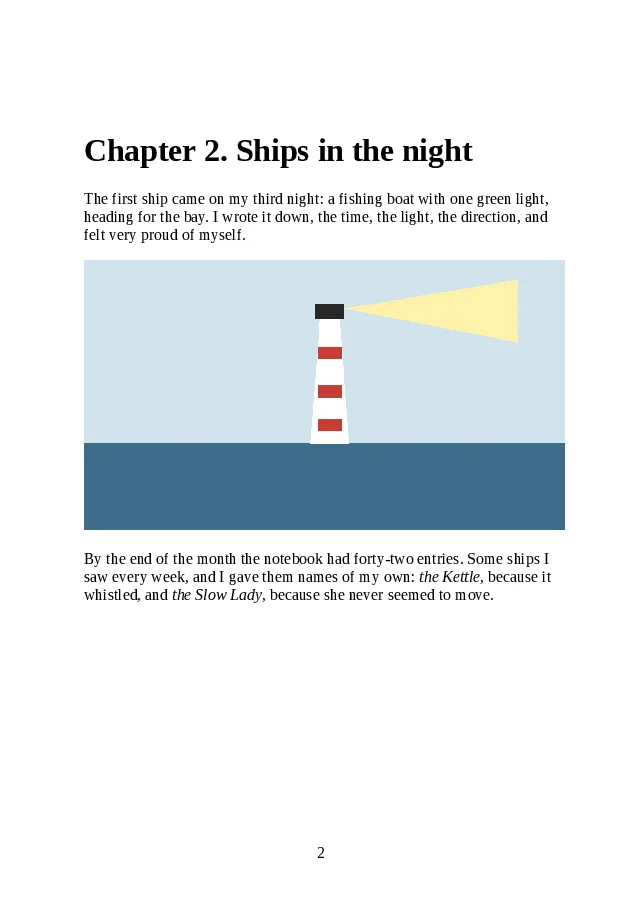
A chapter with a picture: an example made with FileOpens

lighthouse.litlighthouse.pdf

A chapter with a picture

  • Text, italics and picture
  • Page numbers

Sample e-book we made ourselves, with made-up names and data, converted here and shown as they came out. Your own files are never shown to anyone.

What you get

What happened to Microsoft Reader

LIT was the e-book format of Microsoft Reader, the free reading program Microsoft launched in 2000 for Windows and Pocket PC handhelds. For a decade, online shops and libraries sold and lent books as .lit files. Microsoft stopped the sale of new .lit books on 8 November 2011 and discontinued Microsoft Reader on 30 August 2012, including the download of the program. Copies that were installed kept working, but they do not run on today's computers and phones, so many people now have folders of .lit books and nothing to open them with.

How to convert LIT to PDF here

Choose the .lit file above. In about half a minute the first pages of the book appear on this site, so you can see it is the right one. Then download the PDF, the EPUB, or both. It is free, with no account and no watermark, one book at a time. The conversion is done with calibre, the well-known open-source e-book program, so chapters, headings, italics, illustrations and the table of contents come through.

PDF or EPUB: which to choose

The PDF has fixed A5 pages with page numbers: easy to read on a laptop, tablet or phone, to print, or to keep in an archive, and every device opens it. The EPUB reflows the text to the size of the screen and lets you change the font size, which is better for e-readers. Kobo, Apple Books, Google Play Books and most reading apps open EPUB directly, and Amazon accepts EPUB through Send to Kindle, so the book appears on your Kindle as well. LIT to EPUB is also the best way to move a whole library into a modern e-book app.

Books with DRM cannot be converted

Some .lit books bought from shops were locked to one copy of Microsoft Reader (DRM, often called "owner exclusive" or "sealed"). Without that activated Reader they cannot be opened by anyone, so they cannot be converted here either: you see a clear message and nothing is made. Free books, library downloads that were not locked, and .lit files people made themselves from Word documents convert normally. If you bought a locked book, the shop or the publisher may offer it today as an EPUB.

Your files and other old formats

Your book is used only for the conversion and deleted 24 hours after upload; nobody looks at it. Have other old documents that no longer open? See XPS to PDF and DjVu to PDF, both free, or the full list of formats we open.

Also on FileOpens

Publisher to PDF and WordOld .pub newsletters and flyers that no longer openOpen a .pub fileWithout Publisher, on any devicePublisher to WordEdit your .pub text and pictures in WordConvert Numbers to ExcelWorking formulas, not #REF!Open a Numbers file on WindowsNo Mac, no Apple Account neededConvert Numbers to PDFPrint or share a spreadsheetConvert Pages to WordEditable .docx for Word and Google DocsConvert Pages to PDFPrint or share a Pages documentOpen a Pages file on WindowsNo Mac, no Apple Account neededMicrosoft Works converterDocuments to Word, databases to ExcelConvert WPS to WordWorks documents to editable Word filesConvert a Works database to ExcelWorks databases and spreadsheets to ExcelConvert WordPerfect to WordEditable .docx from any WordPerfect versionConvert WordPerfect to PDFPrint or share a WordPerfect documentOpen a WordPerfect fileNo WordPerfect needed, on Windows or MacAppleWorks converterOld Mac documents to Word, Excel and PDFConvert AppleWorks to WordAppleWorks documents to editable Word filesOpen an AppleWorks fileNo AppleWorks needed, on Mac or PCConvert DXF to PDFEvery layout as a sharp, printable PDFOpen a DXF fileView a drawing without AutoCADConvert Visio to PDFFlowcharts, org charts and plans as PDFFree Visio viewer onlineSee any Visio drawing free in your browserOpen a VSD or VSDX file without VisioNo Visio or Microsoft 365 plan neededConvert CDR to PDFCorelDRAW drawings as PDF, no CorelDRAWConvert PageMaker to PDFOpen PMD, PM6 and P65 files as PDFConvert FreeHand to PDFOld FreeHand drawings as PDFConvert Keynote to PowerPointKeynote slides to PowerPoint and PDFOpen a Keynote file on WindowsSee Keynote slides on WindowsOpen an MPP file without Microsoft ProjectSee a Project plan without Microsoft ProjectConvert MPP to ExcelEvery task of a Project plan in ExcelOpen an XER file without Primavera P6Primavera P6 schedules without P6Convert Access to ExcelEvery table of an .mdb or .accdb as an Excel sheetOpen an Access databaseSee the tables without Microsoft AccessConvert Lotus 1-2-3 to ExcelLotus 1-2-3 and Quattro Pro sheets to ExcelConvert Lotus Word Pro to WordLotus Word Pro documents to WordOpen old office filesMS Write, StarOffice, Lotus and Quattro filesWhatsApp chat to PDF, with the photosA whole chat as a PDF, photos includedPrint WhatsApp messages, the whole chatPrint a whole chat, not screenshotsWhatsApp chat export: how to do it and read itHow to export a chat, and read the fileConvert EML to PDFThunderbird, Apple Mail and Gmail downloadsConvert Outlook MSG to PDFOpen .msg files without OutlookConvert MBOX to PDFA whole mailbox: Gmail, Thunderbird, Apple Mail

Questions about LIT e-books

How do I open a .lit file on Windows 10 or 11?

Microsoft Reader no longer installs on them. Convert the book here to PDF, which Windows opens in Edge, or to EPUB for a reading app. The free calibre program can also open .lit files on your computer.

Can I put a LIT book on my Kindle?

Yes. Convert it here, download the EPUB and send it with Amazon's Send to Kindle (the app, the website or e-mail). Amazon turns it into a Kindle book in your library.

Can I convert many .lit books at once?

One at a time on this page. For a large library, the free calibre program on your computer converts many books in one go.

Is it really free?

Yes: no account, no watermark, no limit on the number of files. We make our money converting old document formats such as Publisher and Works files.

What happens to my file?

It is used only to make your PDF and is deleted automatically 24 hours after upload. Nobody looks at it.