Free No account needed
ODP to PowerPoint: convert ODP to PPTX
Turn an .odp presentation from LibreOffice Impress or OpenOffice into a PowerPoint file, free: every slide, ready to edit or present, plus a PDF to print or share.
- Free. No account, no watermark.
- See the pages right on this site.
- Deleted after 24 hours. Nobody reads it.
ODP presentations converted by FileOpens
garden.odpgarden.pptx + .pdf
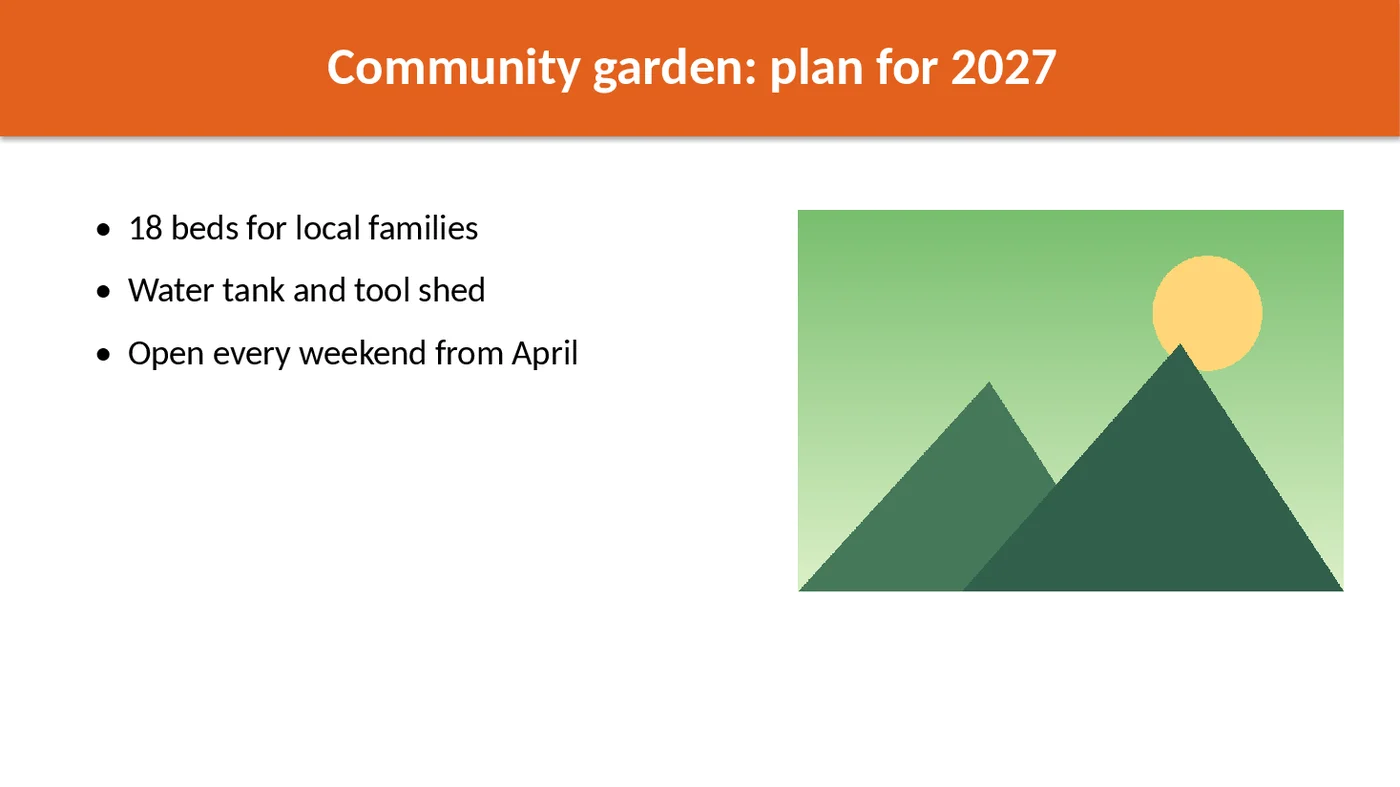
Title slide with a picture
- Coloured title bar
- Bullets and picture in place
- Widescreen 16:9
garden.odpgarden.pptx + .pdf
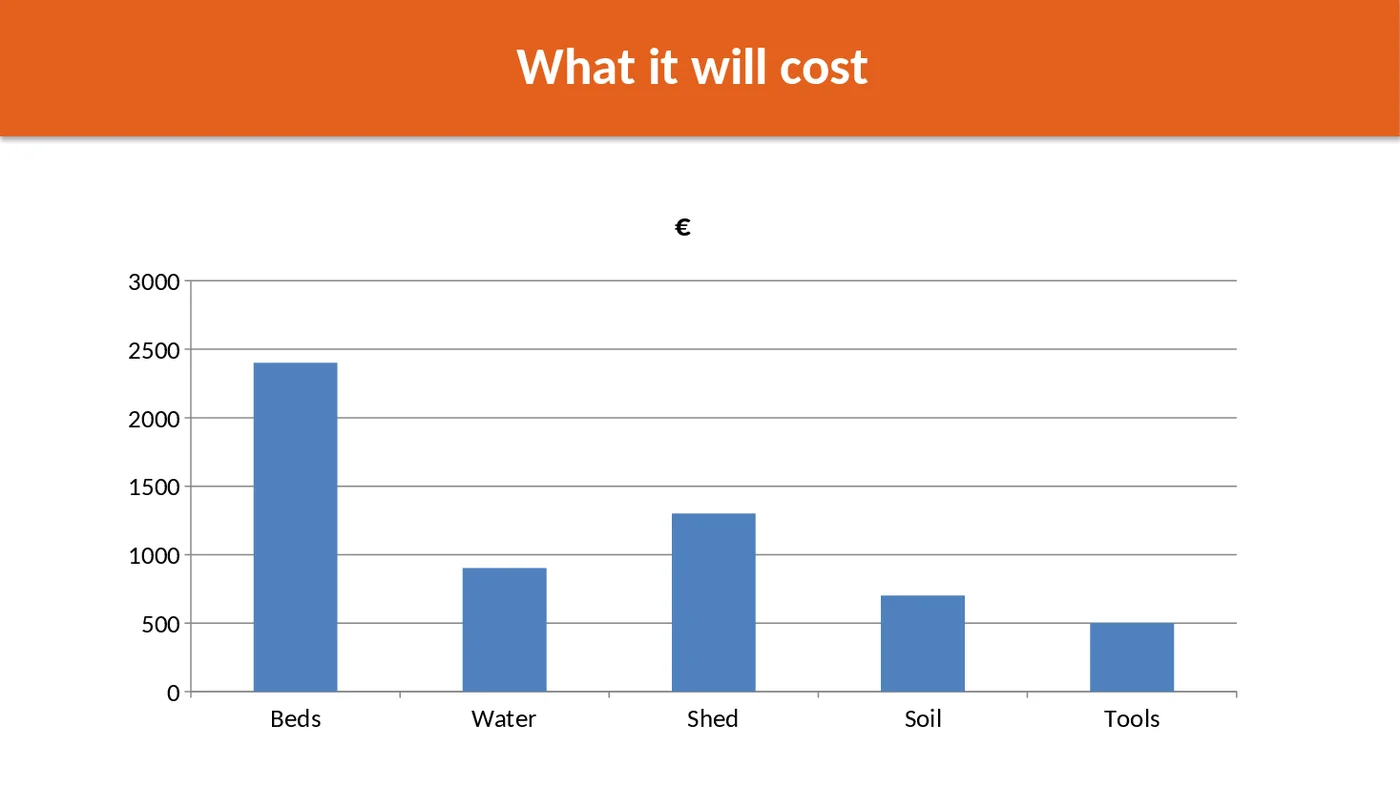
Slide with a chart
- Bar chart with its labels
- Editable in PowerPoint
garden.odpgarden.pptx + .pdf
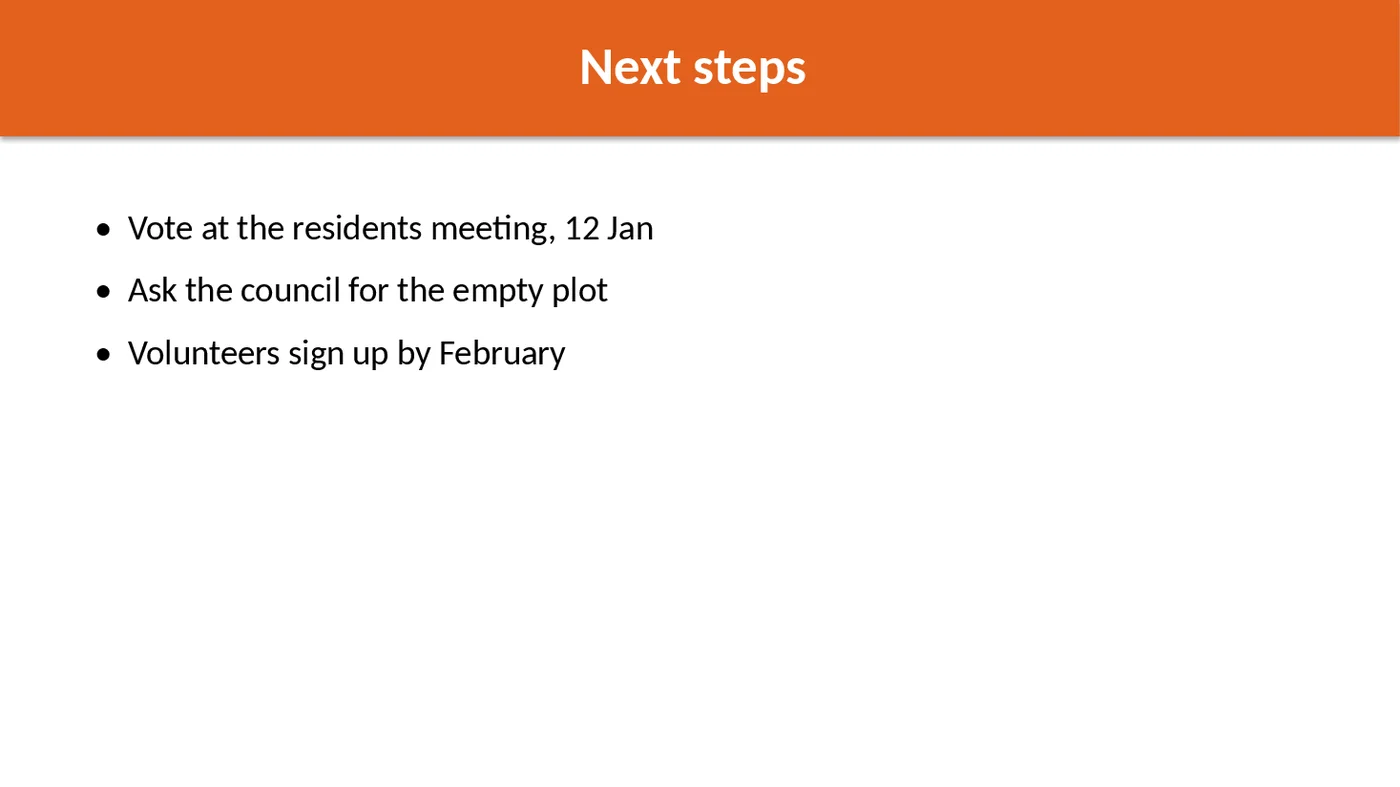
Text slide
- Every slide in order
- Fonts kept close to the original
Sample presentation we made ourselves, with made-up names and data, converted here and shown as they came out. Your own files are never shown to anyone.
What you get
- PowerPoint fileA .pptx with every slide, its text, pictures, shapes and speaker notes.
- A PDF as wellOne page per slide, to print as a handout or send.
- ODP, OTP, FODPPresentations and templates from LibreOffice Impress and OpenOffice.
- See it firstThe slides appear on this site before you download anything.
Why convert ODP to PPTX
ODP (OpenDocument Presentation) is the format of LibreOffice Impress and OpenOffice. If you are presenting from a computer with PowerPoint, sending slides to a conference, or handing a deck to a team that works in PowerPoint or Keynote, a .pptx is the file everyone expects. Converting ODP to PowerPoint saves the trip through an office suite you may not have.
How to convert ODP to PowerPoint here
Choose the .odp file above. In a few seconds the slides appear on this site, one page each. Then download the PowerPoint file, and the PDF if you want handouts. It is free, with no account and no watermark. The conversion is made by LibreOffice, the program the file most likely came from.
What comes across into PowerPoint
Every slide in order, with titles and text boxes, bulleted lists, pictures, shapes, tables, charts, slide backgrounds and speaker notes. Slide transitions and simple animations usually come across; complex custom animations, embedded media and LibreOffice-only fonts may change. Click through the slides once in PowerPoint before you present. The PDF is the safest copy for sharing, because it looks the same on every screen.
PowerPoint can open ODP itself
PowerPoint 2016 and later and PowerPoint for Microsoft 365 open .odp files directly with File > Open; some formatting can change. Google Slides imports .odp files from Google Drive too. This page helps when you have neither, when the person you send it to expects a .pptx, or when you just want a PDF of the slides on your phone.
Templates, other files and privacy
Presentation templates (.otp) and flat XML files (.fodp) convert too. Your file is used only for the conversion and deleted 24 hours after upload. For text documents see ODT to Word; for spreadsheets, ODS to Excel; for Apple presentations, Keynote to PowerPoint.
Also on FileOpens
Questions about ODP to PowerPoint
How do I open an ODP file without LibreOffice?
Upload it here and see the slides in your browser, then download them as PowerPoint or PDF. PowerPoint 2016 and later and Google Slides can also open .odp files.
Are speaker notes kept?
Yes. Notes attached to each slide come across into the notes of the PowerPoint slides.
Can I get an old .ppt file?
We make the modern .pptx, which every PowerPoint since 2007 opens. For .ppt, open the .pptx in PowerPoint and choose File > Save As > PowerPoint 97-2003 Presentation.
Will the slides use the same fonts?
Fonts are not stored inside an .odp file. Common free fonts are installed here; if the slides used a font we do not have, a similar one is used in the PDF, and PowerPoint uses its own replacement on your computer.
Can I get only a PDF of the slides?
Yes: download just the PDF. It has one page per slide and opens on any computer or phone, which makes it the safest way to send a presentation to someone without PowerPoint.
Is it really free?
Yes: no account, no watermark, no limit on the number of files. We make our money converting old document formats such as Publisher and Works files.
What happens to my file?
It is used only to make your PDF and is deleted automatically 24 hours after upload. Nobody looks at it.