Free No account needed
CBR to PDF: convert comic book archives
Turn a .cbr or .cbz comic into a single PDF here, free: every page in reading order, at full picture quality, ready for any tablet, phone, e-reader or printer.
- Free. No account, no watermark.
- See the pages right on this site.
- Deleted after 24 hours. Nobody reads it.
A comic converted by FileOpens
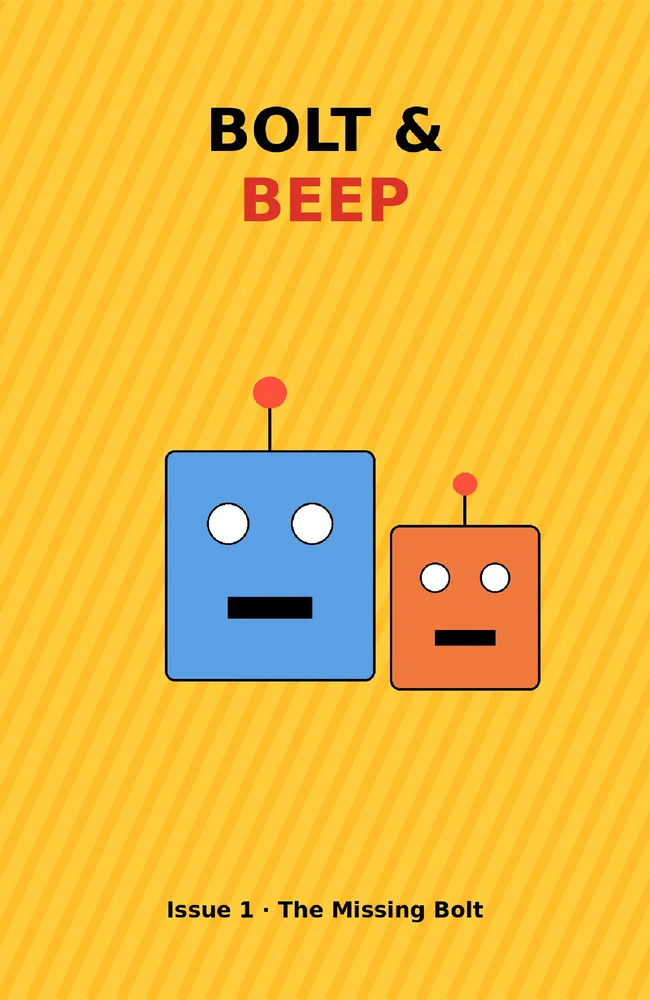
bolt-and-beep.cbzbolt-and-beep.pdf
Cover page
- One picture per page
- Full picture quality
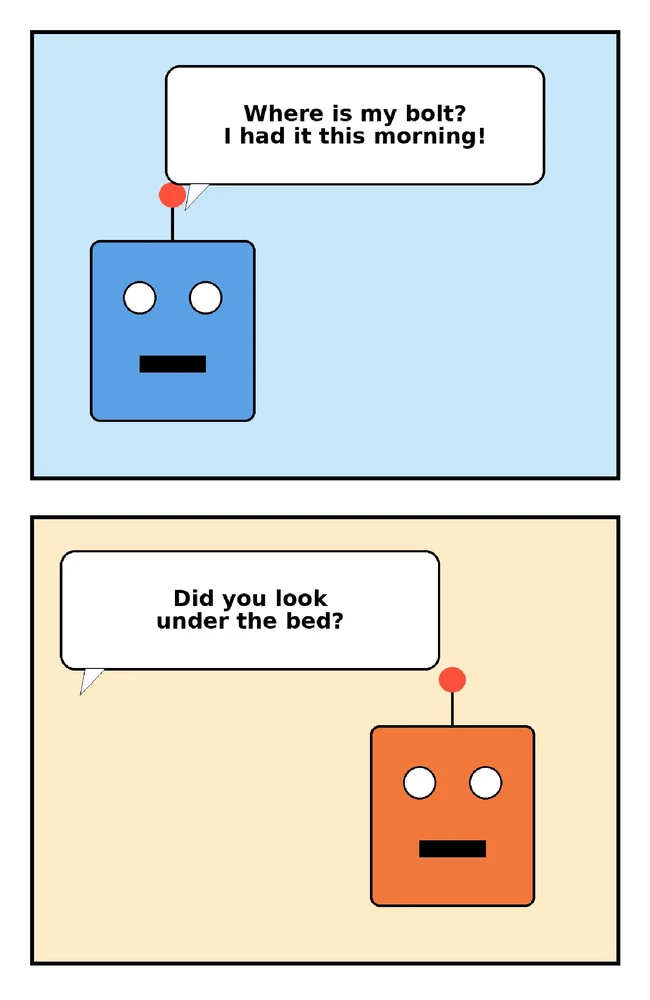
bolt-and-beep.cbzbolt-and-beep.pdf
A story page
- Pages in reading order
- Speech bubbles sharp
Sample comic we made ourselves, with made-up names and data, converted here and shown as they came out. Your own files are never shown to anyone.
What you get
- One page per pictureEvery page of the comic in reading order, at its own size.
- Original qualityJPEG and PNG pages go into the PDF untouched: no recompression, no blur.
- CBR, CBZ, CB7, CBTRAR, ZIP, 7-Zip and TAR comic archives, up to 600 MB.
- See it firstThe first pages appear on this site before you download anything.
What CBR and CBZ files are
A comic book archive is simply a compressed folder of pictures, one per page. CBR is a RAR archive and CBZ a ZIP archive renamed so that comic readers recognise them; CB7 (7-Zip) and CBT (TAR) are rarer. Scanned golden-age comics, manga and digital comics from many stores come this way. Without a comic reader app, a computer shows them as an unknown file, and many tablets and e-readers cannot open them at all.
How to convert CBR to PDF here
Choose the .cbr or .cbz file above. It is uploaded in pieces, so large comics work too, and in a few seconds the first pages appear on this site. Then download the PDF. It is free, with no account and no watermark, one comic at a time. The PDF opens in any browser, in Apple Books, on Kobo and Kindle devices that read PDF, and in every PDF app.
Original quality, in reading order
The pages are put into the PDF exactly as they are in the archive: JPEG and PNG pictures are not recompressed, so there is no extra blur and the PDF is about the same size as the comic. Each page keeps its own size, so double-page spreads stay wide. Pages are ordered by file name the way comic readers do it, with page 2 before page 10, and folders inside the archive are followed in order. WebP, GIF and other pictures are converted to PNG without loss.
When a page is missing
Files that are not pictures, such as text notes and thumbnail files, are left out. If a picture in the archive is damaged, the page shows which one was skipped. Archives protected with a password cannot be opened. A .cbr that is really a ZIP inside, or a .cbz that is really RAR, is fine: we look at the content, not the name.
Other formats and privacy
Your comic is deleted 24 hours after upload. For e-books see MOBI to PDF and LIT to PDF; for scanned books in DjVu, DjVu to PDF.
Also on FileOpens
Questions about CBR to PDF
How do I open a CBR file on Windows or a Mac?
Convert it here to PDF, which every computer opens, or install a free comic reader app. On a Mac, a CBZ can also be unpacked like a ZIP file to see the pictures.
Can I convert CBZ to PDF too?
Yes. CBZ, CBR, CB7 and CBT all work on this page; the PDF is the same. More on ZIP comics: CBZ to PDF.
Does the PDF lose quality?
No. JPEG and PNG pages are copied into the PDF as they are, without being compressed again.
Can I read the PDF on a Kindle or Kobo?
Yes, most Kindle and Kobo devices open PDF files. On a small black-and-white screen a full comic page is small, so a tablet or a computer gives the best view; the PDF keeps the pages in colour at full resolution.
Is it really free?
Yes: no account, no watermark, no limit on the number of files. We make our money converting old document formats such as Publisher and Works files.
What happens to my file?
It is used only to make your PDF and is deleted automatically 24 hours after upload. Nobody looks at it.