Free Your pictures are not uploaded
BMP to JPG converter
Convert BMP to JPG here: big uncompressed bitmap pictures from Paint, scanners, old cameras and older programs become JPGs that are often a tenth of the size or less, ready for email and upload forms. Many at once, in your browser.
or drop them here, as many as you like. Nothing is uploaded.
Your bitmaps
Everything happens in this browser tab: your pictures are not sent to FileOpens or anywhere else, and nothing is kept when you close the page.
A BMP converted to JPG by FileOpens
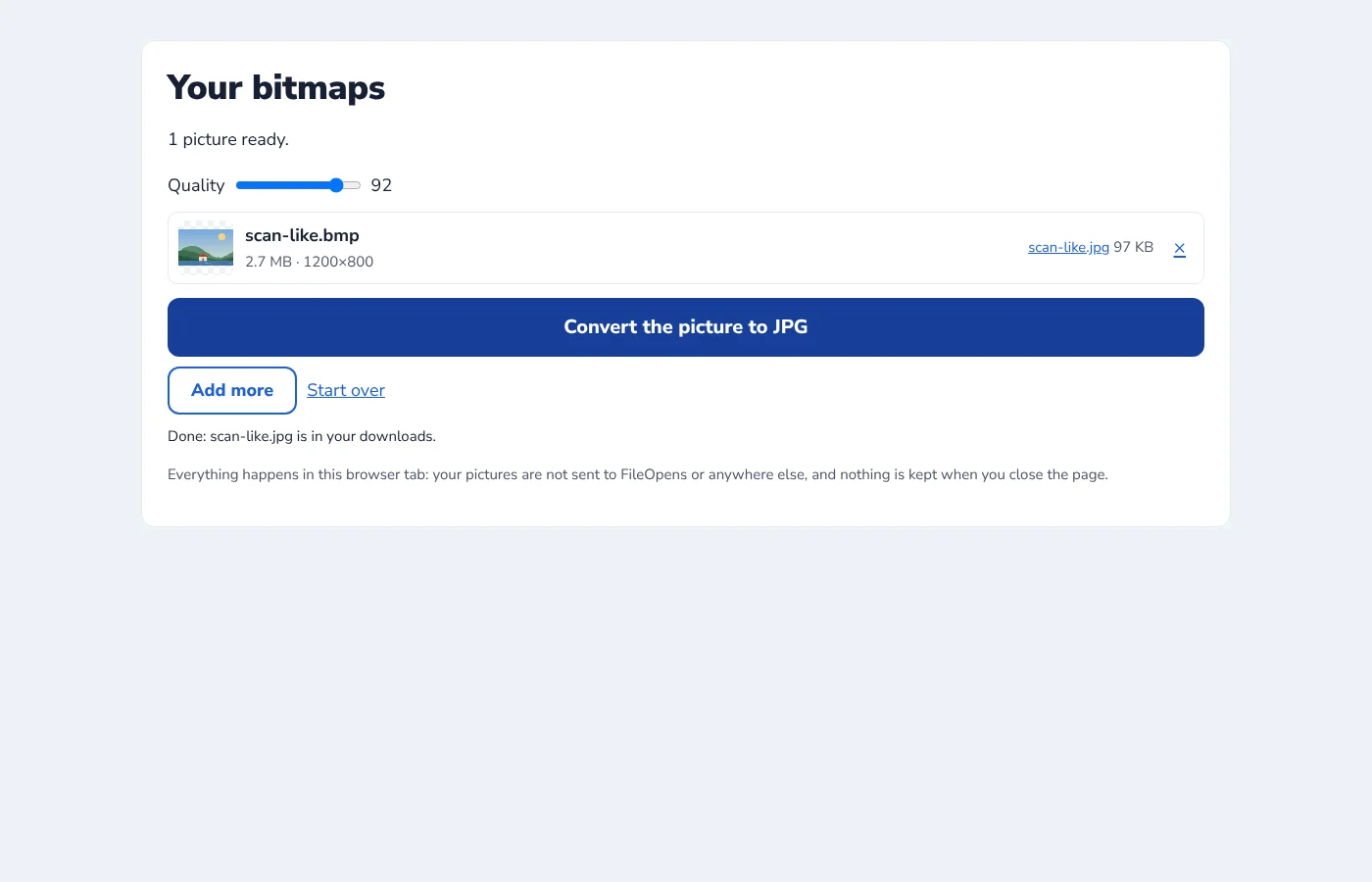
scan-like.bmpscan-like.jpg
A 2.7 MB bitmap to JPG
- 97 KB at quality 92
- Same size, 1200 × 800
A sample bitmap we made ourselves, with made-up names and data, opened in this tool and shown as it came out. Your own files stay on your device.
How to convert BMP to JPG
-
Step 1
Choose the .bmp files
From Paint, a scanner, an old camera or a program's export.
-
Step 2
Pick the quality
92 looks identical; 80 makes even smaller files.
-
Step 3
Download
See each new size, save one by one or as a ZIP.
Why BMP files are so big
BMP, the Windows bitmap, stores every pixel as it is, usually without any compression: three bytes per pixel. A 12-megapixel picture is therefore about 36 MB as BMP, but 2–4 MB as JPG. Paint saved pictures as BMP by default until Windows 7, and some scanners, medical and industrial devices, old digital cameras, games and programs still export BMP. The files are fine for the computer that made them, but too big to email, and many upload forms do not accept them at all.
What you get from BMP to JPG
Each BMP is opened by your browser and saved as a standard JPG at the quality you choose. At 92 the picture looks identical; photos and scans shrink to a few percent of their BMP size. For screenshots, diagrams and pictures with text or sharp lines, JPG can show faint smudges around edges: for those, BMP to PNG is better, still much smaller than BMP and with no loss at all.
Which BMP files work
Browsers read the common kinds: 24-bit and 32-bit colour, 8-bit and 4-bit with a palette, and 1-bit black and white, compressed with RLE or not. Very unusual variants, such as OS/2 bitmaps or BMPs with embedded JPEG data, may not open; the page tells you if a file cannot be read. Transparent areas in 32-bit BMPs, which are rare, are filled with white because JPG has no transparency.
Doing it in Windows
Paint opens a BMP and saves it as JPG with File > Save as > JPEG picture, one at a time. The Photos app can do the same through "Save as". For a folder full of scans or exports, this page converts them all at once and gives you a single ZIP. To put scanned pages into one document, convert them here and use JPG to PDF.
Private
Everything happens in your browser; scans of documents and other pictures are not uploaded.
BMP from scanners and devices
Some scanners save BMP when "uncompressed" or "best quality" is chosen, and lab equipment, microscopes, industrial cameras, ultrasound machines and old dashcams often export BMP because it is simple to write. Those pictures can be very large, 20 to 100 MB each. Converting to JPG at quality 92 keeps them fine for reports, email and archives that do not need exact pixels. Where exact pixel values matter, for measurements or further image analysis, keep the BMP or use BMP to PNG, which is lossless.
When you have many scans of the same document, convert them all at once here, check the sizes shown in the list, and download the whole set as one ZIP to attach to an email.
More free image converters
- Image converter
- Compress image
- JPG to PNG
- PNG to JPG
- JPEG to JPG
- Compress JPEG
- Compress PNG
- GIF to PNG
- PNG to GIF
- GIF to JPG
- JPG to GIF
- GIF maker
- Remove background
- Background eraser
- Make background transparent
- White background for photo
- Remove white background
- Resize image
- Crop image
- Rotate image
- Flip image
- Blur image
- Pixelate image
- Black and white photo
- Invert image colors
- Merge images
- Watermark image
- Add text to image
- Remove EXIF data
- EXIF viewer
- Change DPI
- Image to Base64
- Base64 to image
- MP4 to GIF
- Video to GIF
- GIF to MP4
- GIF compressor
- PNG to SVG
- JPG to SVG
- Image to SVG
- SVG to PDF
- Image to text
- PNG to DXF
- SVG to DXF
- DXF to SVG
- HEIC to JPG
- HEIC to PNG
- HEIC to PDF
- HEIC viewer
- WebP to PNG
- WebP to JPG
- WebP to GIF
- WebP to PDF
- PNG to WebP
- JPG to WebP
- AVIF to PNG
- AVIF to JPG
- JFIF to JPG
- JFIF to PNG
- SVG to PNG
- SVG to JPG
- PNG to ICO
- ICO to PNG
- BMP to PNG
- TIFF to JPG
- TIFF to PNG
- PSD viewer
- PSD to PNG
- PSD to JPG
- PSD to PDF
- AI to SVG
- AI to PNG
- Open AI file
- EPS to PNG
- DDS to PNG
- TGA to PNG
- TGA to JPG
- RAW to JPG
- CR3 to JPG
- CR2 to JPG
- NEF to JPG
Questions about BMP to JPG
How much smaller will the JPG be?
Usually 10 to 20 times smaller, often more for photos.
Is quality lost?
At 92 you will not see a difference in photos and scans. Use BMP to PNG for no loss at all.
My BMP will not open. Why?
It is a rare variant browsers do not read, such as an OS/2 bitmap.
Are my files uploaded?
No, they are converted in your browser.
Can I convert a whole folder?
Yes, choose all the files and download one ZIP.