Free No account · the file is deleted after 24 hours
JPG to SVG converter
Convert JPG to SVG here: a scanned drawing, a photographed logo, a sketch or clip art in JPG is traced into real vector shapes, in colour or black and white, with the speckles of JPEG compression filtered out, so it can be scaled, cut, engraved or edited.
or drop it here. One JPG, up to 200 MB. Free, no account.
Trace your picture
The file is sent over an encrypted connection to our server in Canada (OVHcloud, Beauharnois, Quebec), processed by a program there, and deleted with the result 24 hours later. Nobody looks at it.
A JPG traced to SVG by FileOpens
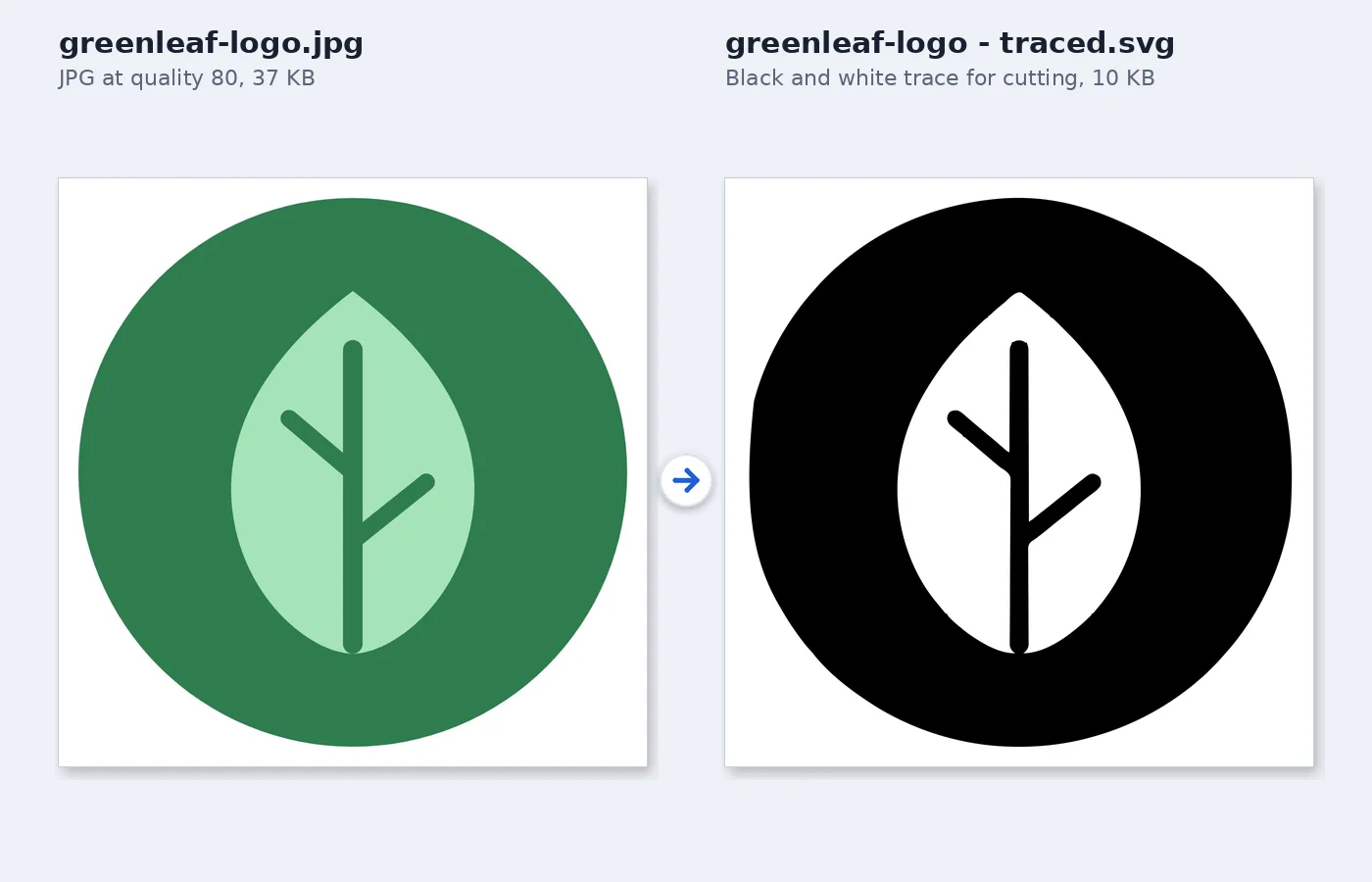
greenleaf-logo.jpggreenleaf-logo - traced.svg
A JPG logo traced in black and white
- JPEG noise cleaned up
- Clean shapes for cutting
- 10 KB SVG
A sample logo we made ourselves, with made-up names, converted by this tool and shown as it came out. Files you upload are deleted after 24 hours and never shown to anyone.
How to convert JPG to SVG
-
Step 1
Choose the JPG
A scan, a photo of a logo, a sketch, clip art.
-
Step 2
Pick the style
Detailed or simplified colour, or black and white.
-
Step 3
Download the SVG
Check the preview, then use it anywhere.
JPG pictures are the hardest to trace
JPG compression leaves faint blocks and halos around edges, invisible to the eye but confusing for a tracer, which turns them into hundreds of tiny shapes. The tracer here ignores specks smaller than a few pixels, and "Colour, simplified" merges near-identical colours, so the noise disappears and clean shapes remain. The cleaner and larger the JPG, the better the result.
From a photo or scan of a drawing
For a drawing, logo or signature on paper, take the photo in good light from straight above, crop it tightly with crop image, and, for line work, make it black and white first with black and white photo using a threshold. Then choose "Black and white" here: you get crisp outlines ready for a cutting machine, a stamp, embroidery software or a laser. Colour drawings and posters work with the colour styles.
JPG to SVG styles
"Colour, detailed" stays closest to the picture and keeps small details. "Colour, simplified" gives a flat, poster-like look with fewer shapes and smaller files, the usual choice for logos. "Black and white" traces only dark against light. Real photographs of people or landscapes become stylised, painterly vectors with many shapes; that can be a nice effect, but it is not a way to make a photo scalable without loss.
Using the SVG
Open the SVG in Inkscape (free), Illustrator, Affinity Designer or Figma to recolour, delete or join shapes; upload it to Cricut Design Space or Silhouette Studio to cut; or use it on a website, where it stays sharp on every screen. Pictures larger than 2000 pixels are reduced to that size first. For PNG files with transparency, use PNG to SVG.
Common uses
Small businesses turn an old JPG of their logo into an SVG for a new website, signs or embroidery when the original design file is lost. Crafters convert clip art and their own drawings into cut files. Teachers and students make worksheets and diagrams sharp in print. Tattoo artists and engravers trace sketches into clean outlines. In each case a quick check of the result in an editor, removing a stray shape or smoothing a corner, gives a professional finish. The traced SVG is often much smaller than the JPG for simple designs.
Privacy and limits
The file goes to our server over an encrypted connection, is processed automatically and is deleted with the result 24 hours later. Nobody looks at it. Up to 200 MB.
More free image converters
- Image converter
- Compress image
- JPG to PNG
- PNG to JPG
- JPEG to JPG
- Compress JPEG
- Compress PNG
- GIF to PNG
- PNG to GIF
- GIF to JPG
- JPG to GIF
- GIF maker
- Remove background
- Background eraser
- Make background transparent
- White background for photo
- Remove white background
- Resize image
- Crop image
- Rotate image
- Flip image
- Blur image
- Pixelate image
- Black and white photo
- Invert image colors
- Merge images
- Watermark image
- Add text to image
- Remove EXIF data
- EXIF viewer
- Change DPI
- Image to Base64
- Base64 to image
- MP4 to GIF
- Video to GIF
- GIF to MP4
- GIF compressor
- PNG to SVG
- Image to SVG
- SVG to PDF
- Image to text
- PNG to DXF
- SVG to DXF
- DXF to SVG
- HEIC to JPG
- HEIC to PNG
- HEIC to PDF
- HEIC viewer
- WebP to PNG
- WebP to JPG
- WebP to GIF
- WebP to PDF
- PNG to WebP
- JPG to WebP
- AVIF to PNG
- AVIF to JPG
- JFIF to JPG
- JFIF to PNG
- SVG to PNG
- SVG to JPG
- PNG to ICO
- ICO to PNG
- BMP to JPG
- BMP to PNG
- TIFF to JPG
- TIFF to PNG
- PSD viewer
- PSD to PNG
- PSD to JPG
- PSD to PDF
- AI to SVG
- AI to PNG
- Open AI file
- EPS to PNG
- DDS to PNG
- TGA to PNG
- TGA to JPG
- RAW to JPG
- CR3 to JPG
- CR2 to JPG
- NEF to JPG
Questions about JPG to SVG
Can I turn a scanned logo into a vector?
Yes, crop it tightly and use "Colour, simplified" or "Black and white".
Why are there so many small shapes?
JPG noise or a photo; try "Colour, simplified".
Is JPEG to SVG the same?
Yes, JPEG and JPG are the same format.
Will the background be transparent?
A plain white background becomes a white shape; delete it in an editor if needed.
Can I cut it with Cricut or a laser?
Yes, the black and white style gives clean outlines.
How big can the JPG be?
Up to 200 MB; it is reduced to 2000 pixels before tracing.
Is it free?
Yes, with no account and no watermark.