Free Your pictures are not uploaded
TIFF to JPG converter
Convert TIFF to JPG here: scans, faxes, photos from professional cameras and print files in .tif or .tiff become JPGs that open everywhere, one JPG per page if the TIFF has several pages. The TIFF is read in your browser.
or drop them here. .tif and .tiff, single or multi-page. Nothing is uploaded.
Your TIFF files
Everything happens in this browser tab: your pictures are not sent to FileOpens or anywhere else, and nothing is kept when you close the page.
A multi-page TIFF converted by FileOpens
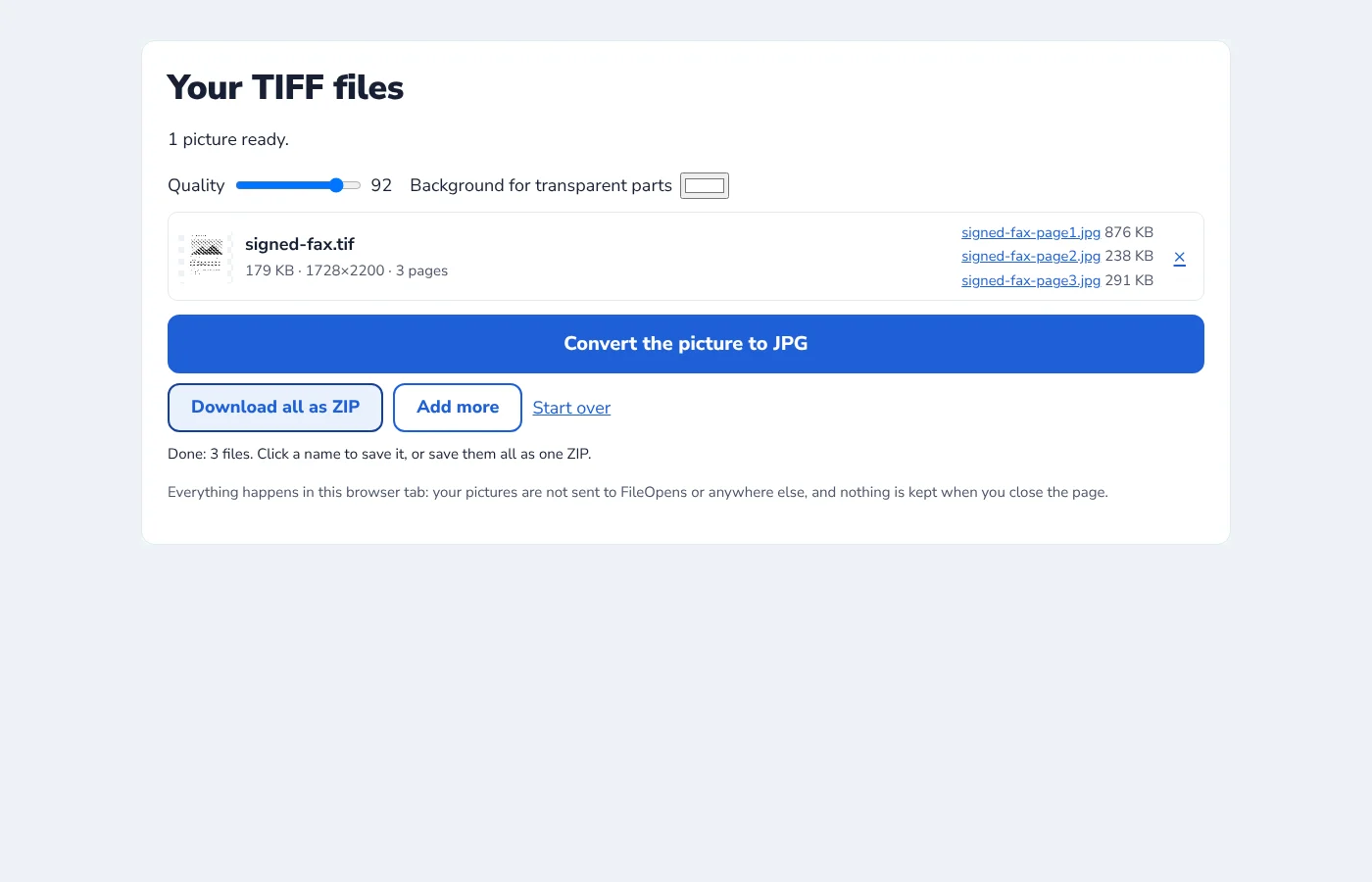
signed-fax.tif3 JPGs
A 3-page fax TIFF to JPG
- Every page found
- One JPG per page, in a ZIP
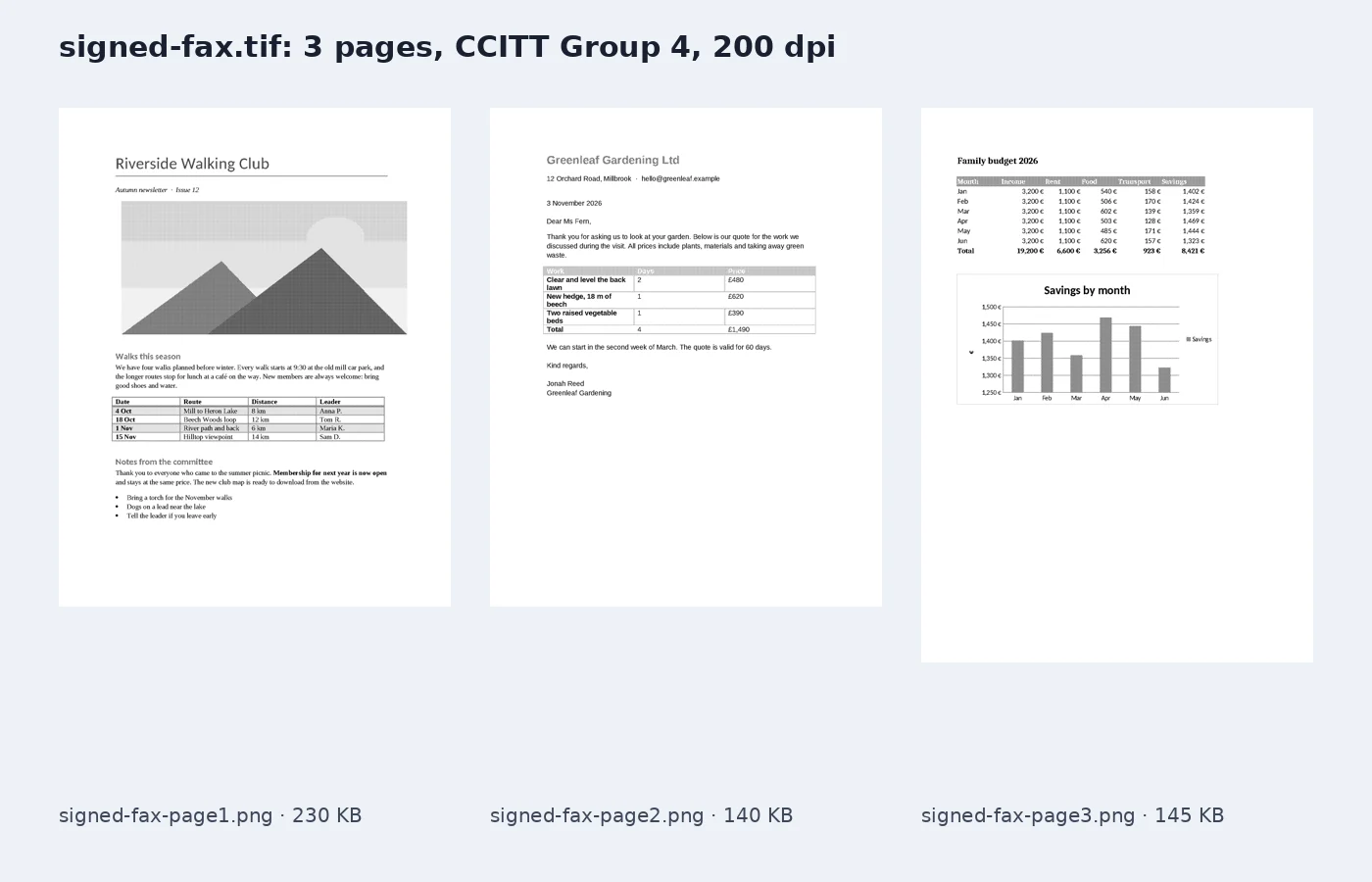
signed-fax.tif3 pages
The three pages
- CCITT Group 4, 200 dpi
- Read in the browser
A sample fax we made ourselves, with made-up names and data, opened in this tool and shown as it came out. Your own files stay on your device.
How to convert TIFF to JPG
-
Step 1
Choose the .tif files
From a scanner, a fax service, a photographer or a print shop.
-
Step 2
Pick the quality
92 by default; the list shows the pages found.
-
Step 3
Download
One JPG per page, or everything in a ZIP.
Why TIFF files cause trouble
TIFF, created in 1986 by Aldus and now maintained by Adobe, is the workhorse of scanning, faxing, archiving and printing. It can hold many pages in one file, use several kinds of compression, and store colours precisely, which is why scanners, fax services, document archives and photographers use it. But Chrome, Edge and Firefox do not display TIFF at all, most phones need an app, upload forms rarely accept it, and files are large. JPG is the practical copy for sending, uploading and viewing.
Multi-page TIFFs
A fax or a scanned contract is often one TIFF with many pages. Ordinary viewers then show only the first page, and people think the rest is missing. This converter reads every page and makes one JPG per page, named with its page number, so nothing is lost; the list shows how many pages it found. If you want the pages as one document rather than many pictures, TIFF to PDF puts them into a single PDF.
Which TIFFs are supported
The page reads TIFFs itself with UTIF.js, an open-source TIFF library, so it works in browsers that cannot show TIFF. It handles uncompressed files and the common compressions: LZW, Deflate (ZIP), PackBits, JPEG, and the CCITT Group 3 and Group 4 compression of black-and-white faxes and scans, in black and white, greyscale, colour and CMYK, 8 and 16 bits per channel. Very large TIFFs (hundreds of megapixels, as from drum scanners) may be too big for a phone's memory; a computer handles them better. Layers saved by Photoshop inside a TIFF are not separated: you get the flattened picture.
TIFF to JPG: quality and size
JPG at the default quality of 92 looks the same as the TIFF for photos and colour scans and is usually many times smaller. For black-and-white text scans and faxes, JPG is not ideal: thin letters get faint smudges and the files are not as small as you might expect. TIFF to PNG keeps such pages crisp and small. Camera and scanner details stored in the TIFF are not copied.
Private
Scans are often contracts, medical records or IDs, so nothing is uploaded here: the TIFF is decoded in your browser and the JPGs are saved to your downloads. To go from a PDF to a TIFF instead, use PDF to TIFF.
Opening TIFF on Windows, Mac and phones
Windows Photos opens TIFF files, but for multi-page ones it can show only the first page; the older Windows Photo Viewer and IrfanView show them all. On a Mac, Preview shows every page in its sidebar and can export each page as JPG. On phones, TIFF attachments usually do not open at all. This page works the same everywhere and handles all pages in one go.
More free image converters
- Image converter
- Compress image
- JPG to PNG
- PNG to JPG
- JPEG to JPG
- Compress JPEG
- Compress PNG
- GIF to PNG
- PNG to GIF
- GIF to JPG
- JPG to GIF
- GIF maker
- Remove background
- Background eraser
- Make background transparent
- White background for photo
- Remove white background
- Resize image
- Crop image
- Rotate image
- Flip image
- Blur image
- Pixelate image
- Black and white photo
- Invert image colors
- Merge images
- Watermark image
- Add text to image
- Remove EXIF data
- EXIF viewer
- Change DPI
- Image to Base64
- Base64 to image
- MP4 to GIF
- Video to GIF
- GIF to MP4
- GIF compressor
- PNG to SVG
- JPG to SVG
- Image to SVG
- SVG to PDF
- Image to text
- PNG to DXF
- SVG to DXF
- DXF to SVG
- HEIC to JPG
- HEIC to PNG
- HEIC to PDF
- HEIC viewer
- WebP to PNG
- WebP to JPG
- WebP to GIF
- WebP to PDF
- PNG to WebP
- JPG to WebP
- AVIF to PNG
- AVIF to JPG
- JFIF to JPG
- JFIF to PNG
- SVG to PNG
- SVG to JPG
- PNG to ICO
- ICO to PNG
- BMP to JPG
- BMP to PNG
- TIFF to PNG
- PSD viewer
- PSD to PNG
- PSD to JPG
- PSD to PDF
- AI to SVG
- AI to PNG
- Open AI file
- EPS to PNG
- DDS to PNG
- TGA to PNG
- TGA to JPG
- RAW to JPG
- CR3 to JPG
- CR2 to JPG
- NEF to JPG
Questions about TIFF to JPG
What about TIFFs with several pages?
Every page becomes its own JPG, named with its page number.
Why can't my browser open TIFF?
Chrome, Edge and Firefox do not display TIFF. This page decodes it with its own library.
Are fax TIFFs supported?
Yes, including CCITT Group 3 and Group 4 compression.
JPG or PNG for scanned text?
PNG keeps black-and-white text crisper and often smaller.
Are my files uploaded?
No, they are read in your browser.