Free Your pictures are not uploaded
AVIF to PNG converter
Convert AVIF to PNG here: pictures in the new AVIF format, saved from websites or exported by apps, become PNG files that any editor and office program opens, with transparency kept. The conversion runs in your browser.
or drop them here, as many as you like. Nothing is uploaded.
Your AVIF images
Everything happens in this browser tab: your pictures are not sent to FileOpens or anywhere else, and nothing is kept when you close the page.
An AVIF image converted to PNG by FileOpens
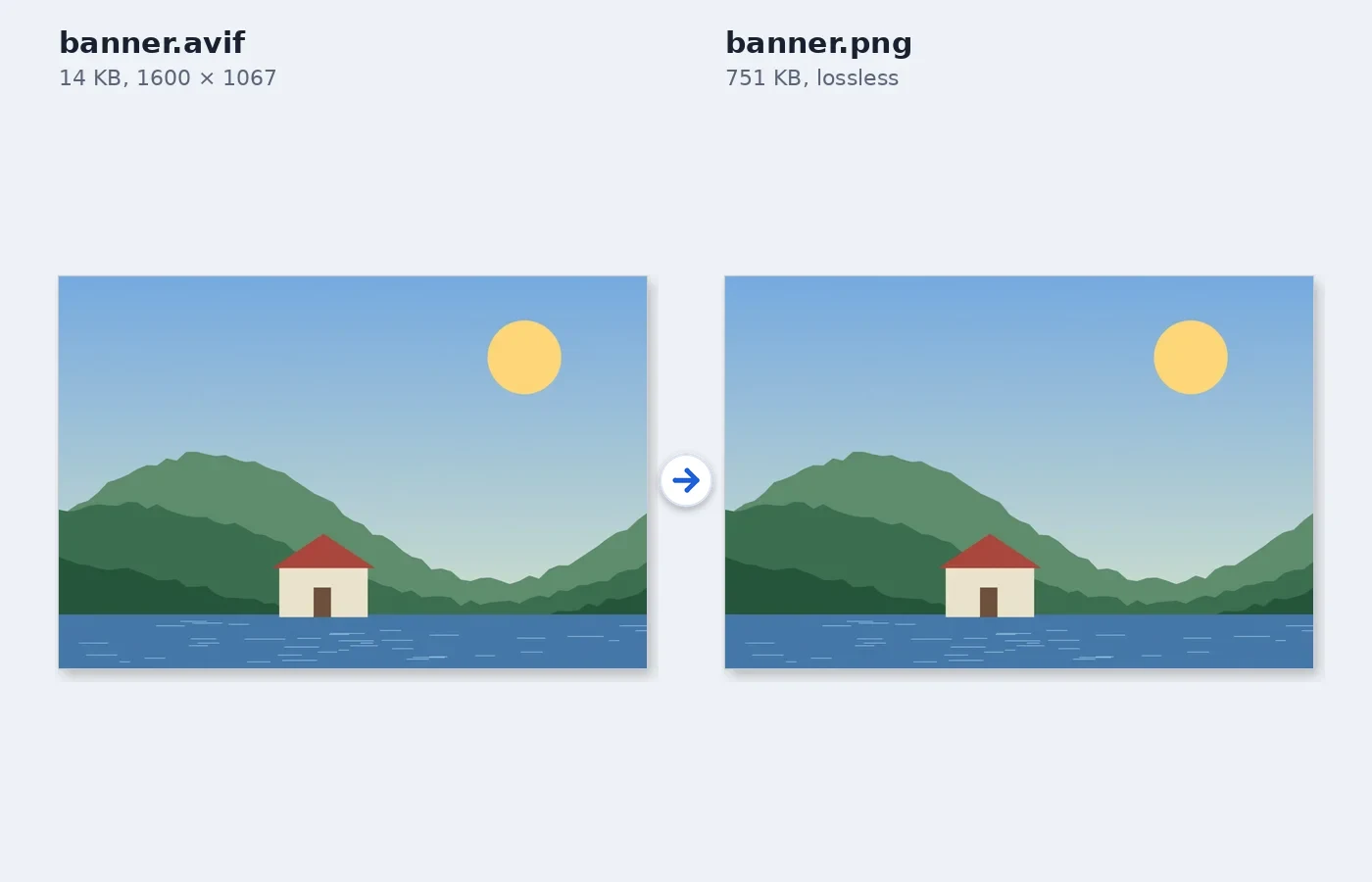
banner.avifbanner.png
AVIF banner to PNG
- 14 KB AVIF, 1600 × 1067
- 751 KB lossless PNG
A sample picture we made ourselves, with made-up names and data, opened in this tool and shown as it came out. Your own files stay on your device.
How to convert AVIF to PNG
-
Step 1
Choose the .avif files
Saved from a website, a phone or an app.
-
Step 2
Convert
Each becomes a full-size PNG.
-
Step 3
Download
One at a time or all in a ZIP.
What AVIF is
AVIF (AV1 Image File Format) is the newest common image format, published in 2019 by the Alliance for Open Media, the group of Google, Netflix, Apple, Microsoft and others behind the AV1 video codec. It compresses even better than WebP, often half the size of a JPG, and supports transparency, HDR and wide colour. Big sites and image CDNs increasingly send AVIF to browsers that can show it, so saving a picture can now give you an .avif file. Browsers display it: Chrome since 2020, Firefox since 2021, Safari since version 16 in 2022 and Edge since early 2024. Editing programs, office suites and older systems are much slower to catch up.
Why AVIF to PNG
PNG is lossless, so the converted picture looks exactly like the AVIF you saw, and it keeps transparent backgrounds. It opens in every editor, presentation and document program. The file will be bigger, often much bigger than the AVIF, because AVIF is one of the most efficient formats there is and PNG one of the least. For photos you only want to share or upload, AVIF to JPG gives smaller files; for logos, graphics and anything you will edit, PNG is better.
Opening AVIF on Windows and Mac
Windows 11 shows AVIF in the Photos app once the free "AV1 Video Extension" is installed from the Microsoft Store, and Paint can then save a copy as PNG. macOS Ventura and later open AVIF in Preview, which exports PNG through File > Export. GIMP 2.10.22 and later and recent Photoshop versions open AVIF too. These work one file at a time; this page converts a whole set at once and needs nothing installed.
If the file will not open here
The page uses your browser's own AVIF decoder. A current Chrome, Edge, Firefox or Safari reads AVIF; an older browser, or Safari on macOS older than Ventura, may not, and the page says so. Animated AVIF files become a PNG of their first frame. HDR AVIF pictures are shown as your screen shows them, which on a normal display is the standard version.
Private
Nothing is uploaded: decoding and encoding happen in this browser tab, and nothing is kept. For the other modern web format, see WebP to PNG.
AVIF from phones and cameras
AVIF does not only come from websites. Some Android phones, including recent Samsung Galaxy models, can save photos as AVIF instead of JPG or HEIF to save space, and some screenshot and design tools export AVIF. Those photos are converted here in the same way, at full resolution. If your phone uses AVIF by default and the people you share with cannot open the photos, look in the camera settings for the picture format and choose JPG, or convert the ones you send with AVIF to JPG.
More free image converters
- Image converter
- Compress image
- JPG to PNG
- PNG to JPG
- JPEG to JPG
- Compress JPEG
- Compress PNG
- GIF to PNG
- PNG to GIF
- GIF to JPG
- JPG to GIF
- GIF maker
- Remove background
- Background eraser
- Make background transparent
- White background for photo
- Remove white background
- Resize image
- Crop image
- Rotate image
- Flip image
- Blur image
- Pixelate image
- Black and white photo
- Invert image colors
- Merge images
- Watermark image
- Add text to image
- Remove EXIF data
- EXIF viewer
- Change DPI
- Image to Base64
- Base64 to image
- MP4 to GIF
- Video to GIF
- GIF to MP4
- GIF compressor
- PNG to SVG
- JPG to SVG
- Image to SVG
- SVG to PDF
- Image to text
- PNG to DXF
- SVG to DXF
- DXF to SVG
- HEIC to JPG
- HEIC to PNG
- HEIC to PDF
- HEIC viewer
- WebP to PNG
- WebP to JPG
- WebP to GIF
- WebP to PDF
- PNG to WebP
- JPG to WebP
- AVIF to JPG
- JFIF to JPG
- JFIF to PNG
- SVG to PNG
- SVG to JPG
- PNG to ICO
- ICO to PNG
- BMP to JPG
- BMP to PNG
- TIFF to JPG
- TIFF to PNG
- PSD viewer
- PSD to PNG
- PSD to JPG
- PSD to PDF
- AI to SVG
- AI to PNG
- Open AI file
- EPS to PNG
- DDS to PNG
- TGA to PNG
- TGA to JPG
- RAW to JPG
- CR3 to JPG
- CR2 to JPG
- NEF to JPG
Questions about AVIF to PNG
Why can't I open AVIF files?
Many programs do not support AVIF yet. Windows needs the AV1 Video Extension; older Macs cannot open it at all.
Is transparency kept?
Yes, PNG keeps transparent backgrounds.
Why is the PNG much bigger?
AVIF compresses extremely well; PNG is lossless. Use AVIF to JPG for smaller photos.
Which browsers work?
Current Chrome, Edge, Firefox and Safari 16 or later.
Are my images uploaded?
No, everything happens in your browser.