Free Visio viewer online
Open any .vsd or .vsdx file and look through its pages in your browser, free. Need to print or share it? Keep it as a sharp PDF.
- See every page free before you pay.
- Sharp vector PDF, every page.
- Refund in one click if it is not usable.
- Deleted after 24 hours. Nobody looks at it.
A Visio drawing converted by FileOpens
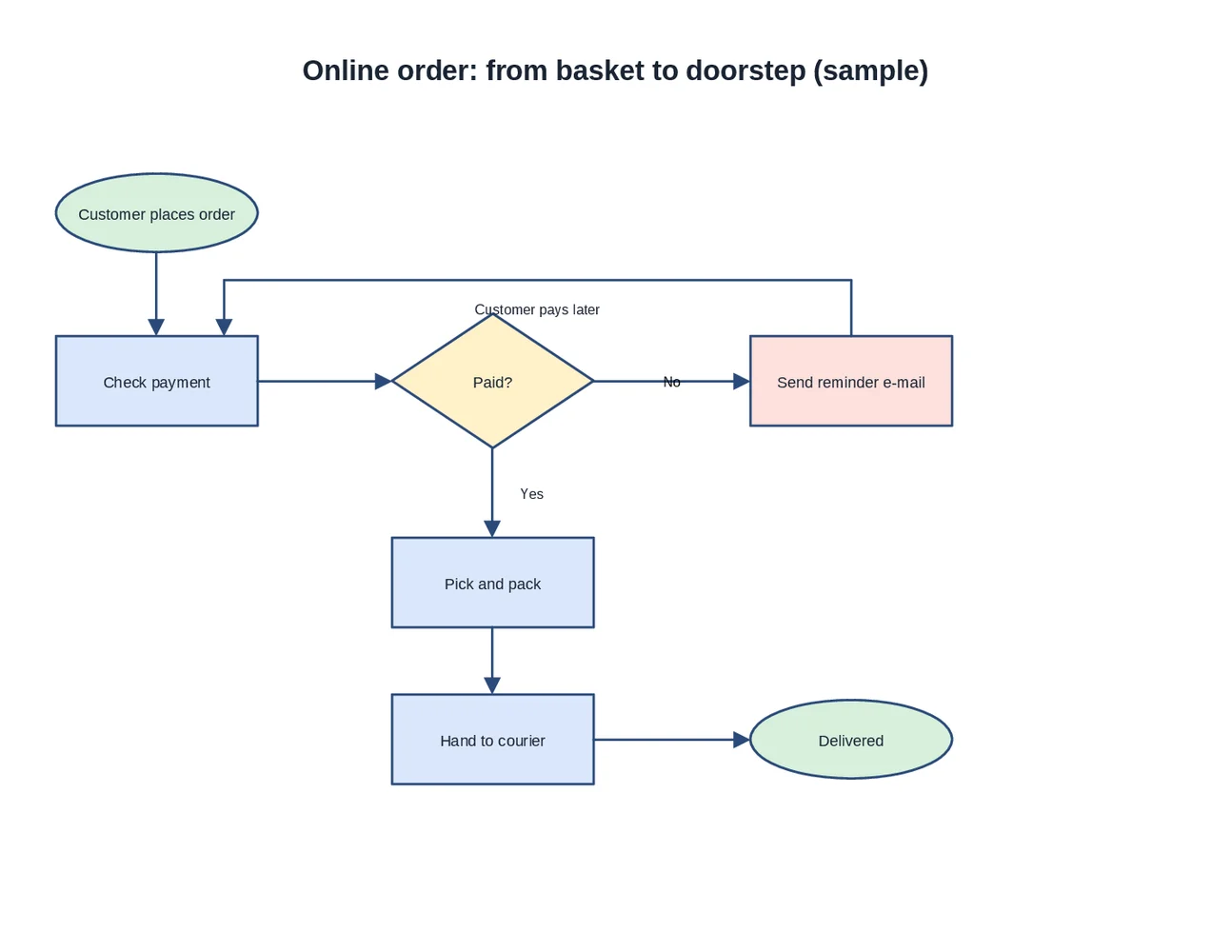
order-flow.vdxorder-flow.pdf
Flowchart from Visio
- Shapes, fills and outlines
- Arrows with their labels
- Text stays text
- Page size from the drawing
Sample drawing we made ourselves, with made-up names and data, converted here and shown as they came out. Your own files are never shown to anyone.
Visio drawings people convert with us
- Flowcharts and process maps
- Org charts
- Network and rack diagrams
- Office and floor plans
- Timelines
- Electrical and wiring diagrams
- Old project documentation
How to convert Visio drawings
-
STEP 1
Upload your Visio files
.vsd or .vsdx, one drawing or a whole folder. No Visio needed.
-
STEP 2
See every page first
Every page of the drawing, ready in about half a minute.
-
STEP 3
Pay once, download
A sharp PDF to print or share. Refund in one click.
What you get back
- Every pageOne PDF page for every page of the drawing, in order.
- Shapes and connectorsBoxes, arrows, lines and Visio stencil shapes where they were.
- Text and coloursLabels, notes, fonts, fills and Visio 2013+ themes.
- Sharp at any zoomVectors, not a blurry screenshot, ready to print large.
- Old and new Visio.vsd from Visio 2003–2010 and .vsdx from 2013 to today.
- See it firstEvery page in the preview before you pay, so there are no surprises.
Price
See every page free. Then $4.99 per file, or $14.99 for up to 10 files and $39 for up to 100. One payment, no subscription.
What happened to Microsoft Visio Viewer
Microsoft's free Visio Viewer 2016 only ever ran inside Internet Explorer on Windows, and its support ended on 14 October 2025. Visio on the web comes only with business Microsoft 365 plans. So for a one-off diagram from a colleague or a client there is often nothing free to open it with.
How to view a Visio file here
Choose the file above. In a few seconds you see the pages of the drawing: flowcharts, org charts, network diagrams, floor plans. Looking is free, with no account. If you want to keep it, print it or send it on, download it as a PDF for $4.99.
Works on Mac, Chromebook and phones
There has never been a Visio for Mac. Here the drawing opens in Safari, Chrome or any other browser, on a Mac, a Chromebook, an iPhone or an Android phone. More: open a VSD file and Visio to PDF.
Viewing and keeping are different
The free view shows the first pages at screen size with a light watermark: enough to read a flowchart, check an org chart or find the right version of a plan. The PDF has every page as sharp vectors without the watermark, so it prints at any size and zooms without blurring.
Which Visio files open
Drawings from Visio 2003 to Visio in Microsoft 365: .vsd and .vsdx, XML drawings (.vdx), stencils (.vss, .vssx) and templates (.vst, .vstx). Shapes, connectors, text, colours and Visio themes come through; very unusual custom shapes can look slightly different. Visio on the web is included only in business, enterprise and education Microsoft 365 plans, not in Microsoft 365 Personal or Family, which is why many people at home have no way to open a Visio file their employer, school or client sent. Here the drawing opens in any browser, and nothing has to be installed or signed into, not even an account here. Close the page and nothing stays on your computer or in your browser.
More Visio tools
Also on FileOpens
Questions about Visio files
Can I view a Visio file on a Mac?
Yes. Visio was never made for the Mac, but this viewer runs in Safari or Chrome. Upload the file and the pages appear in a few seconds.
Can I edit the drawing?
Not here: the viewer and the PDF are for looking, printing and sharing. To change a .vsdx drawing without Visio, the free draw.io (diagrams.net) can import it; for a quick look or a print, this page is faster.
Is the Visio viewer really free?
Yes. The pages of the drawing (up to the first 12) are shown free in your browser, with a light watermark. You pay only if you want the PDF file of every page without the watermark.
Which Visio files can you open?
Drawings from Visio 2003 to the current Visio and Visio in Microsoft 365: .vsd and .vsdx, plus XML drawings (.vdx), stencils (.vss, .vssx) and templates (.vst, .vstx).
What does the PDF look like?
One page for every page of the drawing, with its shapes, connectors, text, colours and themes, as sharp vectors you can zoom into and print. Very unusual custom shapes can differ a little: check every page in the free preview first.
How much does it cost?
You see every page free first. Then $4.99 per file, or $14.99 for up to 10 files and $39 for up to 100, mixed with any other format we convert. Not usable? Refund within 24 hours.
What happens to my files?
They are used only to make your PDF and are deleted automatically 24 hours after upload. Nobody looks at them.