Free Your pictures are not uploaded
Convert JPG to PDF
Convert JPG to PDF here: add one photo or a whole set, drag them into order, choose the page size and download a single PDF. Your photos stay on your device; nothing is uploaded. Free, no watermark.
or drop them here. Any number of .jpg or .jpeg photos (PNG, GIF and WebP work too). Made into a PDF on your device.
Your photos, in order
Everything happens in this browser tab: the pictures are not sent to FileOpens or anywhere else, and nothing is kept when you close the page.
Pictures turned into a PDF by FileOpens
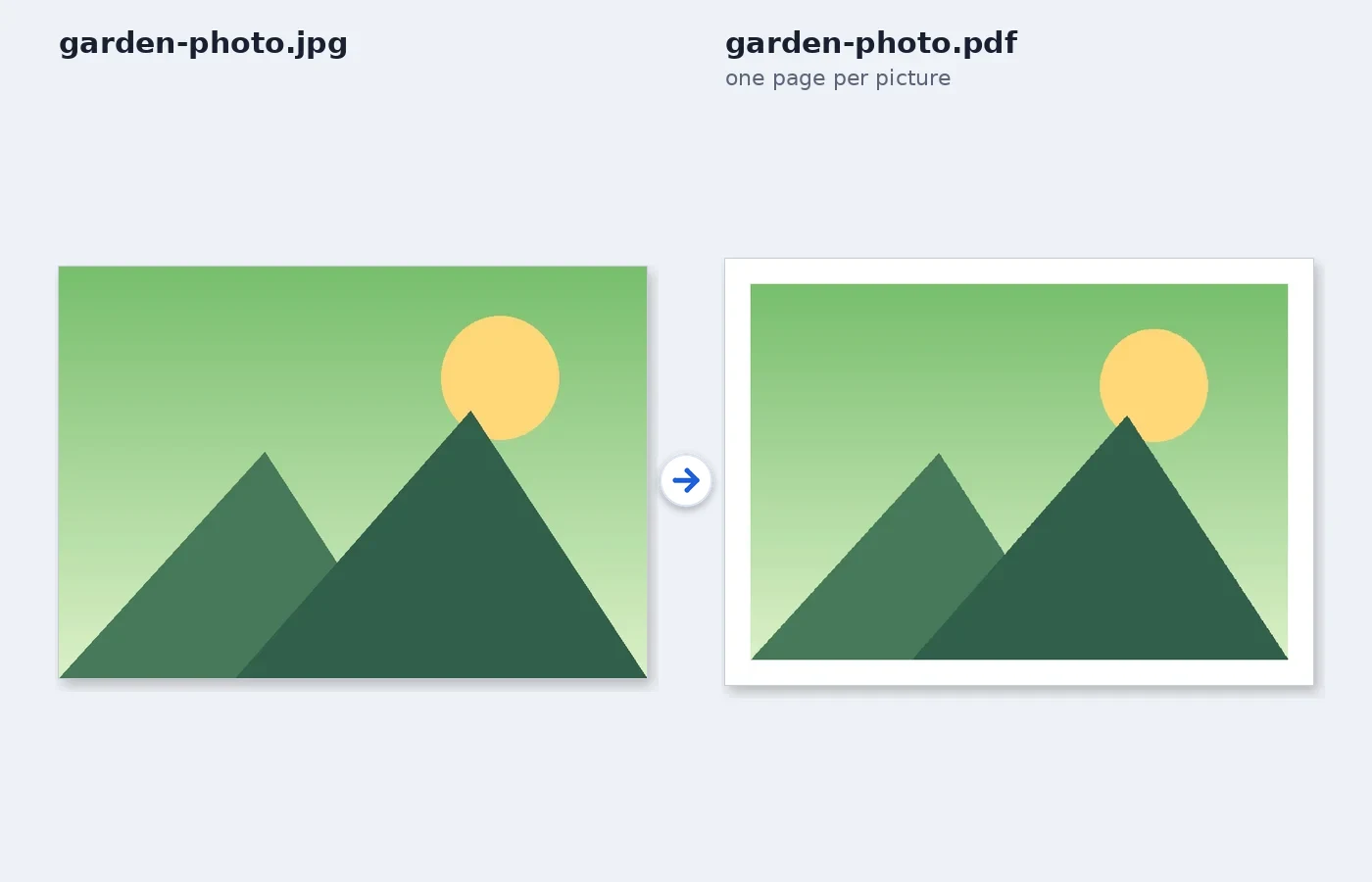
garden-photo.jpggarden-photo.pdf
A picture as a PDF page
- Page the size of the picture, or A4 / Letter
- Phone photos turned the right way
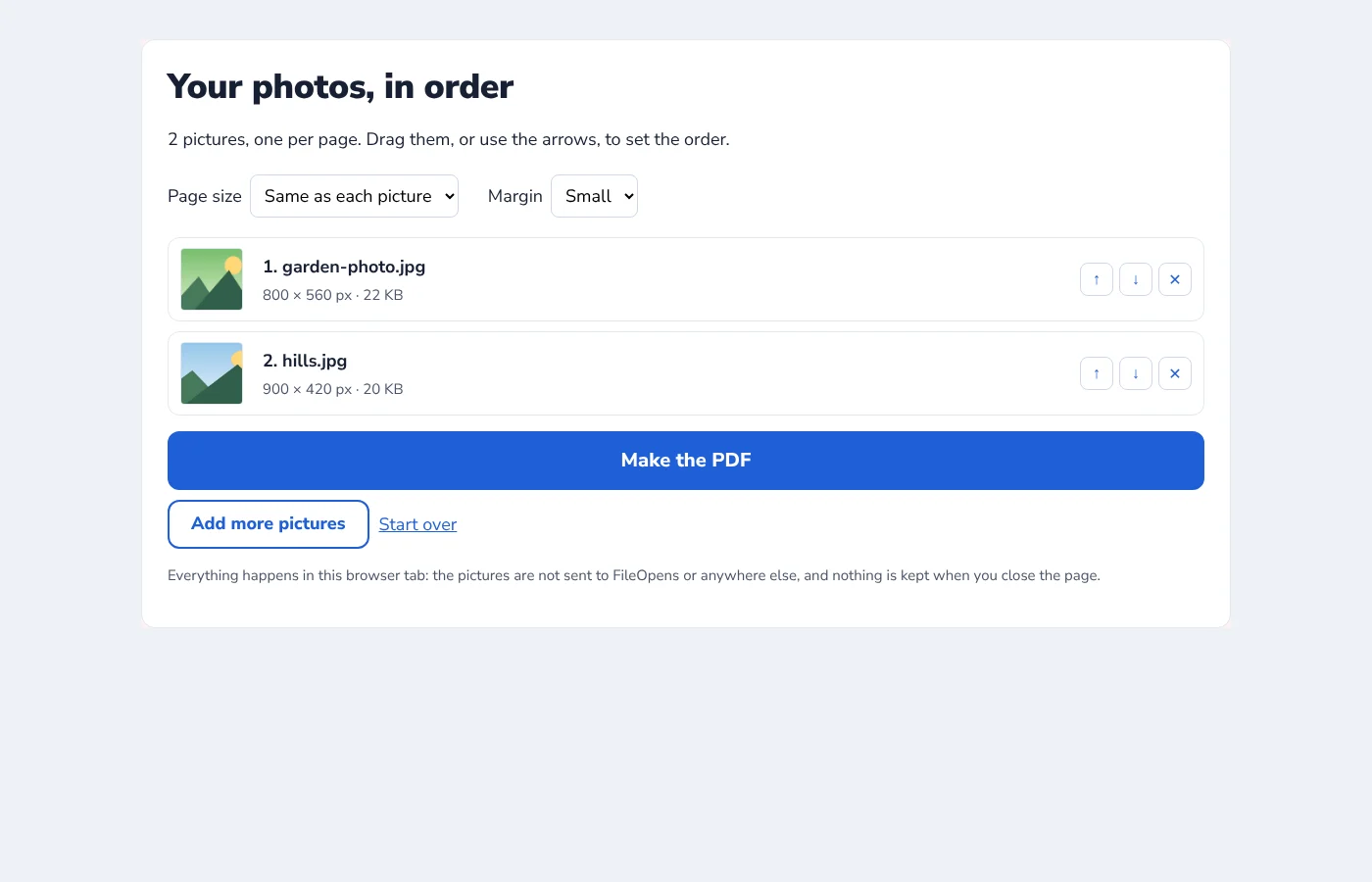
two picturesone PDF
Pictures in the order you set
- Drag or use the arrows
- Page size and margin to choose
A sample picture we made ourselves, with made-up names and data, opened in this tool and shown as it came out. Your own files stay on your device.
How to convert JPG to PDF
-
Step 1
Add the photos
Choose or drop one or many JPG files. Add more at any time.
-
Step 2
Order and size
Drag them into order. Pick A4, US Letter or the size of each photo, and a margin.
-
Step 3
Download
One PDF, one photo per page, at full quality.
Why turn JPG photos into a PDF
Forms, landlords, insurers, schools and government sites often ask for "a PDF", while your phone gives you JPG photos: of a receipt, a signed page, an ID card, a doctor's note. Several photos sent one by one get lost or arrive out of order; one PDF with a page per photo is easier to send, to print and to file. This page makes that PDF without an app and without sending your photos to anyone.
JPG to PDF step by step, with every option
Choose the photos above, or drop them from a folder; on a phone, pick them from your gallery. Each photo appears with its size in pixels. Drag them into order, or use the arrows, and remove any you do not want. Choose the page size: "Same as each picture" makes every page exactly as big as its photo, A4 and US Letter fit each photo on a standard page for printing, turned to landscape for wide photos. Pick no margin, a small one or a wide one. Click Make the PDF and it downloads at once.
Full quality, right way up
JPG photos are placed in the PDF as they are, without being compressed again, so the PDF keeps every detail of the original and is about as large as the photos together. Phones store many photos sideways with a note saying how to turn them; the tool reads that note and puts each photo the right way up, so a portrait shot does not end up lying on its side in the PDF. Pictures in other formats, such as PNG, GIF or WebP, can be mixed in; see image to PDF for those.
Private: your photos are not uploaded
Photos of IDs, payslips and medical papers are exactly what you should not upload to a stranger's server. Here your browser builds the PDF on your own phone or computer. Nothing is sent to FileOpens or anywhere else, there is no account, and nothing is kept once you close the page.
After converting
To add more pages to an existing PDF, convert the new photos and join the two files with merge PDF. To turn PDF pages back into pictures, use PDF to JPG. The PDF holds pictures of text, not text itself, so it cannot be searched; that needs OCR, which this tool does not do.
More free PDF tools and converters
- Merge PDF
- Split PDF
- Compress PDF
- Compress PDF to 100 KB
- Delete PDF pages
- Rotate PDF
- Extract PDF pages
- Reorder PDF pages
- Crop PDF
- Add page numbers
- Watermark PDF
- Sign PDF
- Protect PDF
- Unlock PDF
- OCR PDF
- Flatten PDF
- PDF to grayscale
- Invert PDF colors
- Remove PDF metadata
- PDF to Word
- Word to PDF
- PDF to Excel
- Excel to PDF
- PDF to PowerPoint
- PowerPoint to PDF
- PNG to PDF
- Image to PDF
- PDF to JPG
- PDF to PNG
- PDF to text
- HTML to PDF
- PDF to EPUB
- PDF to PDF/A
- PDF to TIFF
- PDF to SVG
Questions about JPG to PDF
Is it free?
Yes. Converting JPG to PDF is free, with no account, no limit and no watermark.
Can I put many photos in one PDF?
Yes. Add as many as you like; each becomes one page, in the order you set.
Will the photos lose quality?
No. JPG photos are placed in the PDF without being compressed again.
Why are some phone photos turned the right way?
Phones store a rotation note with the photo; the tool reads it and turns the photo so it looks as it did on your phone.
Are my photos uploaded?
No. The PDF is made in your browser on your device; the photos are never sent anywhere.