Free Your pictures are not uploaded
TGA to PNG converter
Convert TGA to PNG here: Targa pictures from games, 3D renders and old graphics programs, compressed or not, become PNG files with their transparency kept, ready to open anywhere. The files are decoded by this page in your browser, so nothing is uploaded.
or drop them here, as many as you like. Nothing is uploaded.
Your TGA pictures
Everything happens in this browser tab: your pictures are not sent to FileOpens or anywhere else, and nothing is kept when you close the page.
TGA textures converted to PNG by FileOpens
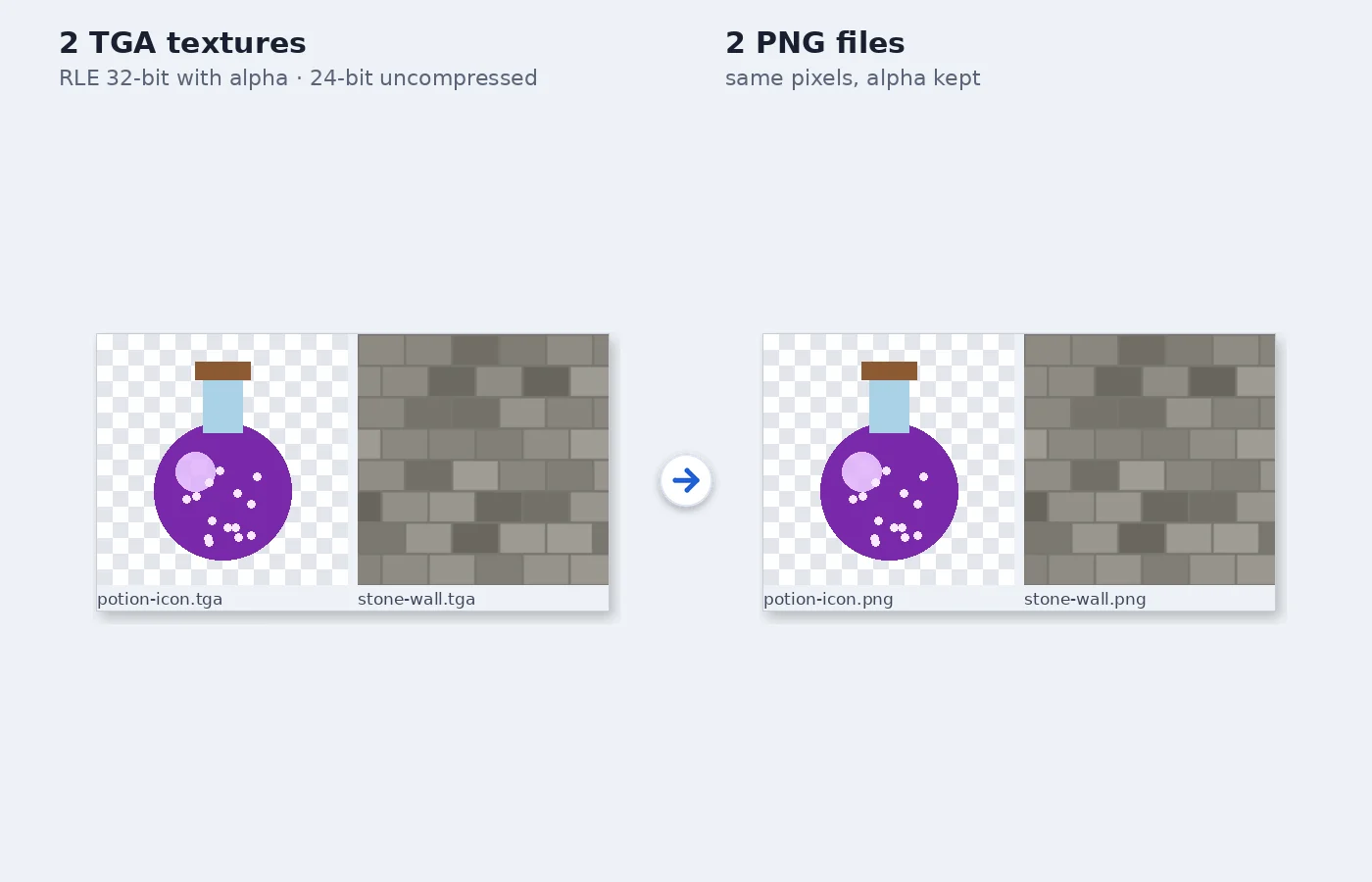
potion-icon.tga + stone-wall.tga2 PNGs
An RLE sprite and an uncompressed texture
- Alpha channel kept
- Same pixels as the TGA
- Bottom-up rows turned the right way
A sample texture we made ourselves, with made-up names and data, opened in this tool and shown as it came out. Your own files stay on your device.
How to convert TGA to PNG
-
Step 1
Choose the .tga files
Textures, renders, screenshots or sprites.
-
Step 2
Convert
Each one is decoded and saved as PNG at full size.
-
Step 3
Download
One by one or all in a ZIP.
Why TGA files will not open
TGA, or Targa, was created by Truevision in 1984 for its graphics cards and became a standard for pictures with an alpha channel. Game engines, mods, 3D programs and video tools still use it for textures, sprites and rendered frames. Photoshop, GIMP and macOS Preview open it, but Windows Photos, web browsers, phones and most websites do not, so a TGA you received often shows only as a blank icon. PNG keeps the same pixels and transparency and opens everywhere.
Which TGA files are supported
This converter reads true-colour TGA files of 16, 24 and 32 bits per pixel, greyscale TGAs, and TGAs with a colour table, both uncompressed and RLE-compressed (types 1, 2, 3, 9, 10 and 11). It follows the flags that say whether the rows start at the top or the bottom, so pictures come out the right way up. The list shows the format of each file, such as "RLE, 32-bit with alpha".
The alpha channel
Many TGA textures carry an alpha channel: a cut-out for sprites, foliage and interface elements, or sometimes a gloss or height mask. The PNG keeps the alpha channel exactly, so those areas look transparent in a viewer. Some programs write 32-bit TGAs whose alpha is all zero, which would make the whole picture invisible; when every pixel is transparent, the page treats the picture as opaque so you see the colours.
Batch converting a texture folder
Drop a whole folder of TGA files at once: each one shows its size and format, and "Download all" gives one ZIP with the PNGs under the same names. For a smaller file to send or post, use TGA to JPG; for other game texture formats there is DDS to PNG, and any picture can be changed with the image converter. If a game or 3D program needs TGA back, open the PNG in GIMP or Photoshop and export it as TGA, choosing RLE compression and 32 bits if the alpha channel is needed. Keep the original TGA files when you mod a game, since some engines expect exact settings.
TGA to PNG on Windows, Mac and phones
On Windows, the Photos app shows nothing for TGA; Paint.NET, GIMP and IrfanView open it. On a Mac, Preview opens most TGA files and can export PNG through File, Export. On iPhone and Android there is usually no app that reads TGA at all. This page works the same everywhere: open it in the browser, choose the files, and get PNGs you can view, send or edit, without installing anything.
Private
Pictures are read by the page's own code on your device. Nothing is uploaded, and nothing is kept when you close the page.
More free image converters
- Image converter
- Compress image
- JPG to PNG
- PNG to JPG
- JPEG to JPG
- Compress JPEG
- Compress PNG
- GIF to PNG
- PNG to GIF
- GIF to JPG
- JPG to GIF
- GIF maker
- Remove background
- Background eraser
- Make background transparent
- White background for photo
- Remove white background
- Resize image
- Crop image
- Rotate image
- Flip image
- Blur image
- Pixelate image
- Black and white photo
- Invert image colors
- Merge images
- Watermark image
- Add text to image
- Remove EXIF data
- EXIF viewer
- Change DPI
- Image to Base64
- Base64 to image
- MP4 to GIF
- Video to GIF
- GIF to MP4
- GIF compressor
- PNG to SVG
- JPG to SVG
- Image to SVG
- SVG to PDF
- Image to text
- PNG to DXF
- SVG to DXF
- DXF to SVG
- HEIC to JPG
- HEIC to PNG
- HEIC to PDF
- HEIC viewer
- WebP to PNG
- WebP to JPG
- WebP to GIF
- WebP to PDF
- PNG to WebP
- JPG to WebP
- AVIF to PNG
- AVIF to JPG
- JFIF to JPG
- JFIF to PNG
- SVG to PNG
- SVG to JPG
- PNG to ICO
- ICO to PNG
- BMP to JPG
- BMP to PNG
- TIFF to JPG
- TIFF to PNG
- PSD viewer
- PSD to PNG
- PSD to JPG
- PSD to PDF
- AI to SVG
- AI to PNG
- Open AI file
- EPS to PNG
- DDS to PNG
- TGA to JPG
- RAW to JPG
- CR3 to JPG
- CR2 to JPG
- NEF to JPG
Questions about TGA to PNG
Is the transparency kept?
Yes, the alpha channel goes into the PNG unchanged.
Are RLE-compressed TGAs supported?
Yes, RLE and uncompressed, 16, 24 and 32 bits, greyscale and colour table.
Why was my picture upside down in other tools?
TGA rows can start at the bottom; this page reads the flag and turns it the right way.
Can I convert many files at once?
Yes, drop them all and download one ZIP.
Are my files uploaded?
No, they are converted in your browser.