Free Your pictures are not uploaded
PNG to ICO converter (favicon and icon maker)
Convert PNG to ICO here: make a favicon.ico for your website or an icon for a Windows shortcut or program, with all the sizes Windows and browsers use in one file and the transparent background kept. It also takes JPG, WebP and SVG.
PNG, JPG, WebP or SVG, ideally square and at least 256 × 256. Nothing is uploaded.
Your icon
Everything happens in this browser tab: your pictures are not sent to FileOpens or anywhere else, and nothing is kept when you close the page.
An icon made by FileOpens
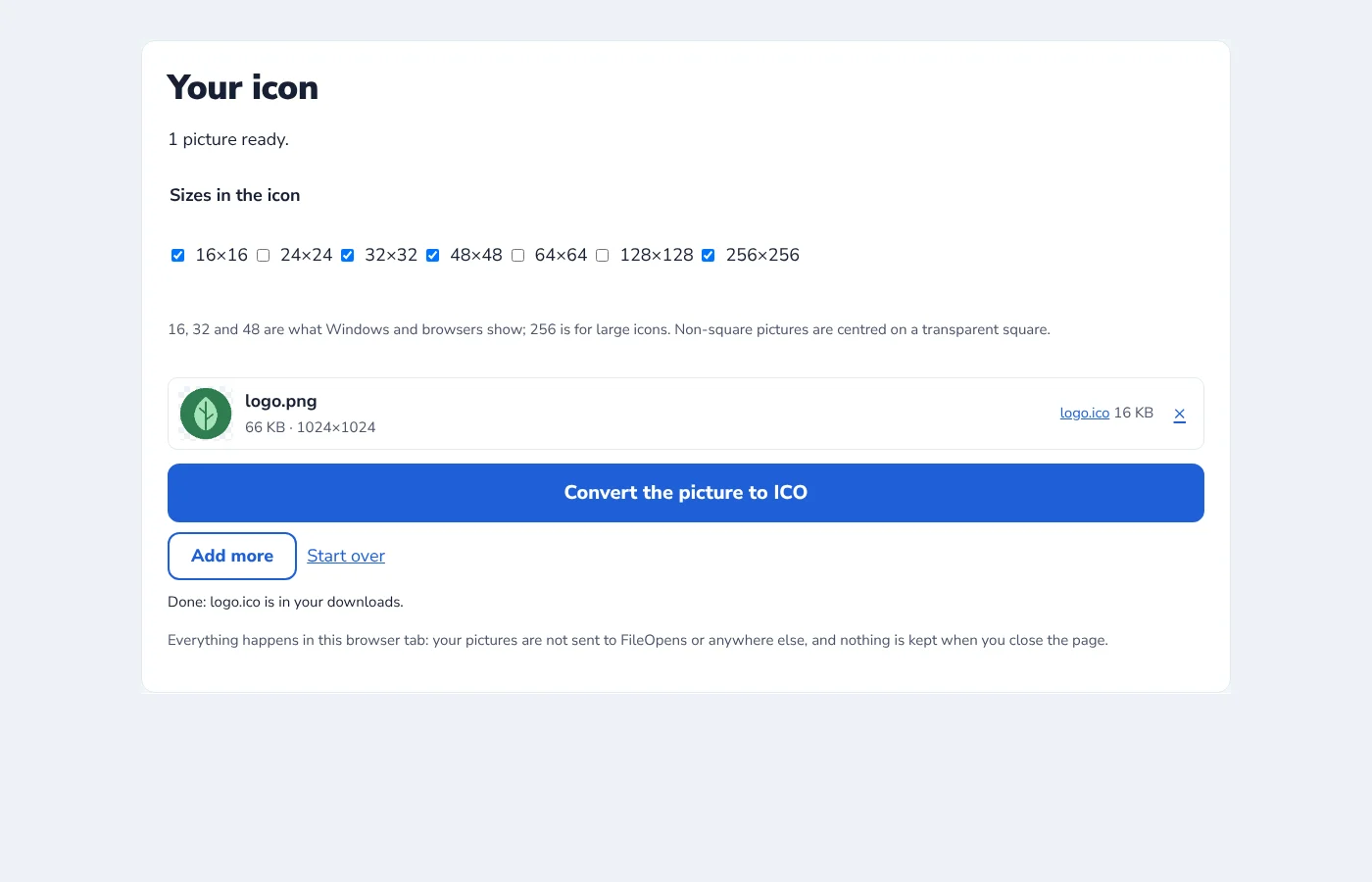
logo.pnglogo.ico
PNG logo to a favicon.ico
- 16, 32, 48 and 256 pixels in one file
- 16 KB
- Transparency kept
A sample logo we made ourselves, with made-up names and data, opened in this tool and shown as it came out. Your own files stay on your device.
How to make an ICO file
-
Step 1
Choose the picture
A square logo or symbol, 256 × 256 or larger, on transparency.
-
Step 2
Pick the sizes
16, 32, 48 and 256 are ticked; add 24, 64 or 128 if you want.
-
Step 3
Download the .ico
Name it favicon.ico for a website, or use it for a shortcut.
What an ICO file is
ICO is the icon format of Windows, and the original format of website favicons. Unlike a PNG, one .ico file holds several copies of the picture at different sizes, so Windows and browsers can pick the one that fits: 16 × 16 for a browser tab, 32 × 32 for the taskbar and bookmarks, 48 × 48 for desktop shortcuts, 256 × 256 for large icon views. Since Windows Vista the large sizes may be stored as PNG inside the ICO, which keeps the file small and the transparency smooth; this converter stores every size that way.
A favicon for your website
Make the ICO with the default sizes (16, 32, 48 and 256), name it favicon.ico and put it in the main folder of your site, so it is at yoursite.com/favicon.ico; browsers look there automatically. Modern sites usually add a PNG icon as well, with a line such as <link rel="icon" type="image/png" href="/icon-192.png">, and Apple devices use a 180 × 180 PNG named apple-touch-icon. The ICO is still worth having, because many tools, crawlers and older browsers request /favicon.ico directly. Website builders such as WordPress, Shopify and Wix accept the file in their site settings.
PNG to ICO: getting a good-looking icon
Start from a square picture of at least 256 × 256 pixels, ideally with a transparent background. A detailed logo with small text is unreadable at 16 pixels; a simple symbol or one or two letters work much better. Non-square pictures are centred on a transparent square, so they are not stretched. Each size is scaled down from your picture with high-quality smoothing. If your logo is an SVG, choose it directly: it is drawn sharply at each size.
Icons for Windows shortcuts and folders
To change a shortcut's icon, right-click it, Properties, Change Icon, Browse, and choose your .ico. Folders work the same way under Properties, Customize, Change Icon. Developers can use the .ico in program builds (Visual Studio, Electron, PyInstaller), which expect the 16, 32, 48 and 256 sizes ticked by default. To take an icon apart again, or get its pictures as PNG, use ICO to PNG. To prepare the picture, SVG to PNG renders a logo at any size.
Private
The icon is built in your browser; your logo is not uploaded anywhere.
Checking the result
After you download the .ico, you can check it with ICO to PNG, which lists every size inside the file. On a website, a browser may keep showing the old favicon for a while because it caches icons aggressively; open the site in a private window, or visit /favicon.ico directly, to see the new one. In Windows, File Explorer also caches icons, so a shortcut can need a restart of Explorer before it shows the change.
More free image converters
- Image converter
- Compress image
- JPG to PNG
- PNG to JPG
- JPEG to JPG
- Compress JPEG
- Compress PNG
- GIF to PNG
- PNG to GIF
- GIF to JPG
- JPG to GIF
- GIF maker
- Remove background
- Background eraser
- Make background transparent
- White background for photo
- Remove white background
- Resize image
- Crop image
- Rotate image
- Flip image
- Blur image
- Pixelate image
- Black and white photo
- Invert image colors
- Merge images
- Watermark image
- Add text to image
- Remove EXIF data
- EXIF viewer
- Change DPI
- Image to Base64
- Base64 to image
- MP4 to GIF
- Video to GIF
- GIF to MP4
- GIF compressor
- PNG to SVG
- JPG to SVG
- Image to SVG
- SVG to PDF
- Image to text
- PNG to DXF
- SVG to DXF
- DXF to SVG
- HEIC to JPG
- HEIC to PNG
- HEIC to PDF
- HEIC viewer
- WebP to PNG
- WebP to JPG
- WebP to GIF
- WebP to PDF
- PNG to WebP
- JPG to WebP
- AVIF to PNG
- AVIF to JPG
- JFIF to JPG
- JFIF to PNG
- SVG to PNG
- SVG to JPG
- ICO to PNG
- BMP to JPG
- BMP to PNG
- TIFF to JPG
- TIFF to PNG
- PSD viewer
- PSD to PNG
- PSD to JPG
- PSD to PDF
- AI to SVG
- AI to PNG
- Open AI file
- EPS to PNG
- DDS to PNG
- TGA to PNG
- TGA to JPG
- RAW to JPG
- CR3 to JPG
- CR2 to JPG
- NEF to JPG
Questions about ICO files and favicons
Which sizes should a favicon.ico have?
16, 32 and 48 for browsers and Windows, plus 256 for large icons. Those are ticked by default.
Is transparency kept?
Yes, every size is stored with its transparent background.
Can I use JPG or SVG?
Yes. SVG gives the sharpest result; JPG has no transparency.
Where do I put favicon.ico?
In the main folder of your website, so it opens at yoursite.com/favicon.ico.
Is my logo uploaded?
No, the icon is made in your browser.