Free Your pictures are not uploaded
Image to Base64
Convert an image to Base64 here: each picture becomes a data URI, plain Base64, a ready HTML <img> tag or a CSS background line, shown in a box with a copy button. It works with PNG, JPG, SVG, WebP, GIF and ICO, and the encoding happens in your browser.
or drop them here. PNG, JPG, SVG, WebP, GIF, ICO. Nothing is uploaded.
Your pictures as Base64
Everything happens in this browser tab: your pictures are not sent to FileOpens or anywhere else, and nothing is kept when you close the page.
A picture encoded to Base64 by FileOpens
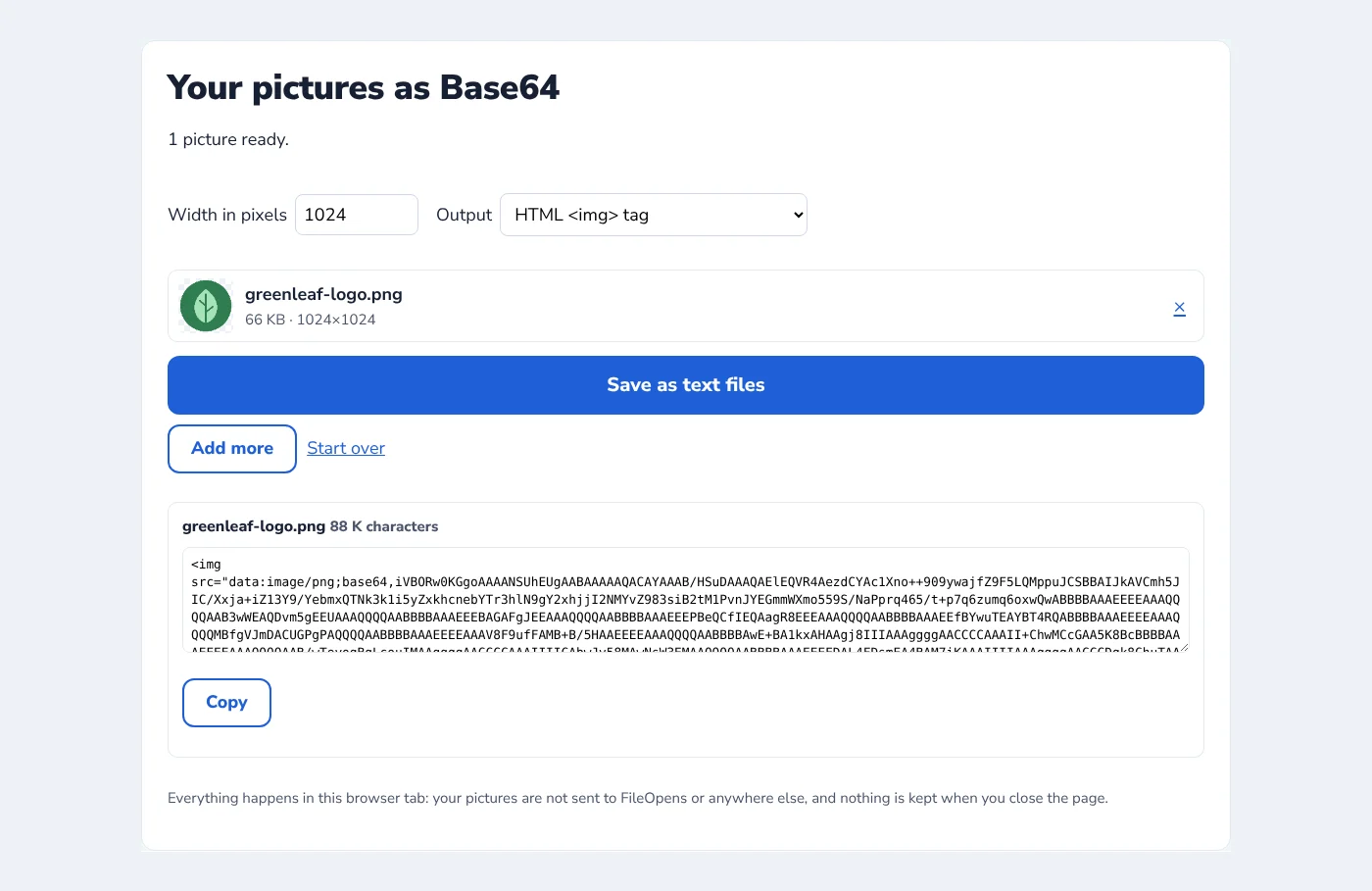
greenleaf-logo.pngdata URI
A PNG logo as an HTML img tag
- 66 KB picture, 88 K characters
- Copy with one click
A sample logo we made ourselves, with made-up names and data, opened in this tool and shown as it came out. Your own files stay on your device.
How to convert an image to Base64
-
Step 1
Choose the pictures
Icons, logos, small graphics, email images.
-
Step 2
Pick the output
Data URI, Base64 only, HTML tag or CSS line.
-
Step 3
Copy or save
Copy with one click, or save as text files.
What Base64 images are for
Base64 writes binary data as plain text, using only letters, digits, + and /. A picture encoded this way can live inside an HTML page, a CSS file, a JSON response, an email template or a configuration file, with no separate image file to host or link. Developers use it for small icons and logos, loading spinners, email signatures, single-file reports and test data.
Image to Base64: data URI, HTML or CSS
A data URI looks like data:image/png;base64,iVBORw0… and can be pasted wherever an image address is expected. "Base64 only" gives just the encoded text, for APIs and JSON fields that ask for it. The HTML option gives a complete tag with the picture's width and height, and the CSS option a background-image line. The media type is taken from the file's content, not just its name, so a PNG renamed to .jpg still gets the right type.
When not to use Base64
Base64 text is about 33% larger than the image file, cannot be cached separately by browsers, and makes pages heavier to parse; there is no fixed size limit here, but it pays off for small images of a few kilobytes; for photos and anything over 100 KB, a normal image file is faster. Shrink a picture first with compress image or resize image if you must embed it. Many email programs block or strip data URIs, so test email templates before sending.
Decode it again
To turn a Base64 string back into a picture, for example one copied from an API response, a log or browser developer tools, use Base64 to image. Very long results are shown partly on screen and saved in full with "Save as text files".
Using the result
In HTML, paste the img tag where the picture should appear; in CSS, paste the background line into a rule; in JavaScript or JSON, use the data URI or plain Base64 as a string. For SVG icons, Base64 is not the only option: an SVG can also be put into HTML directly, which is usually smaller. Several pictures can be encoded at once; each has its own box and copy button, and "Save as text files" stores all of them in one ZIP for later. The original picture files are not changed in any way, and you can switch the output type at any time to copy another form.
Private
Pictures are encoded in your browser and never uploaded, which matters for internal assets and unreleased designs.
More free image converters
- Image converter
- Compress image
- JPG to PNG
- PNG to JPG
- JPEG to JPG
- Compress JPEG
- Compress PNG
- GIF to PNG
- PNG to GIF
- GIF to JPG
- JPG to GIF
- GIF maker
- Remove background
- Background eraser
- Make background transparent
- White background for photo
- Remove white background
- Resize image
- Crop image
- Rotate image
- Flip image
- Blur image
- Pixelate image
- Black and white photo
- Invert image colors
- Merge images
- Watermark image
- Add text to image
- Remove EXIF data
- EXIF viewer
- Change DPI
- Base64 to image
- MP4 to GIF
- Video to GIF
- GIF to MP4
- GIF compressor
- PNG to SVG
- JPG to SVG
- Image to SVG
- SVG to PDF
- Image to text
- PNG to DXF
- SVG to DXF
- DXF to SVG
- HEIC to JPG
- HEIC to PNG
- HEIC to PDF
- HEIC viewer
- WebP to PNG
- WebP to JPG
- WebP to GIF
- WebP to PDF
- PNG to WebP
- JPG to WebP
- AVIF to PNG
- AVIF to JPG
- JFIF to JPG
- JFIF to PNG
- SVG to PNG
- SVG to JPG
- PNG to ICO
- ICO to PNG
- BMP to JPG
- BMP to PNG
- TIFF to JPG
- TIFF to PNG
- PSD viewer
- PSD to PNG
- PSD to JPG
- PSD to PDF
- AI to SVG
- AI to PNG
- Open AI file
- EPS to PNG
- DDS to PNG
- TGA to PNG
- TGA to JPG
- RAW to JPG
- CR3 to JPG
- CR2 to JPG
- NEF to JPG
Questions about image to Base64
What is a data URI?
A link that contains the picture itself, starting with data:image/…;base64,.
How much bigger is Base64?
About a third larger than the image file.
Can I encode SVG?
Yes, SVG, PNG, JPG, WebP, GIF and ICO all work.
Can I get an HTML tag?
Yes, choose "HTML tag" and copy it.
Why does my Base64 start with data:image/png?
That prefix tells browsers what kind of file follows; choose "Base64 only" to leave it out.
Can I encode several pictures at once?
Yes, each gets its own box with a copy button.
Are my pictures uploaded?
No, everything happens in your browser.