Free No account · the file is deleted after 24 hours
Protect PDF with a password
Protect PDF files with a password here: each is encrypted with AES-256, so nobody can open it without the password, and you choose whether those who can open it may print it or copy from it. Free.
or drop it here. Up to 200 MB. Free, no account.
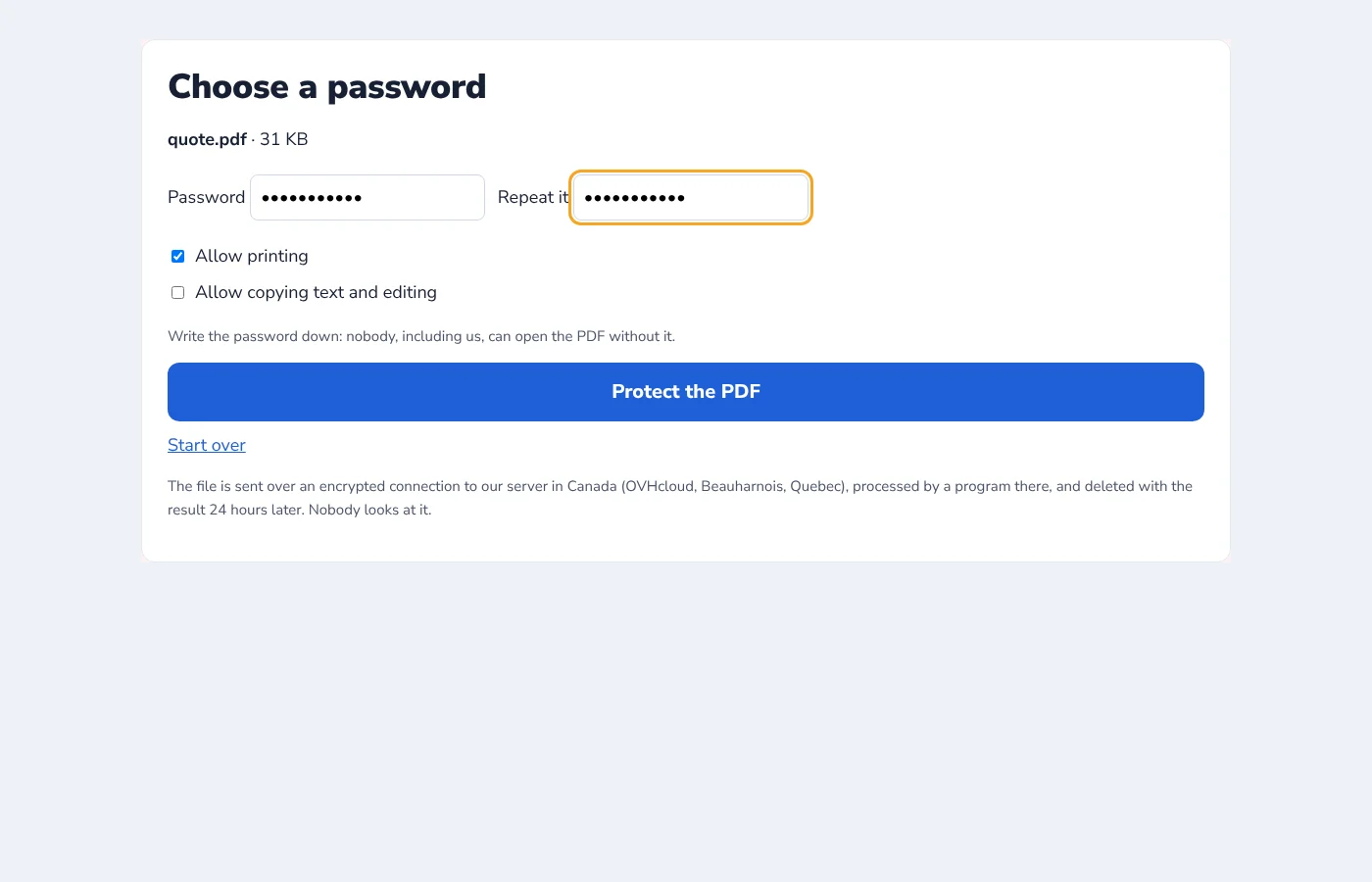
Choose a password
The file is sent over an encrypted connection to our server in Canada (OVHcloud, Beauharnois, Quebec), processed by a program there, and deleted with the result 24 hours later. Nobody looks at it.
Protect PDF in use
quote.pdfprotected.pdf
Set a password and what is allowed
- Password typed twice
- Printing allowed, copying blocked
- AES-256 encryption
Sample letter we made ourselves, with made-up names and data, converted here and shown as they came out. Your own files are never shown to anyone.
How to password-protect a PDF
-
Step 1
Choose the PDF
A contract, a medical letter, a list of names: anything for the right eyes only.
-
Step 2
Set the password
Type it twice, and choose whether printing and copying are allowed.
-
Step 3
Download and send
Send the PDF and the password by different routes, e.g. e-mail and a text.
What protection you get
The PDF is encrypted with AES-256, the strongest encryption the PDF standard offers, supported by Adobe Acrobat and Reader since version X and by every current PDF reader, including Chrome, Edge, Firefox, Apple Preview and the readers on iPhone and Android. Without the password, the pages, the text and even the document properties cannot be read. With it, the PDF opens normally. The strength of the lock is the strength of your password: a long one, such as three or four unrelated words, cannot be guessed, while a short word or a date can be tried by a program quickly.
Print and copy permissions
Besides the open password, you can block printing, and copying of text and editing, for people who open the file. These permissions are honoured by Acrobat, Chrome, Preview and the other mainstream readers. Be aware that they are a request rather than a wall: once someone can open a PDF, a determined person can take a screenshot or use a program that ignores the flags. For confidentiality, rely on the open password; use the permissions to stop casual printing and copying. The permissions are fixed with a random owner password that we never keep, so they cannot be changed later, which is why you should keep your original, unprotected file.
Keep the password safe
There is no "forgot password" for a PDF. We do not keep the password, and nobody, including us, can open the file without it. Write it down or keep it in a password manager before you delete the original. When you send a protected PDF, send the password a different way, for example the file by e-mail and the password by text message or phone call, so that someone who gets hold of the e-mail does not get both. To take the password off again later, use Unlock PDF with the password.
Other ways to protect PDF files
In Word, File > Save As > PDF > Options > "Encrypt the document with a password". On a Mac, Preview: File > Export, tick "Encrypt" and type a password. Adobe Acrobat (paid) has Protect > Encrypt with Password, with the same AES-256. If you only want to hide details such as the author before sharing, remove the metadata instead; and if the file is too big to send, compress it before you protect it, because a protected PDF cannot be compressed.
Privacy
The PDF and the password go to our server over an encrypted connection. qpdf, the program that encrypts the file, uses the password once, and it is deleted from the server straight away and never written to logs. The original and the protected copy are deleted 24 hours later. Up to 200 MB.
More free PDF tools and converters
- Merge PDF
- Split PDF
- Compress PDF
- Compress PDF to 100 KB
- Delete PDF pages
- Rotate PDF
- Extract PDF pages
- Reorder PDF pages
- Crop PDF
- Add page numbers
- Watermark PDF
- Sign PDF
- Unlock PDF
- OCR PDF
- Flatten PDF
- PDF to grayscale
- Invert PDF colors
- Remove PDF metadata
- PDF to Word
- Word to PDF
- PDF to Excel
- Excel to PDF
- PDF to PowerPoint
- PowerPoint to PDF
- JPG to PDF
- PNG to PDF
- Image to PDF
- PDF to JPG
- PDF to PNG
- PDF to text
- HTML to PDF
- PDF to EPUB
- PDF to PDF/A
- PDF to TIFF
- PDF to SVG
Questions about protecting PDFs
How strong is the protection?
AES-256, as strong as your password. Use a long one, such as three or four unrelated words.
Will it open on any device?
Yes, in every current PDF reader on computers and phones, after typing the password.
Can you recover a forgotten password?
No. We do not keep it and nobody can open the file without it.
Do print and copy restrictions really work?
In mainstream readers, yes. They are not a hard barrier; the open password is.
Is it free?
Yes, with no account.