Free Your pictures are not uploaded
PNG to GIF converter
Convert PNG to GIF here: each PNG becomes a GIF with its transparency, or tick one box to put several PNGs together as frames of an animated GIF, at the speed you choose. Everything is made in your browser.
or drop them here; for an animation, in the order of the frames. Nothing is uploaded.
Your PNG pictures
Everything happens in this browser tab: your pictures are not sent to FileOpens or anywhere else, and nothing is kept when you close the page.
PNG frames turned into an animated GIF by FileOpens
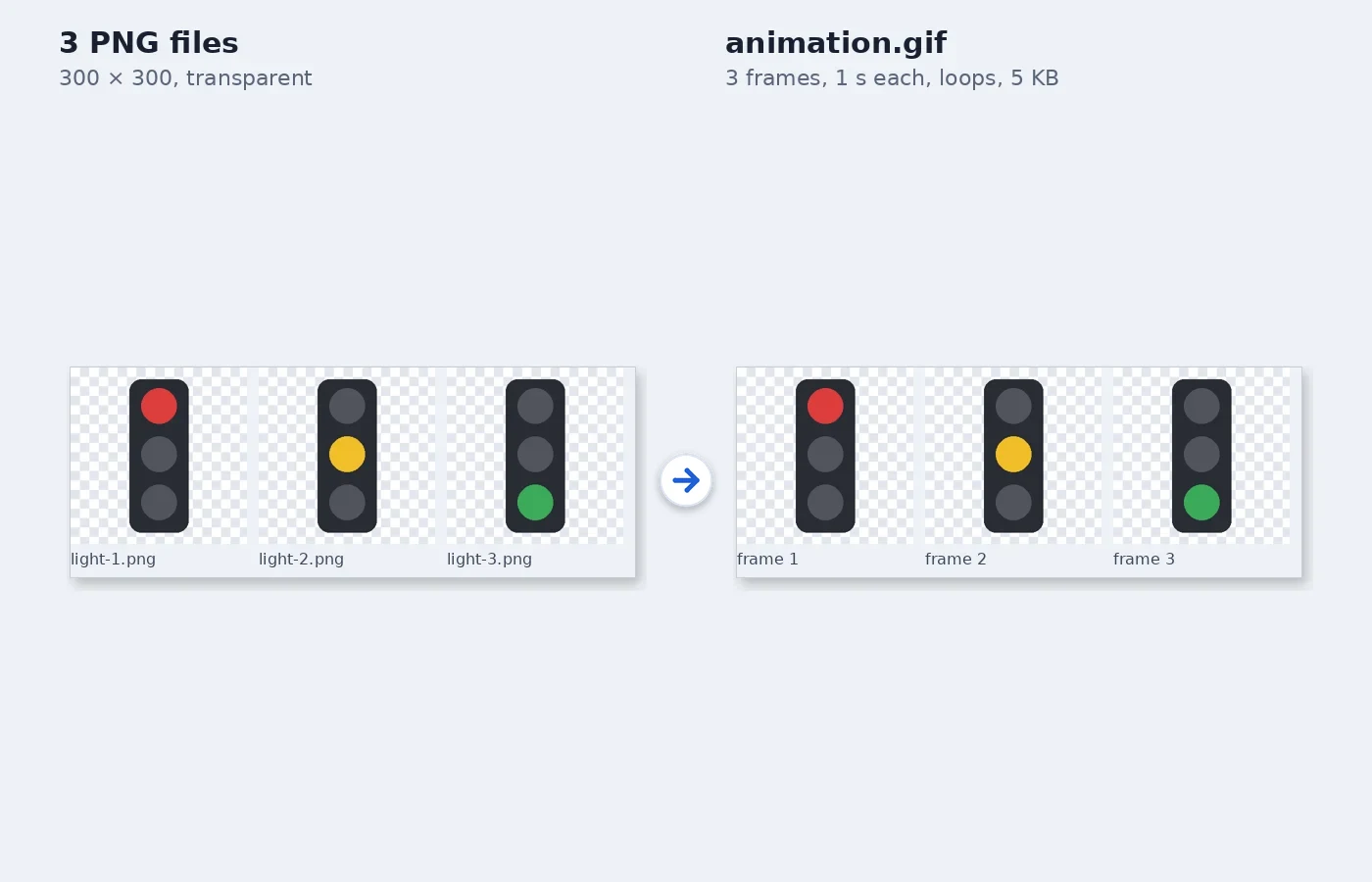
3 PNG filesanimation.gif
Three PNGs as one looping GIF
- 3 frames, 1 second each
- 5 KB, transparency kept
A sample animation we made ourselves, with made-up names and data, opened in this tool and shown as it came out. Your own files stay on your device.
How to convert PNG to GIF
-
Step 1
Choose the PNGs
One picture, or a sequence of frames.
-
Step 2
Still or animated
Tick "one animated GIF" and pick how long each frame shows.
-
Step 3
Download
The GIF files, or your animation.
PNG to GIF animation
The most common reason to turn PNGs into a GIF is to make a small animation: a sequence of frames exported from a drawing app, a game, a chart or screenshots of steps. Choose the PNGs in the order they should play, tick "Put all pictures into one animated GIF", set each frame to 0.2, 0.5, 1 or 2 seconds, and you get one GIF that loops forever and plays in every browser, chat app and email program. Frames of different sizes are centred on the size of the first one.
Single PNGs as GIF
Without the tick, every PNG becomes its own GIF at the same size. Some older websites, forums, forms and tools only accept GIF, and GIF is still the format that animates everywhere without a video player. Transparent areas of the PNG stay transparent; soft, semi-transparent edges become either fully transparent or solid, because GIF transparency is on or off.
The 256 colour limit
GIF can only hold 256 colours per frame, chosen to fit each picture. Logos, icons, pixel art, diagrams and cartoons convert with no visible difference. Photos and smooth gradients show some banding or a grainy look; for those, an animated WebP or a short video is sharper. The file size depends on the number of frames and how much changes between them; the result shows it before you save.
Related
To take an animated GIF apart again, GIF to PNG saves every frame. For JPG photos, use JPG to GIF; for icons, PNG to ICO. GIF encoding here uses gifenc, an open-source encoder running in your browser.
Making a good animated GIF from PNGs
Export the frames from your app with the same size and a consistent background, and number them so they sort correctly, like frame01, frame02. Keep animations short: 10 to 30 frames is plenty for a loading spinner, a reaction or a step-by-step demo, and keeps the file small enough for chat apps, which often limit GIFs to a few megabytes. If the result is too big, use fewer frames or smaller pictures; 480 or 640 pixels wide is usual for GIFs shared online. A transparent background works well for stickers but can look jagged on dark backgrounds, because GIF edges are either fully transparent or solid. If that happens, give the frames a solid background colour before converting, matching the place where the GIF will be shown. A GIF that plays smoothly at 0.2 seconds per frame usually needs at least eight frames.
Private
Your pictures and animations are made in the browser and never uploaded.
More free image converters
- Image converter
- Compress image
- JPG to PNG
- PNG to JPG
- JPEG to JPG
- Compress JPEG
- Compress PNG
- GIF to PNG
- GIF to JPG
- JPG to GIF
- GIF maker
- Remove background
- Background eraser
- Make background transparent
- White background for photo
- Remove white background
- Resize image
- Crop image
- Rotate image
- Flip image
- Blur image
- Pixelate image
- Black and white photo
- Invert image colors
- Merge images
- Watermark image
- Add text to image
- Remove EXIF data
- EXIF viewer
- Change DPI
- Image to Base64
- Base64 to image
- MP4 to GIF
- Video to GIF
- GIF to MP4
- GIF compressor
- PNG to SVG
- JPG to SVG
- Image to SVG
- SVG to PDF
- Image to text
- PNG to DXF
- SVG to DXF
- DXF to SVG
- HEIC to JPG
- HEIC to PNG
- HEIC to PDF
- HEIC viewer
- WebP to PNG
- WebP to JPG
- WebP to GIF
- WebP to PDF
- PNG to WebP
- JPG to WebP
- AVIF to PNG
- AVIF to JPG
- JFIF to JPG
- JFIF to PNG
- SVG to PNG
- SVG to JPG
- PNG to ICO
- ICO to PNG
- BMP to JPG
- BMP to PNG
- TIFF to JPG
- TIFF to PNG
- PSD viewer
- PSD to PNG
- PSD to JPG
- PSD to PDF
- AI to SVG
- AI to PNG
- Open AI file
- EPS to PNG
- DDS to PNG
- TGA to PNG
- TGA to JPG
- RAW to JPG
- CR3 to JPG
- CR2 to JPG
- NEF to JPG
Questions about PNG to GIF
Can I make an animated GIF from PNGs?
Yes, tick "one animated GIF"; the frames play in the order of the list and loop.
Is transparency kept?
Yes, as on-or-off transparency; GIF has no soft edges.
Why do my photos look grainy?
GIF has only 256 colours per frame. Logos and drawings are not affected.
Can I set the speed?
Yes, 0.2 to 2 seconds per frame.
Does the GIF loop?
Yes, animations made here loop forever.
Can frames have different sizes?
Yes, each is centred on the size of the first frame without stretching.
Are my pictures uploaded?
No, the GIF is made in your browser.