Free No account · the file is deleted after 24 hours
GIF compressor
This GIF compressor makes animated GIFs smaller: frames are optimised so only changes are stored, a lossy setting trims detail you hardly see, and you can make the GIF narrower too. The animation, timing and loop stay as they were.
or drop it here. One GIF, up to 200 MB. Free, no account.
Compress your GIF
The file is sent over an encrypted connection to our server in Canada (OVHcloud, Beauharnois, Quebec), processed by a program there, and deleted with the result 24 hours later. Nobody looks at it.
A GIF compressed by FileOpens
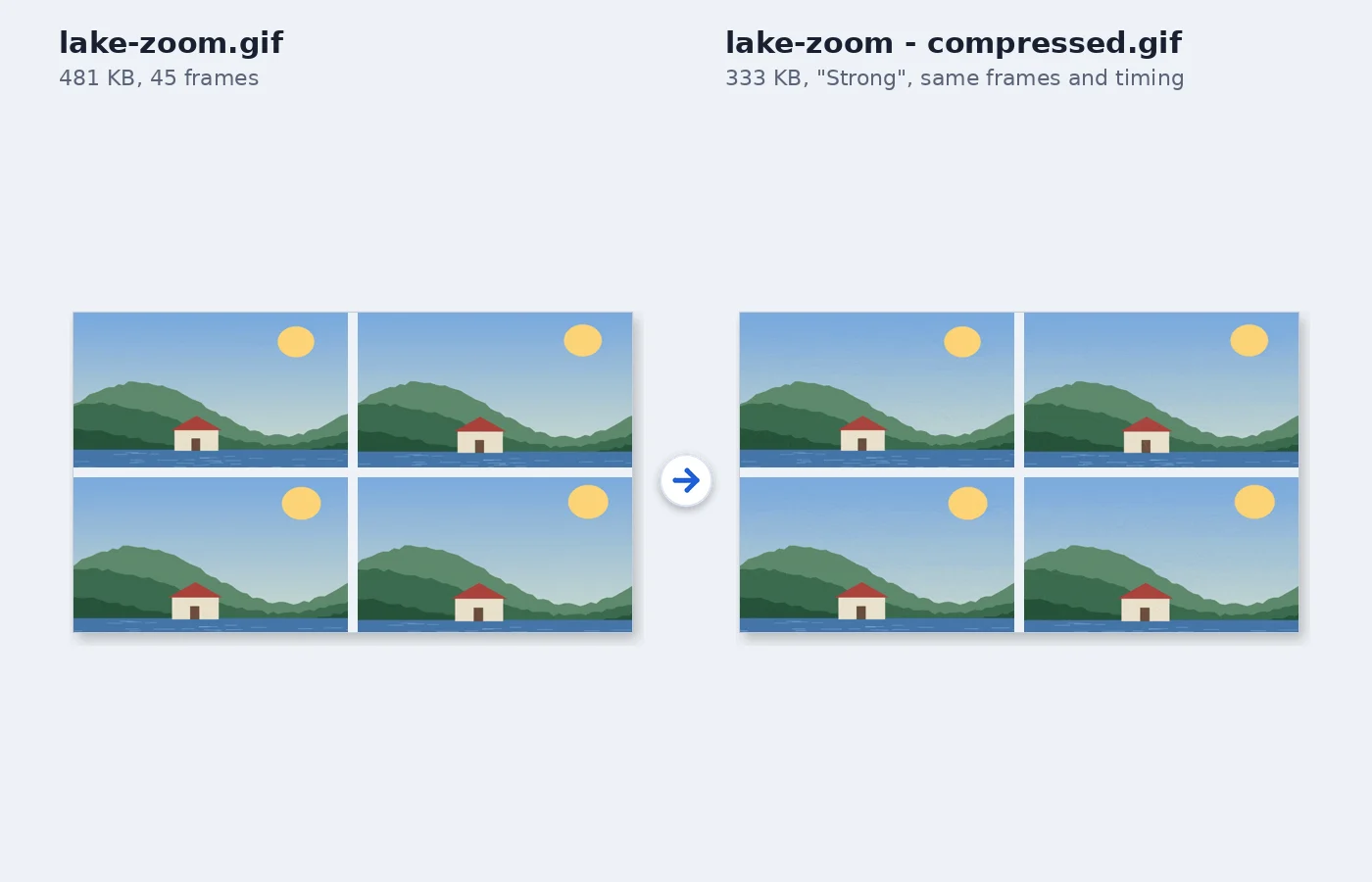
lake-zoom.giflake-zoom - compressed.gif
A 45-frame GIF on "Strong"
- 481 KB to 333 KB
- Same frames and timing
- Same width
A sample animation we made ourselves, with made-up names, converted by this tool and shown as it came out. Files you upload are deleted after 24 hours and never shown to anyone.
How to compress a GIF
-
Step 1
Choose the GIF
Too big for a chat, an email or a page.
-
Step 2
Pick the level
Light, recommended or strong, and a width if needed.
-
Step 3
Download
See the new size on the result page.
Why GIFs are so big
A GIF stores each frame as a picture with its own palette of up to 256 colours, compressed with an old method from the 1980s that is weak on photos and video. A few seconds of video easily become 10 to 30 MB, while Discord, Slack, email and many forums limit uploads to a few megabytes, and big GIFs make web pages slow.
How the GIF compressor works
We use gifsicle, the standard open-source GIF optimiser. It always removes waste first: only the part of each frame that changes is stored, and unused colours are dropped. "Light" adds a small lossy step that changes pixels you will not notice, "Recommended" a stronger one that is still hard to see in motion, and "Strong" also reduces the palette to 128 colours. Choosing a smaller width, for example 480 or 320 pixels, is the most effective step of all, often halving the size again.
What stays the same
The number of frames, their timing and the loop are kept, so the animation plays exactly as before. Transparency is kept. If your GIF is already optimised and cannot get smaller at the chosen level, you get the original back instead of a bigger file. Compressing an already lossy GIF again reduces quality a little more each time, so start from the best original you have.
Compress GIF for Discord, Slack and email
For chat apps aim for under 8 MB and preferably under 2 MB; for email under 1 MB; for websites as small as possible, or use video instead: GIF to MP4 usually gives a file ten times smaller. To remake a GIF from the original video with better settings, use video to GIF. For still pictures, compress image works in your browser.
Choosing the right level
Start with "Recommended": on most GIFs the difference is hard to see while the animation plays, and the saving is clear. If the GIF is still too big, try a smaller width before "Strong", because fewer pixels hurt less than fewer colours. "Light" suits GIFs with flat colours and text, such as screen recordings and diagrams, where any noise would show. Pixel art should keep its exact colours, so use "Light" without resizing. The result page shows the new size, and you can run the tool again with other settings as often as you like, since the original stays untouched on your device.
Privacy and limits
The file goes to our server over an encrypted connection, is processed automatically and is deleted with the result 24 hours later. Nobody looks at it. Up to 200 MB.
More free image converters
- Image converter
- Compress image
- JPG to PNG
- PNG to JPG
- JPEG to JPG
- Compress JPEG
- Compress PNG
- GIF to PNG
- PNG to GIF
- GIF to JPG
- JPG to GIF
- GIF maker
- Remove background
- Background eraser
- Make background transparent
- White background for photo
- Remove white background
- Resize image
- Crop image
- Rotate image
- Flip image
- Blur image
- Pixelate image
- Black and white photo
- Invert image colors
- Merge images
- Watermark image
- Add text to image
- Remove EXIF data
- EXIF viewer
- Change DPI
- Image to Base64
- Base64 to image
- MP4 to GIF
- Video to GIF
- GIF to MP4
- PNG to SVG
- JPG to SVG
- Image to SVG
- SVG to PDF
- Image to text
- PNG to DXF
- SVG to DXF
- DXF to SVG
- HEIC to JPG
- HEIC to PNG
- HEIC to PDF
- HEIC viewer
- WebP to PNG
- WebP to JPG
- WebP to GIF
- WebP to PDF
- PNG to WebP
- JPG to WebP
- AVIF to PNG
- AVIF to JPG
- JFIF to JPG
- JFIF to PNG
- SVG to PNG
- SVG to JPG
- PNG to ICO
- ICO to PNG
- BMP to JPG
- BMP to PNG
- TIFF to JPG
- TIFF to PNG
- PSD viewer
- PSD to PNG
- PSD to JPG
- PSD to PDF
- AI to SVG
- AI to PNG
- Open AI file
- EPS to PNG
- DDS to PNG
- TGA to PNG
- TGA to JPG
- RAW to JPG
- CR3 to JPG
- CR2 to JPG
- NEF to JPG
Questions about compressing GIFs
Does the animation stay the same?
Yes, frames, timing and loop are kept.
How much smaller will it get?
Often 30 to 70 percent; a smaller width saves the most.
Is transparency kept?
Yes.
What if it cannot get smaller?
You get the original back, never a bigger file.
Is a video better than a GIF?
For size, yes: GIF to MP4 is usually many times smaller.
Can I compress a GIF made on this site?
Yes, any GIF works, including ones from video to GIF.
Is it free?
Yes, with no account and no watermark.