Free Your pictures are not uploaded
Compress image
Compress images here: JPG, PNG and WebP pictures become smaller files that look the same, ready for email, websites and upload forms. Choose how much to compress, or a limit such as 100 KB or 50 KB, and the page finds the best quality that fits. It all runs in your browser.
or drop them here. JPG, PNG and WebP, as many as you like. Nothing is uploaded.
Your pictures
Everything happens in this browser tab: your pictures are not sent to FileOpens or anywhere else, and nothing is kept when you close the page.
A photo compressed by FileOpens
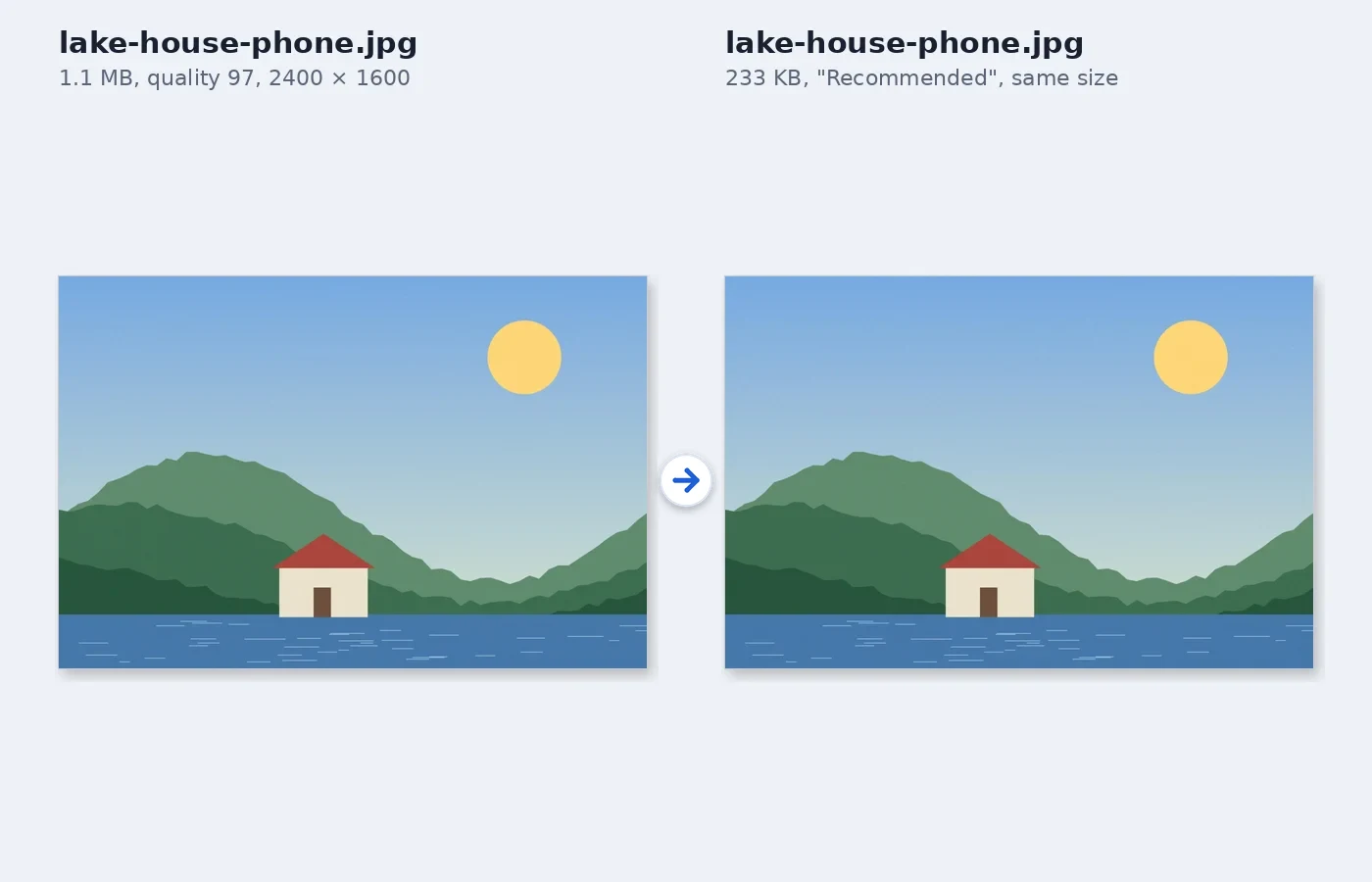
lake-house-phone.jpglake-house-phone.jpg
A 1.1 MB photo on "Recommended"
- 1.1 MB to 233 KB, 80% smaller
- Same 2400 × 1600 pixels
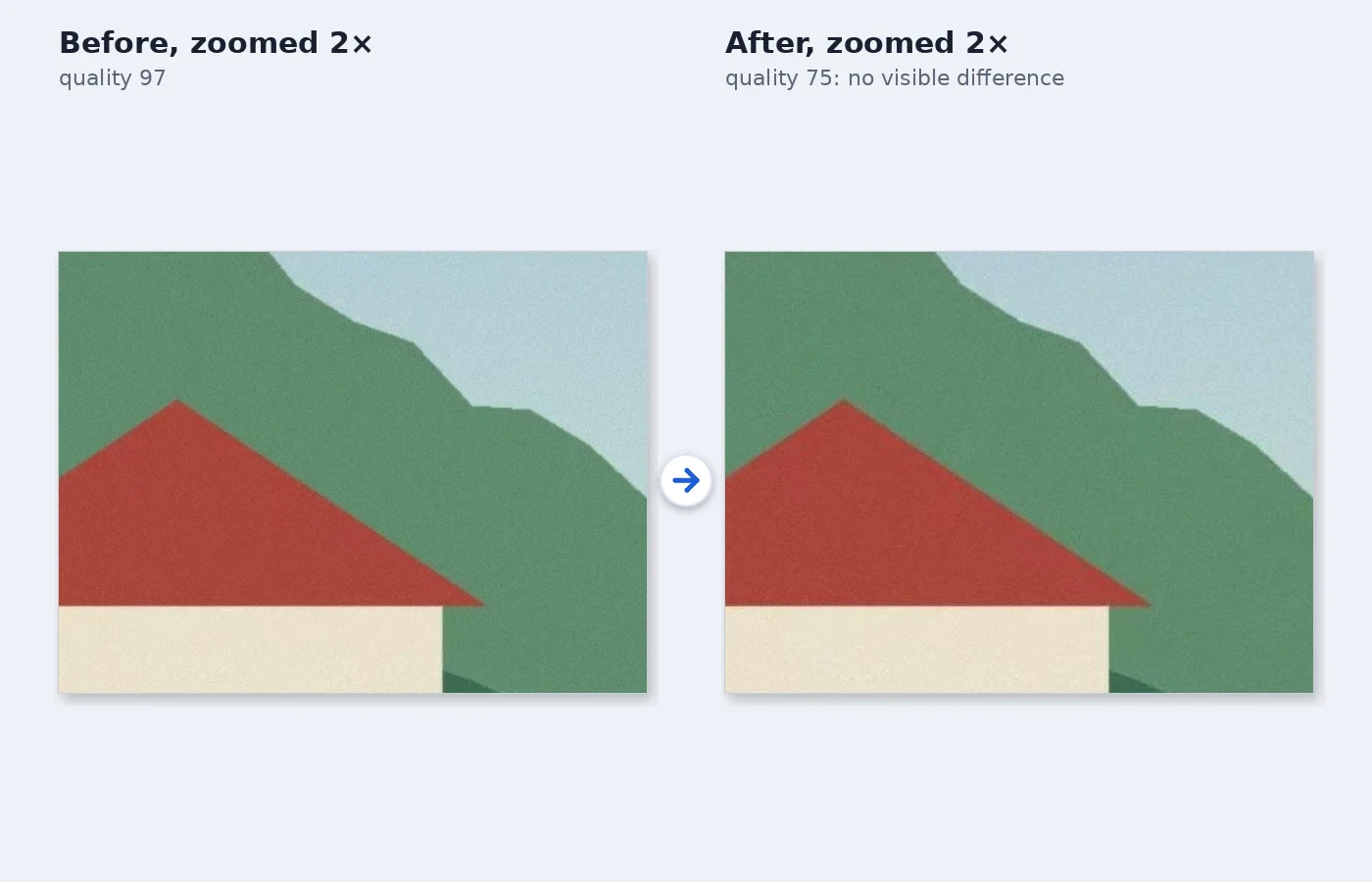
beforeafter
The same detail before and after
- Quality 97 against 75
- No visible difference
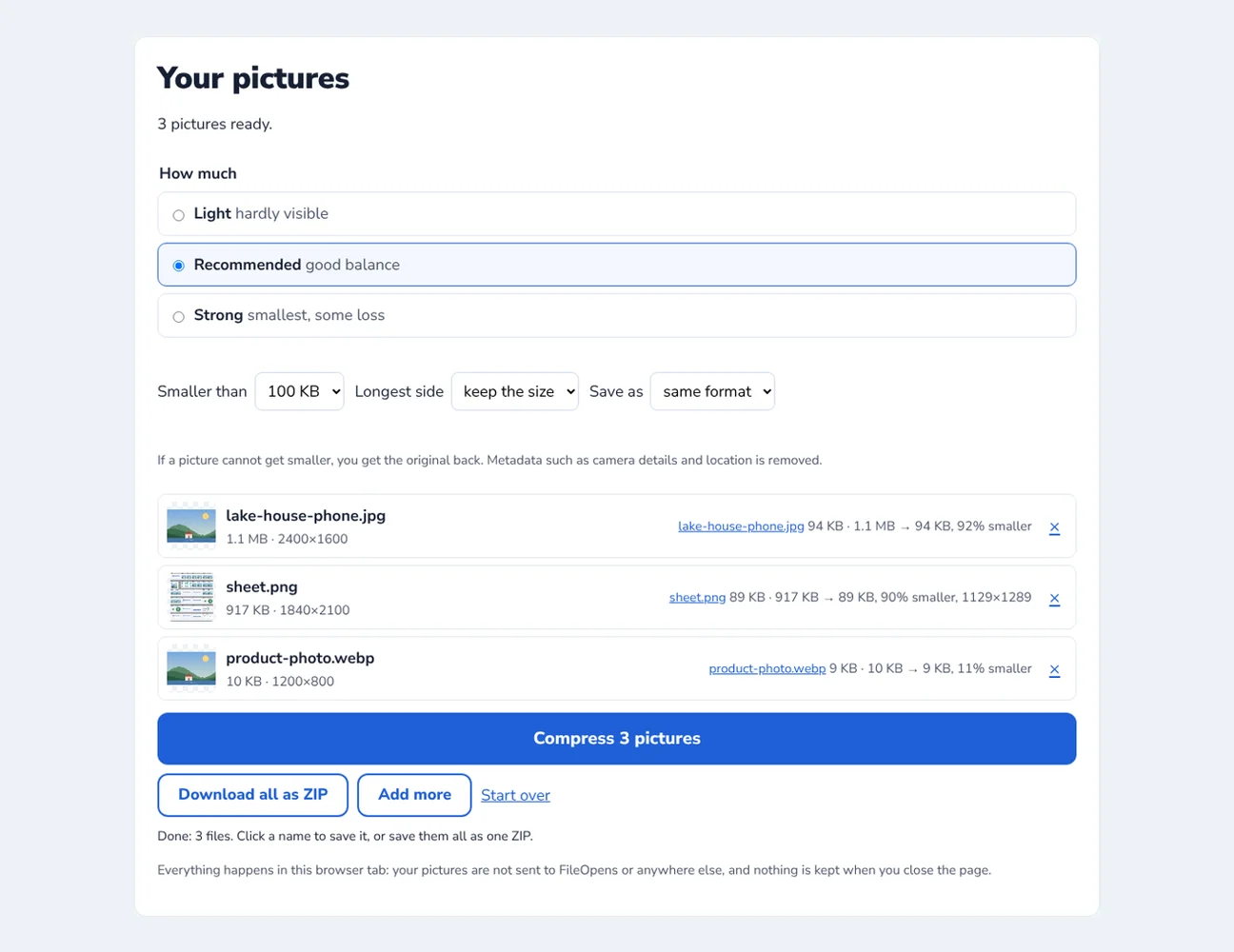
3 picturesunder 100 KB
A JPG, a PNG and a WebP under 100 KB
- 1.1 MB photo to 94 KB
- A 917 KB PNG to 89 KB
A sample photo we made ourselves, with made-up names and data, opened in this tool and shown as it came out. Your own files stay on your device.
How to compress an image
-
Step 1
Choose the pictures
Photos, screenshots, product pictures, scans.
-
Step 2
Pick how much
Light, recommended or strong, or a size limit in KB, and optionally a maximum size in pixels.
-
Step 3
Download
See each new size and how much smaller it is, then save.
Why compress images
Phone photos are 3–8 MB and screenshots 1–4 MB, far more than a web page, an email or an upload form needs. Job portals, visa and government forms, marketplaces and school systems often allow only 100 KB, 200 KB or 1 MB per picture. Large images also slow down websites, which hurts visitors and search rankings, for example after a move from Weebly to WordPress, which brings every photo at full size. Compressing keeps the picture looking the same while making the file several times smaller.
How to reduce image size here
JPG and WebP pictures are re-saved at a lower quality setting: "Recommended" uses 75, which is hard to tell apart from the original on screen and usually saves 60–85%. PNG pictures are reduced to the colours they really use, at most 256, by UPNG.js, which keeps transparency and often makes PNGs 50–80% smaller. You can also cap the longest side at 1920, 1280 or 800 pixels, the most effective way to shrink a large photo, and convert to JPG or WebP if the format does not matter. If a picture is already well compressed and cannot get smaller, you get the original back rather than a bigger file.
Compress an image to 100 KB, 50 KB or 20 KB
Choose "Smaller than" and a limit: the page tries quality settings until it finds the highest one that fits, and only if even low quality is not enough, it reduces the size in pixels step by step. The list shows the result, for example "3.4 MB → 96 KB, 2000×1500". Very small limits like 20 KB suit passport and signature uploads, which are small pictures anyway; for a full photo they mean visible loss, and the page tells you if a limit could not be reached.
What is removed
Compressing removes camera details such as the date, the phone model and GPS location (EXIF), which also protects your privacy when you post photos. Photos are turned the right way up first. Colours are kept in standard sRGB. For a format-specific guide, see compress JPEG and compress PNG; for documents, compress PDF.
Compress photos for email, websites and forms
For email, aim for 200–500 KB per photo and a longest side of 1920 pixels: it looks sharp on any screen and ten photos still fit in one message. For a website, 1280–1920 pixels at "Recommended" is the usual choice, or WebP for even smaller files. For forms with a strict limit, set "Smaller than" to the limit stated on the form, perhaps one step lower to be safe, since some systems count 1 KB as 1000 bytes. Keep your originals: compressing is a one-way step, and every further compression loses a little more.
Private
Pictures are compressed by your browser and never uploaded, so personal photos and ID scans stay on your device.
More free image converters
- Image converter
- JPG to PNG
- PNG to JPG
- JPEG to JPG
- Compress JPEG
- Compress PNG
- GIF to PNG
- PNG to GIF
- GIF to JPG
- JPG to GIF
- GIF maker
- Remove background
- Background eraser
- Make background transparent
- White background for photo
- Remove white background
- Resize image
- Crop image
- Rotate image
- Flip image
- Blur image
- Pixelate image
- Black and white photo
- Invert image colors
- Merge images
- Watermark image
- Add text to image
- Remove EXIF data
- EXIF viewer
- Change DPI
- Image to Base64
- Base64 to image
- MP4 to GIF
- Video to GIF
- GIF to MP4
- GIF compressor
- PNG to SVG
- JPG to SVG
- Image to SVG
- SVG to PDF
- Image to text
- PNG to DXF
- SVG to DXF
- DXF to SVG
- HEIC to JPG
- HEIC to PNG
- HEIC to PDF
- HEIC viewer
- WebP to PNG
- WebP to JPG
- WebP to GIF
- WebP to PDF
- PNG to WebP
- JPG to WebP
- AVIF to PNG
- AVIF to JPG
- JFIF to JPG
- JFIF to PNG
- SVG to PNG
- SVG to JPG
- PNG to ICO
- ICO to PNG
- BMP to JPG
- BMP to PNG
- TIFF to JPG
- TIFF to PNG
- PSD viewer
- PSD to PNG
- PSD to JPG
- PSD to PDF
- AI to SVG
- AI to PNG
- Open AI file
- EPS to PNG
- DDS to PNG
- TGA to PNG
- TGA to JPG
- RAW to JPG
- CR3 to JPG
- CR2 to JPG
- NEF to JPG
Questions about compressing images
How do I compress an image to 100 KB?
Choose "Smaller than 100 KB". The page finds the best quality that fits, and makes the picture smaller in pixels only if needed.
Will the quality drop?
Slightly, at a level that is hard to see on "Recommended". "Light" keeps more.
Can it compress PNG with transparency?
Yes, PNGs keep their transparency.
What if the picture cannot get smaller?
You get the original back, never a bigger file.
Can I make pictures smaller in pixels too?
Yes, choose a longest side such as 1920 or 1280 px.
Are my pictures uploaded?
No, they are compressed in your browser.