Free Your PDF is not uploaded
Reorder PDF pages
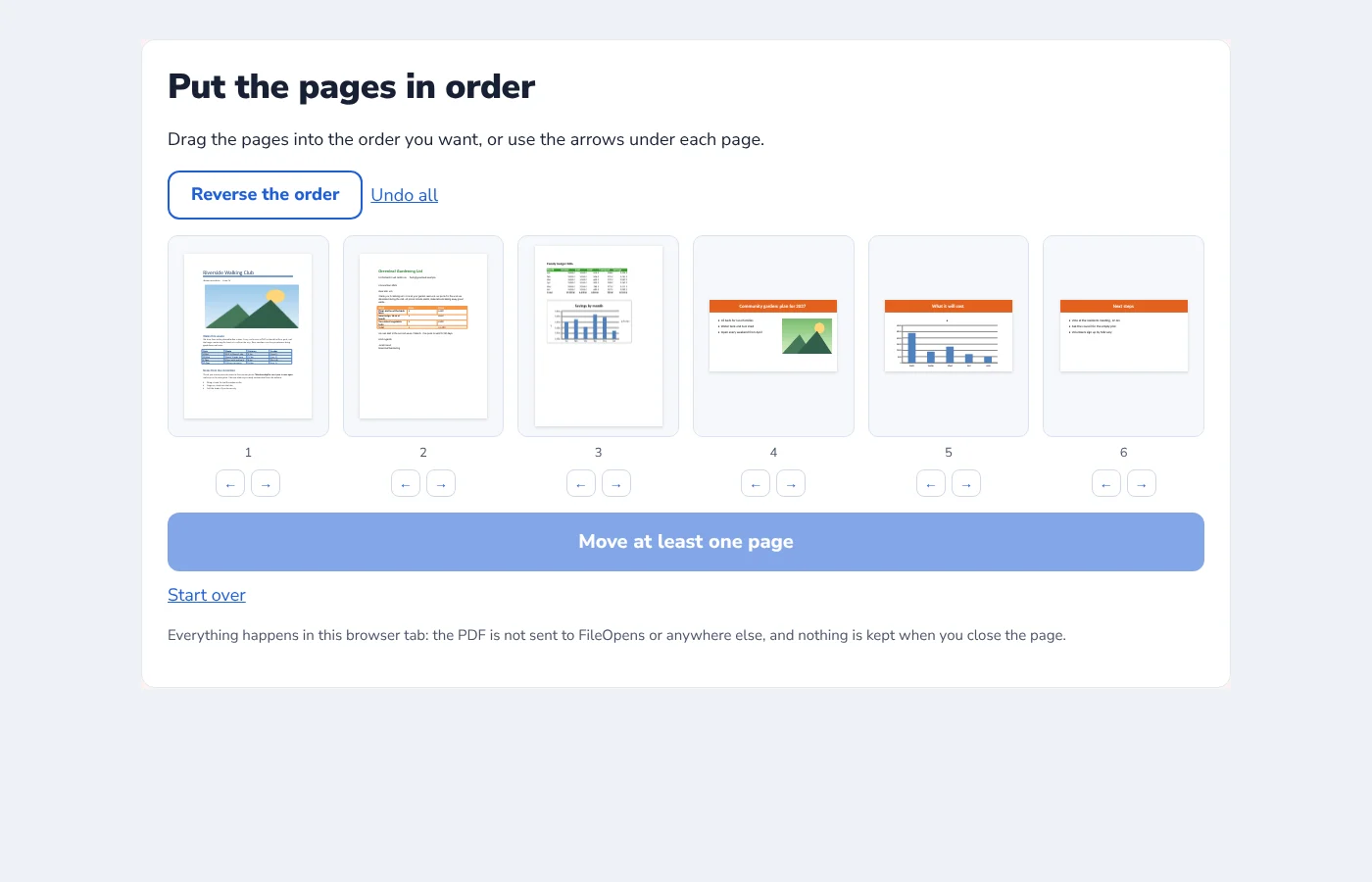
Reorder PDF pages here: drag the thumbnails into the order you want, move single pages with the arrows, or reverse the whole document, then save. It all happens in your browser, so the file is never uploaded.
or drop it here. One PDF up to 500 MB. Pages are rearranged on your device and never sent anywhere.
Put the pages in order
Everything happens in this browser tab: the PDF is not sent to FileOpens or anywhere else, and nothing is kept when you close the page.
Reorder PDF pages in use
club-pack.pdfreordered.pdf
Pages ready to drag
- Drag, arrows, or reverse the order
- Undo all with one click
A sample PDF we made ourselves, with made-up names and data, opened in this tool and shown as it came out. Your own files stay on your device.
How to rearrange PDF pages
-
Step 1
Choose the PDF
Pick or drop the file. Every page appears as a thumbnail.
-
Step 2
Drag the pages
Drop a page where it belongs, or use the arrows under it. Reverse in one click.
-
Step 3
Save
Download the PDF with the pages in their new order.
Why page order goes wrong
A scanner fed from the wrong end gives you the last page first. Double-sided documents scanned one side at a time come out as all the fronts, then all the backs. A merged PDF puts an appendix in the middle, or the signed page of a contract arrives separately and goes at the end. Reordering fixes all of these without scanning again and without retyping anything.
How to reorder PDF pages
Choose the PDF above and the pages appear as thumbnails, numbered. Drag a page and drop it where it belongs: the others move aside. On a phone, or if you prefer the keyboard, use the arrow buttons under each page to move it one place earlier or later. A page that has moved shows its old number, such as "3 (was 7)", so you can check your work. "Reverse the order" turns the whole document round, which is what a backwards scan needs, and "Undo all" puts every page back. When it looks right, save.
Rearrange pages without uploading the PDF
Your browser does the work on your own device: the PDF is read from your disk and the reordered file is saved to your downloads. It is never sent to FileOpens or anyone else, so it is safe for statements, contracts and medical records, and it works without an account, limits or watermarks.
What stays the same
Only the order changes. Every page keeps its text, fonts, pictures, size and orientation, and nothing is recompressed. Web links keep working. Bookmarks of the original are not carried over, because they point to page positions that have changed. If some pages should go rather than move, use delete pages from PDF; sideways pages can be fixed with rotate PDF; and to join several PDFs before sorting the pages, use merge PDF first.
Long documents and protected files
Thumbnails load as you scroll, so a document of a few hundred pages is fine, although dragging a page across many screens is easier in a few steps or with the arrows. Protected PDFs (password or editing restrictions) cannot be rearranged; print such a file to a new PDF first.
More free PDF tools and converters
- Merge PDF
- Split PDF
- Compress PDF
- Compress PDF to 100 KB
- Delete PDF pages
- Rotate PDF
- Extract PDF pages
- Crop PDF
- Add page numbers
- Watermark PDF
- Sign PDF
- Protect PDF
- Unlock PDF
- OCR PDF
- Flatten PDF
- PDF to grayscale
- Invert PDF colors
- Remove PDF metadata
- PDF to Word
- Word to PDF
- PDF to Excel
- Excel to PDF
- PDF to PowerPoint
- PowerPoint to PDF
- JPG to PDF
- PNG to PDF
- Image to PDF
- PDF to JPG
- PDF to PNG
- PDF to text
- HTML to PDF
- PDF to EPUB
- PDF to PDF/A
- PDF to TIFF
- PDF to SVG
Questions about reordering PDF pages
Is it free?
Yes. Reordering pages is free, with no account and no watermark.
Can I do it on a phone?
Yes. Use the arrow buttons under each page to move it; dragging works best with a mouse.
How do I reverse the page order of a scan?
Click "Reverse the order" and save. The last page becomes the first.
Is my PDF uploaded?
No. It is rearranged in your browser on your device and never sent anywhere.
Does reordering change the quality?
No. Only the order changes; text and pictures are copied as they are.