Free Your pictures are not uploaded
JFIF to JPG converter
Convert JFIF to JPG here: pictures that Windows saved with the odd .jfif ending become ordinary .jpg files that upload forms, phones and editors accept. Below you also find how to make Windows save JPGs as .jpg again.
or drop them here, as many as you like. Nothing is uploaded.
Your JFIF pictures
Everything happens in this browser tab: your pictures are not sent to FileOpens or anywhere else, and nothing is kept when you close the page.
A JFIF picture converted to JPG by FileOpens
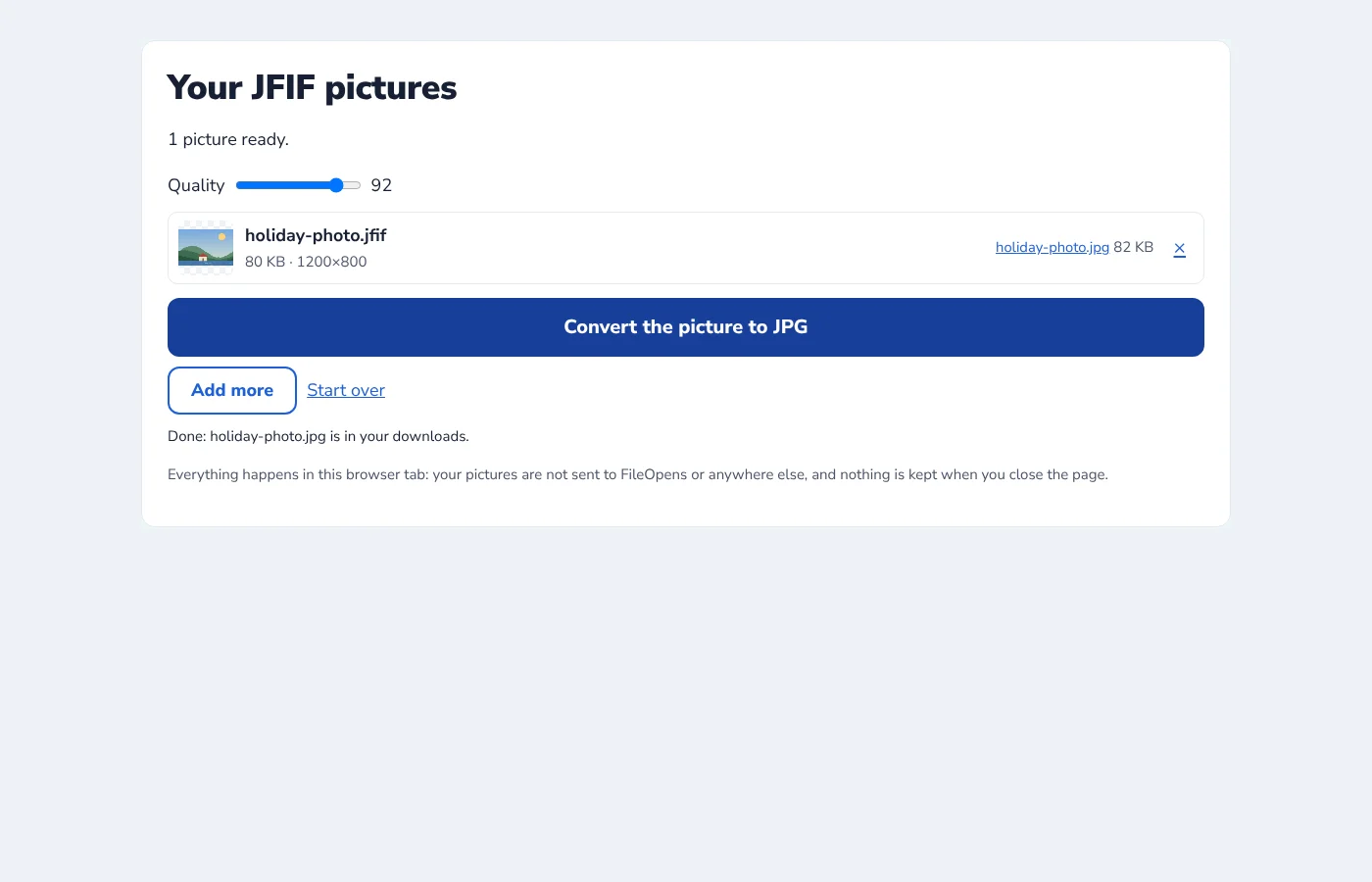
holiday-photo.jfifholiday-photo.jpg
.jfif becomes a normal .jpg
- 80 KB in, 82 KB out at quality 92
- 1200 × 800 kept
A sample photo we made ourselves, with made-up names and data, opened in this tool and shown as it came out. Your own files stay on your device.
How to convert JFIF to JPG
-
Step 1
Choose the .jfif files
Usually pictures saved from a browser on Windows.
-
Step 2
Convert
Each is saved as a standard .jpg at full size.
-
Step 3
Download
One by one or all in a ZIP.
JFIF is a JPG with another name
JFIF stands for JPEG File Interchange Format, the 1992 specification that describes how JPEG pictures are stored in a file. Almost every .jpg in the world is, technically, a JFIF file. So a .jfif file is not a strange new format: it is a JPEG picture with an unusual file ending. The problem is that many upload forms, apps and phones decide by the ending, see ".jfif" and refuse it, even though the content is exactly what they want.
Why Windows saves pictures as .jfif
Windows keeps a list that says which file ending belongs to each kind of content. On many computers, after certain updates or installed programs, the entry for JPEG pictures was changed to ".jfif", so Chrome and Edge started saving downloaded JPEGs with that ending. It is a setting, not a virus, and it can be put back. In the Registry Editor (regedit), open HKEY_CLASSES_ROOT\MIME\Database\Content Type\image/jpeg and change the value named Extension from .jfif to .jpg. Edit the registry only if you are comfortable doing so; a mistake elsewhere in it can cause problems.
JFIF to JPG: renaming or converting
Because the content is JPEG, simply renaming photo.jfif to photo.jpg in File Explorer usually works (turn on "File name extensions" in the View menu first). Converting here is the safer route when you have many files, when renaming is not possible on your device, or when a strict form also checks the inside of the file: the picture is decoded and saved again as a standard JPG at quality 92, which looks the same. Camera details (EXIF) are not copied.
Other targets
If you need PNG instead, for editing or for a form that wants PNG, use JFIF to PNG. For several pictures in one document, convert here and then use JPG to PDF. Pictures that came as .webp or .avif from websites have their own converters: WebP to JPG and AVIF to JPG.
Private
The pictures are converted by your browser and never uploaded; there is no limit on how many you do.
Other places .jfif comes from
Windows is the main source, but not the only one. Some scanners and older imaging programs name their JPEG files .jfif, and pictures copied from certain chat and email programs keep the ending they had on the sender's computer. Phones generally cannot open a .jfif attachment by tapping it, because the ending is unknown to the gallery app. Whatever the source, the content is the same JPEG data and converts here in a second. If a whole folder of old pictures is .jfif, choose them all at once and download one ZIP.
More free image converters
- Image converter
- Compress image
- JPG to PNG
- PNG to JPG
- JPEG to JPG
- Compress JPEG
- Compress PNG
- GIF to PNG
- PNG to GIF
- GIF to JPG
- JPG to GIF
- GIF maker
- Remove background
- Background eraser
- Make background transparent
- White background for photo
- Remove white background
- Resize image
- Crop image
- Rotate image
- Flip image
- Blur image
- Pixelate image
- Black and white photo
- Invert image colors
- Merge images
- Watermark image
- Add text to image
- Remove EXIF data
- EXIF viewer
- Change DPI
- Image to Base64
- Base64 to image
- MP4 to GIF
- Video to GIF
- GIF to MP4
- GIF compressor
- PNG to SVG
- JPG to SVG
- Image to SVG
- SVG to PDF
- Image to text
- PNG to DXF
- SVG to DXF
- DXF to SVG
- HEIC to JPG
- HEIC to PNG
- HEIC to PDF
- HEIC viewer
- WebP to PNG
- WebP to JPG
- WebP to GIF
- WebP to PDF
- PNG to WebP
- JPG to WebP
- AVIF to PNG
- AVIF to JPG
- JFIF to PNG
- SVG to PNG
- SVG to JPG
- PNG to ICO
- ICO to PNG
- BMP to JPG
- BMP to PNG
- TIFF to JPG
- TIFF to PNG
- PSD viewer
- PSD to PNG
- PSD to JPG
- PSD to PDF
- AI to SVG
- AI to PNG
- Open AI file
- EPS to PNG
- DDS to PNG
- TGA to PNG
- TGA to JPG
- RAW to JPG
- CR3 to JPG
- CR2 to JPG
- NEF to JPG
Questions about JFIF files
What is a JFIF file?
A JPEG picture with a .jfif ending. The picture inside is the same as a .jpg.
Can I just rename it to .jpg?
Usually yes. Converting is safer for many files or strict forms.
Why does Windows save images as .jfif?
A setting in the registry maps JPEG pictures to .jfif. Change it back to .jpg as described above.
Is quality lost?
At quality 92 the difference is not visible.
Are my pictures uploaded?
No, they are converted in your browser.