Virgin Media email closing: how to save your emails
Virgin Media email is closing and moving to Junara. If you do not sign up, your mailbox is suspended and later deleted with every email in it. Here is how to keep all your old emails, with their attachments, as PDF files that open on any computer without an email program.
- First 20 e-mails free to check before you pay.
- Every attachment saved next to its e-mail.
- Nothing loaded from the web. No tracking pictures.
- Deleted after 24 hours. Nobody reads your mail.
A mailbox converted by FileOpens
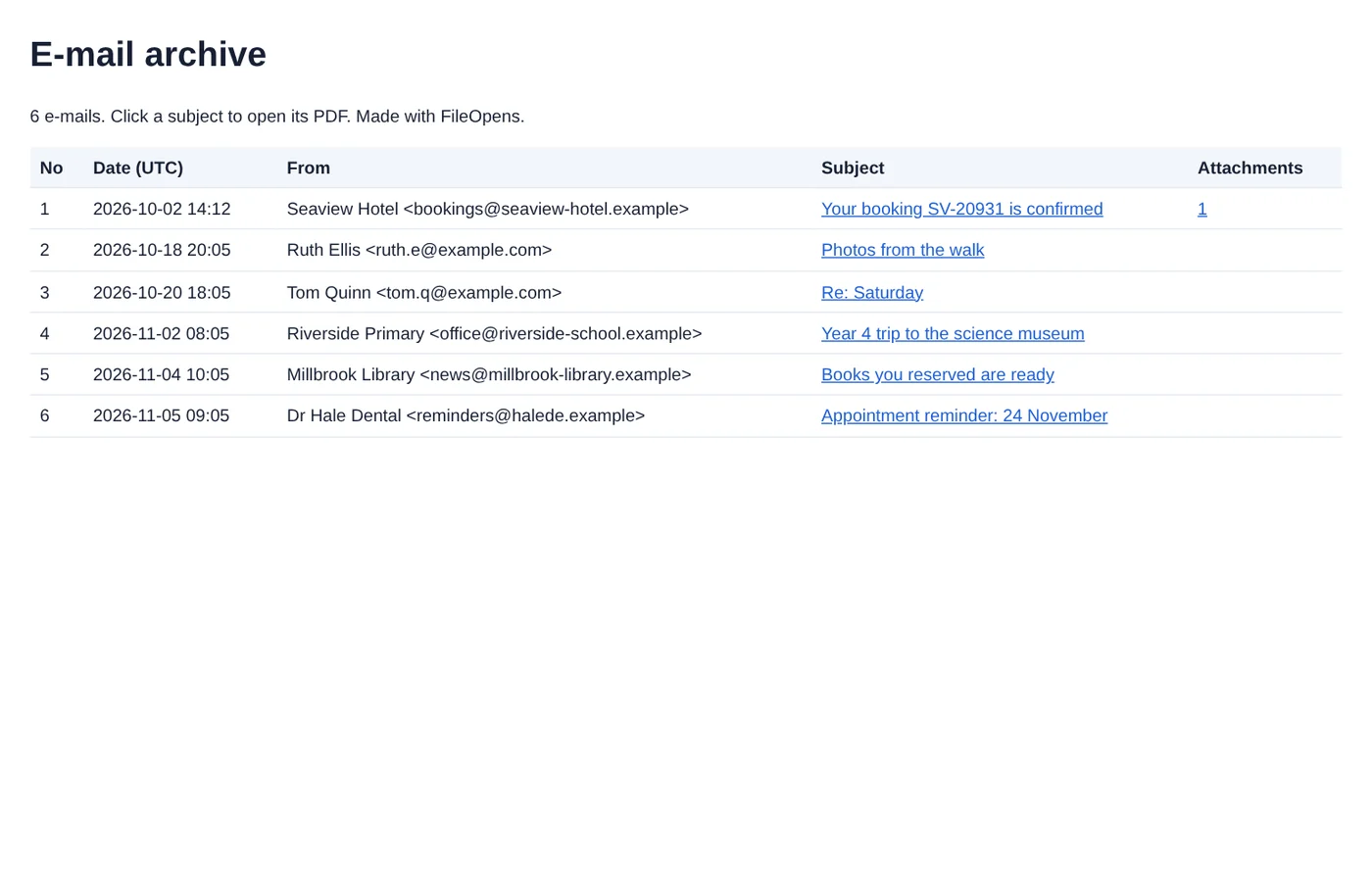
Martha-2026.mboxIndex.html
Index of every e-mail
- Date, sender and subject
- Click a subject to open its PDF
- Attachments counted
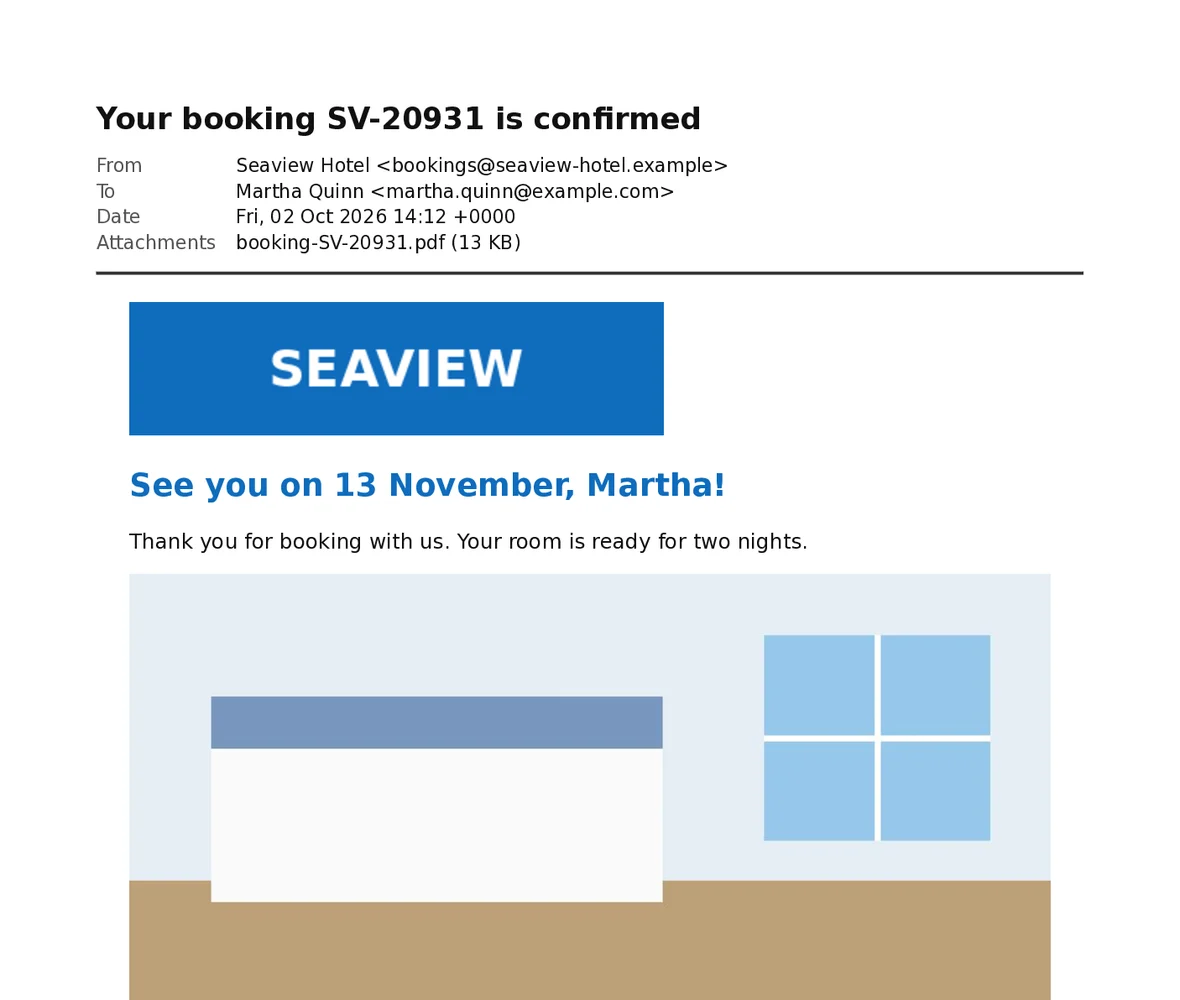
Martha-2026.mboxAll e-mails 2026.pdf
One PDF with every e-mail
- Oldest first, each from a new page
- Pictures and tables kept
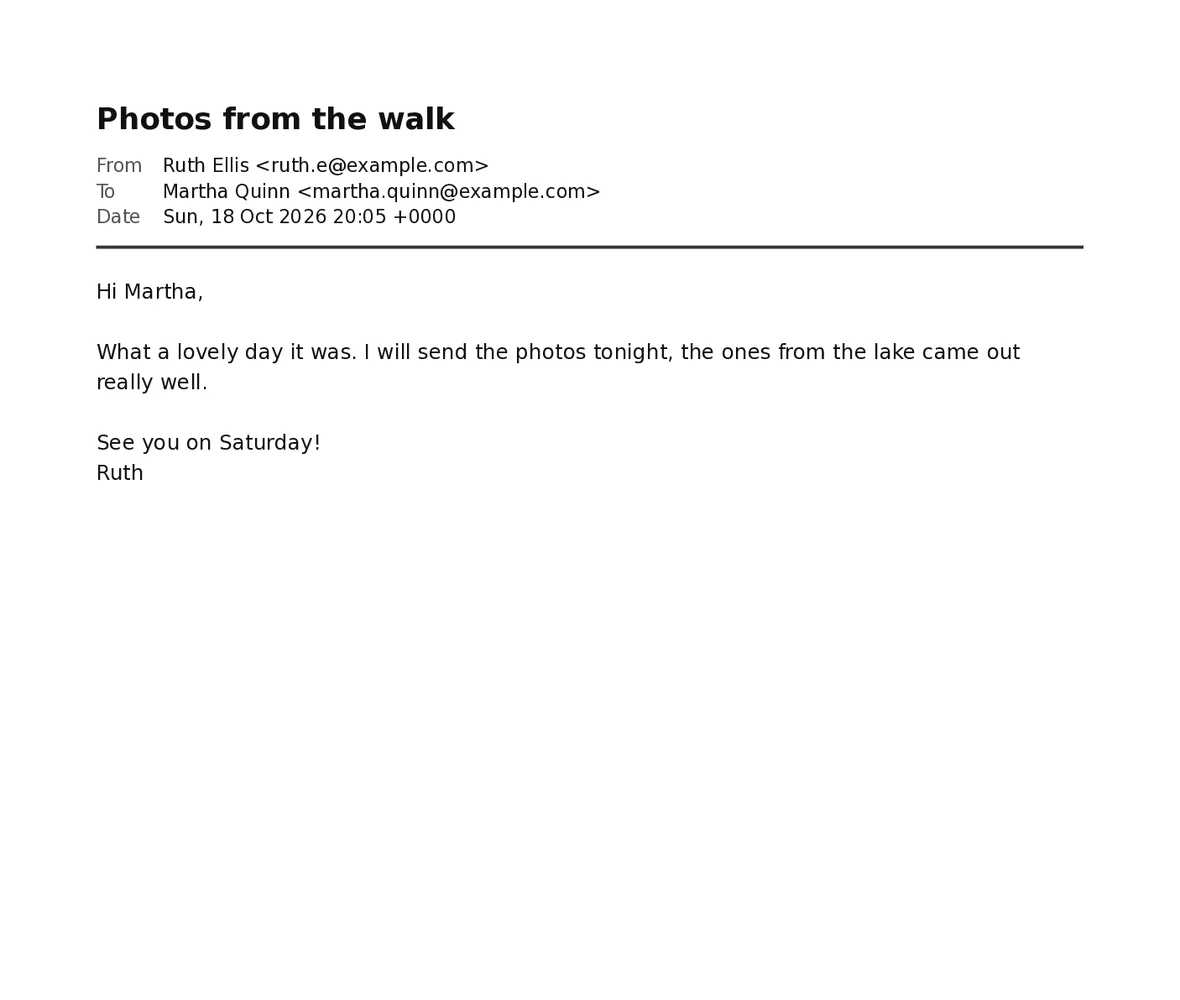
Martha-2026.mboxAll e-mails 2026.pdf
A plain-text e-mail
- Also as its own PDF, one per e-mail
Sample mailbox we made ourselves, with made-up names and data, converted here and shown as they came out. Your own files are never shown to anyone.
What you get: a whole mailbox as a PDF archive
A sample mailbox of a made-up bakery, 95 e-mails over three years, converted by FileOpens.

Why people archive a mailbox
- Leaving a job or closing an account
- Gmail storage is full
- A court case or an audit
- Mail of a relative who passed away
- Moving away from Outlook
- Business records to keep for years
- Old Thunderbird or Apple Mail
How to turn a mailbox into PDFs
-
STEP 1
Upload your mailbox
An .mbox, a .zip of Thunderbird folders, or an Outlook .pst.
-
STEP 2
See the first 20 e-mails
We count every e-mail and show you the oldest ones as PDF, free.
-
STEP 3
Pay once, get the archive
A PDF per e-mail and per year, an index and attachments.
What is in your archive
- A PDF for every e-mailNumbered from the oldest, named with the date and subject, so they sort the right way.
- One PDF per yearAll e-mails of a year in a single file, ready to print, search or send to a lawyer.
- An indexIndex.csv opens in Excel: number, date, sender, recipients, subject, and the folder for Outlook and Thunderbird mail. Index.html links to every PDF.
- All attachmentsIn a folder next to each e-mail, exactly as they were sent.
- The e-mail as it looksHeader on top, then the message with its fonts, tables and pictures. Every language.
- Searchable textText stays text, so you can search the PDFs and copy from them.
Price
Checking your mailbox and the first 20 e-mails are free. The full archive is one payment: $14.99 for up to 1,000 e-mails, $39.00 for up to 20,000. No subscription.
What is happening to Virgin Media email
In September 2026 Virgin Media began moving its email service to Junara, a separate email company. It covers addresses ending in @virginmedia.com, @virgin.net, @blueyonder.co.uk and @ntlworld.com. The emails about it go out in waves, so neighbours can have different dates. Your own deadline is in the email Virgin Media sent you: at least 45 days from that first message. If you have not signed up with Junara by then, the mailbox is suspended. You then have 120 more days to sign up and get it back. After that the mailbox is deleted, and Virgin Media says its contents cannot be recovered. Current customers get the first year with Junara free; the price after that is shown only when you sign up, and Junara has not published it (as of November 2026).
Your three choices
First, sign up with Junara and keep your address. Second, move to a free address such as Gmail or Outlook.com: that takes care of new mail, but your old emails stay behind unless you copy them. Gmail can still import an old mailbox once, but from January 2027 it stops checking other accounts for new mail and ends Gmailify, so it is not a way to keep reading a Virgin Media address. Third, keep a copy of the old emails yourself, so they never depend on any company again. Many people do the second and third together: a new free address for the future, and a PDF archive of twenty years of family emails, receipts and letters. That archive is what this page is for.
How to save all your Virgin Media emails with Thunderbird
Thunderbird is a free email program for Windows and Mac. It copies your whole mailbox to your computer, and from there you can keep it forever.
- Add your account. Install Thunderbird and add your account with your full email address and your Virgin Media Mail app password (not your My Virgin Media password). It usually finds the settings itself; if not, the incoming server is imap.virginmedia.com, port 993, SSL.
- Download every email, not just the headers. In Account Settings open Synchronisation & Storage and tick "Keep messages in all folders for this account on this computer". Then choose File > Offline > Download/Sync Now. Many years of mail can take a few hours; leave it running.
- Find the mail on your computer. Choose Help > Troubleshooting Information > Profile Folder > Open Folder, then open ImapMail.
- Make one .zip. Compress the folder named after the server, imap.virginmedia.com: on Windows right-click it and choose Send to > Compressed (zipped) folder, on a Mac choose Compress.
- Upload the .zip above. Every folder, Inbox, Sent, Archive and your own, goes into one archive.
Prefer an add-on? ImportExportTools NG for Thunderbird exports folders as .mbox or .eml files; put them in a .zip and upload that.
What you get from FileOpens
We open the .zip, find every mail folder in it and count the emails. Emails you deleted in Thunderbird but that are still inside its folder files are left out, and we tell you how many. You see the oldest 20 emails as PDF for free, and the folders with their counts. If it looks right, one payment builds the archive: a PDF for every email, one PDF per year, every attachment saved next to its email, and an index for Excel with the date, sender, subject and folder of each one. You keep it on your computer, a USB stick or a cloud drive, and open it in twenty years without any email program. We never ask for your Virgin Media password: you download the mail yourself, and we only see the .zip you choose. Also have an Outlook .pst? Use PST to PDF. Already have an .mbox file? See MBOX viewer.
Before your mailbox closes: a short checklist
Give your new address to your bank, HMRC, your GP and pension provider, utilities and the shops where you have an account, and turn on forwarding while you still can. Save your contacts: Thunderbird's address book can export them as a CSV file. Open the archive and check a few emails and attachments before your deadline, not after. Watch out for scams: Virgin Media says its emails about the change contain no sign-up links and never ask for personal or payment details, and that you sign up only through virginmedia.com or junara.com. Missed the date? Within the 120 days you can call Virgin Media on 0345 454 1111 and ask for the mailbox to be unsuspended for a while, then download it as above. FileOpens is an independent service, not connected with Virgin Media, Virgin Media O2 or Junara. Is a website builder you use closing too? See Universe website builder shutdown.
More E-mail tools
Also on FileOpens
Questions about mailbox to PDF
When does my Virgin Media email close?
Each customer has their own date. It is in the email Virgin Media sent you and is at least 45 days after that first message. After the date the mailbox is suspended; 120 days later it is deleted.
Can I still save my emails after the deadline?
Yes, during the 120 days after suspension. Call Virgin Media on 0345 454 1111 and ask for the mailbox to be unsuspended for a while, then download it with Thunderbird and upload the .zip here. Once the mailbox is deleted, the emails are gone.
Does this work for Blueyonder, ntlworld and virgin.net addresses?
Yes. They are all part of the same Virgin Media email service and use the same server, imap.virginmedia.com, so the steps are the same.
How much does Junara cost?
Current Virgin Media customers get the first year free. Junara shows the price for later years when you sign up; it has not published it (as of November 2026). Each address is billed separately.
Do you need my Virgin Media password?
No. You download your mail to your own computer with Thunderbird and upload only the .zip. We never see or ask for your password.
How much does it cost to save my emails here?
Counting the emails and the PDF of the first 20 are free. The full archive is a one-time $14.99 for up to 1,000 emails, or $39.00 for up to 20,000. No subscription.
Is my mail safe with you?
It is used only to make your archive. Nothing in it runs, nothing is loaded from the internet, and everything is deleted automatically 24 hours after the archive is ready. Nobody reads it.