Free Your pictures are not uploaded
HEIC to PDF converter
Convert HEIC to PDF here: choose one or many iPhone photos, put them in order, and get a single PDF with one photo per page. It is the quickest way to send photographed documents, receipts or ID scans to a form that only accepts PDF.
or drop them here. They go into one PDF, in the order of the list. Nothing is uploaded.
Photos for your PDF
Everything happens in this browser tab: your pictures are not sent to FileOpens or anywhere else, and nothing is kept when you close the page.
A HEIC photo turned into a PDF by FileOpens
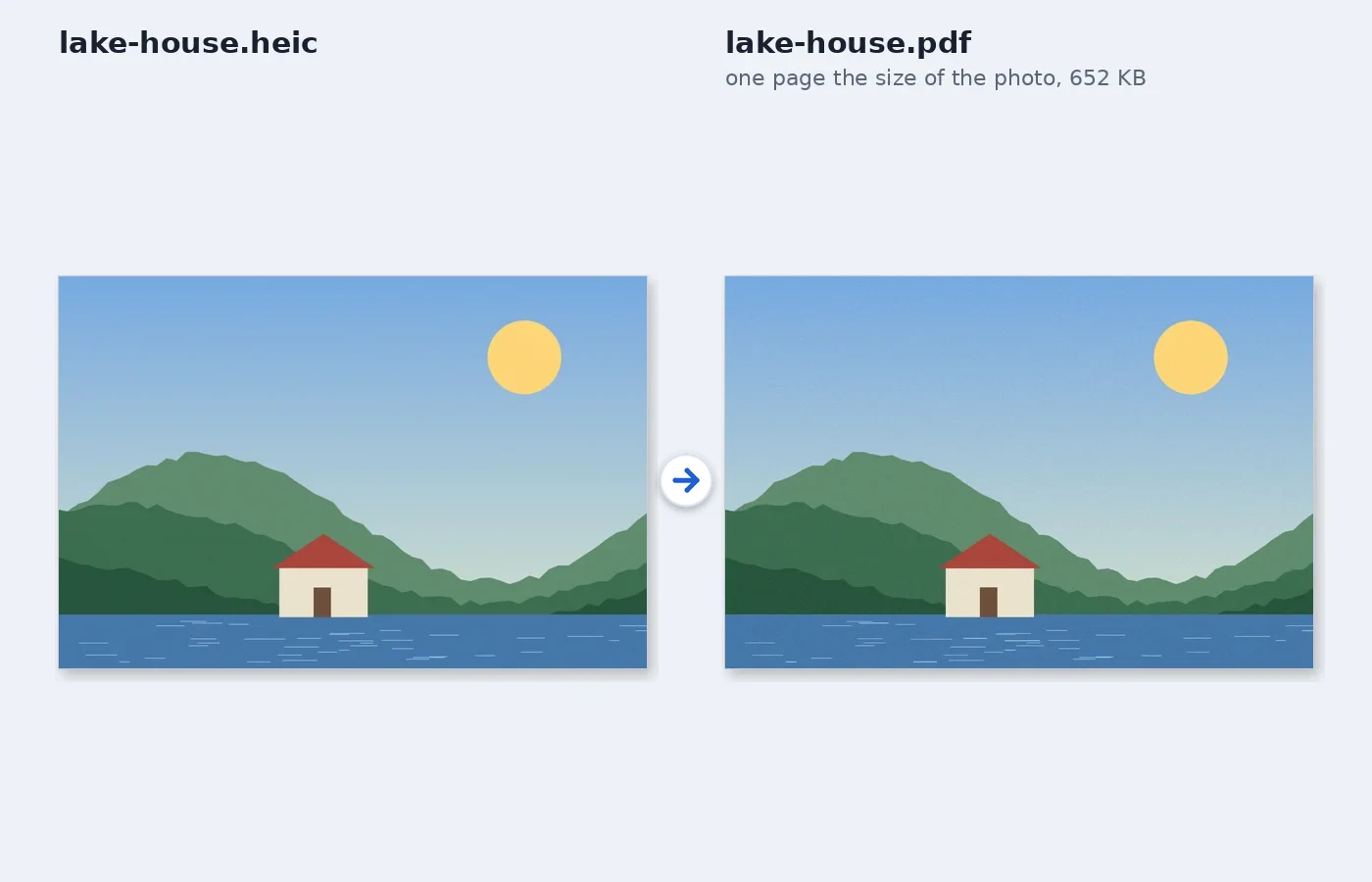
lake-house.heiclake-house.pdf
Photo on a page of its own size
- No borders, nothing cropped
- 652 KB PDF
- More photos: one page each
A sample photo we made ourselves, with made-up names and data, opened in this tool and shown as it came out. Your own files stay on your device.
How to turn HEIC photos into a PDF
-
Step 1
Choose the photos
All the pages of a document, photographed with the iPhone.
-
Step 2
Check the order
Remove any photo with ×; add more if one is missing.
-
Step 3
Make the PDF
One PDF, one photo per page, saved to your downloads.
Why people need HEIC as PDF
Photographing papers with a phone is how most documents get "scanned" today: a lease, a receipt for an expense claim, a school form, both sides of an ID card. On an iPhone those photos are HEIC, and the portal you need to upload them to wants a PDF, often one PDF with all the pages. Converting each photo and then combining them takes two tools; here it is one step: choose the photos, and they come out as one PDF, in order, with each photo on its own page.
How HEIC to PDF conversion builds the file
Each HEIC is decoded in your browser by libheif and turned upright the way the iPhone recorded it. It is then placed on a page of exactly its own size, so nothing is cropped and there are no white borders, and stored as a high-quality JPG inside the PDF. A 12-megapixel photo makes a page of about 1–3 MB, so a ten-page document is typically 10–25 MB. If a form has a size limit, run the result through compress PDF, or compress PDF to 100 KB for very small limits. The photos are pictures, so the text on them is not searchable; OCR PDF adds a text layer if you need one.
Better photos of documents
Lay the paper flat on a dark, plain surface, in daylight or under even light, and hold the phone straight above it so the page fills the frame. Avoid the flash: it makes a white glare spot in the middle. If the photo is crooked or has a lot of table around the page, crop it in the Photos app first (Edit, then the crop tool), and the PDF page will be tidier and smaller. The iPhone's Notes app also has a document scanner that straightens pages and saves a PDF directly, which is worth using for new documents; this page is for the photos you already have.
Private documents stay on your device
IDs, bank letters and medical papers should not travel around more than needed. Here the photos are not uploaded: the PDF is built by your browser and saved to your downloads. If the photos are already JPG or PNG (sent from another phone, say), use JPG to PDF, which also offers A4 and Letter pages. To add pages to an existing PDF afterwards, merge PDF.
If a photo will not convert
A few HEIC files are unusual: pictures from some Samsung and Huawei phones, or images edited and saved by certain apps, can use features the decoder does not know, and the list then shows an error next to that file while the rest still go into the PDF. Re-export that photo from the phone's gallery, or convert it with HEIC to JPG on the phone first, then add the JPG with JPG to PDF. Very large panoramas can exceed the memory of older phones; on a computer they convert without trouble.
More free image converters
- Image converter
- Compress image
- JPG to PNG
- PNG to JPG
- JPEG to JPG
- Compress JPEG
- Compress PNG
- GIF to PNG
- PNG to GIF
- GIF to JPG
- JPG to GIF
- GIF maker
- Remove background
- Background eraser
- Make background transparent
- White background for photo
- Remove white background
- Resize image
- Crop image
- Rotate image
- Flip image
- Blur image
- Pixelate image
- Black and white photo
- Invert image colors
- Merge images
- Watermark image
- Add text to image
- Remove EXIF data
- EXIF viewer
- Change DPI
- Image to Base64
- Base64 to image
- MP4 to GIF
- Video to GIF
- GIF to MP4
- GIF compressor
- PNG to SVG
- JPG to SVG
- Image to SVG
- SVG to PDF
- Image to text
- PNG to DXF
- SVG to DXF
- DXF to SVG
- HEIC to JPG
- HEIC to PNG
- HEIC viewer
- WebP to PNG
- WebP to JPG
- WebP to GIF
- WebP to PDF
- PNG to WebP
- JPG to WebP
- AVIF to PNG
- AVIF to JPG
- JFIF to JPG
- JFIF to PNG
- SVG to PNG
- SVG to JPG
- PNG to ICO
- ICO to PNG
- BMP to JPG
- BMP to PNG
- TIFF to JPG
- TIFF to PNG
- PSD viewer
- PSD to PNG
- PSD to JPG
- PSD to PDF
- AI to SVG
- AI to PNG
- Open AI file
- EPS to PNG
- DDS to PNG
- TGA to PNG
- TGA to JPG
- RAW to JPG
- CR3 to JPG
- CR2 to JPG
- NEF to JPG
Questions about HEIC to PDF
Do I get one PDF or one per photo?
One PDF with all the photos, one per page, in the order of the list.
Can I change the order?
Remove a photo with × and add it again at the end, or choose the files in the order you want.
Why is the PDF large?
Phone photos are big. Compress PDF makes it smaller for upload limits.
Is the text in the PDF searchable?
No, the pages are photos. Use OCR PDF to add a text layer.
Are my photos uploaded?
No, the PDF is made in your browser.