Free No account · the file is deleted after 24 hours
Open AI files without Illustrator
Open AI files here without Illustrator: every artboard is shown as a page preview, and you can download the artwork as a PDF that opens on any computer or phone, with vectors and text kept sharp. It works with files from all Illustrator versions.
or drop it here. .ai from any Illustrator version, up to 200 MB. Free, no account.
Open the file
The file is sent over an encrypted connection to our server in Canada (OVHcloud, Beauharnois, Quebec), processed by a program there, and deleted with the result 24 hours later. Nobody looks at it.
An Illustrator file opened as PDF by FileOpens
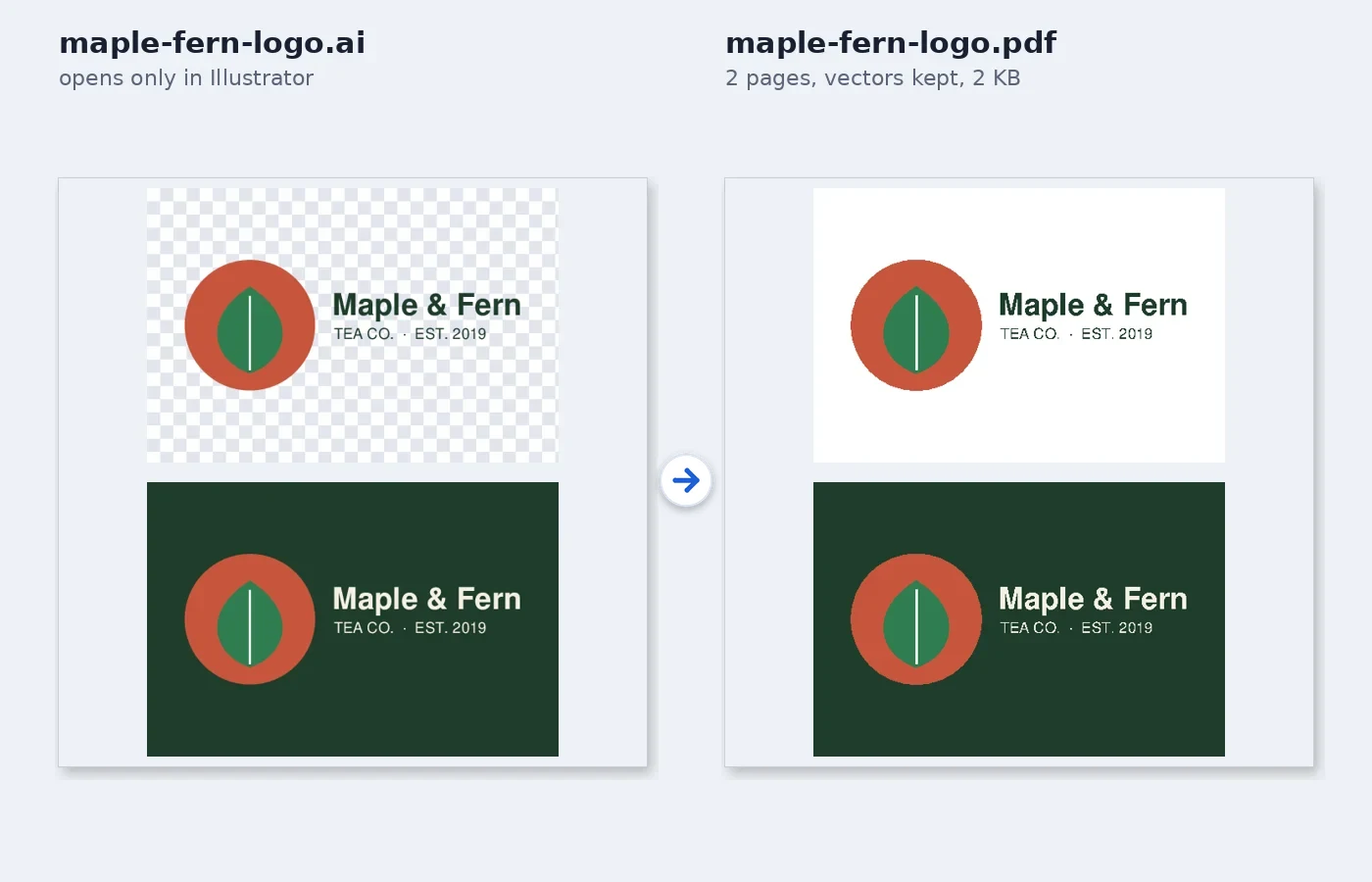
maple-fern-logo.aimaple-fern-logo.pdf
Both artboards as a PDF
- 2 artboards, 2 pages
- Vectors and text kept
A sample logo we made ourselves, with made-up names, converted by this tool and shown as it came out. Files you upload are deleted after 24 hours and never shown to anyone.
How to open an AI file
-
Step 1
Choose the .ai file
From a designer, a print shop, a stock site or your archive.
-
Step 2
See the artboards
Each one appears as a page preview.
-
Step 3
Download the PDF
It opens in any PDF reader, browser or phone.
Why an AI file will not open
An .ai file is Adobe Illustrator's working format for logos, illustrations, packaging and print layouts. Without Illustrator, Windows shows it as an unknown file, phones cannot open it, and many programs that claim to support it show only a placeholder. Illustrator is subscription software, so buying it to look at one logo or check a print proof makes little sense.
How this AI viewer works
Almost every .ai file since Illustrator 9 (2000) contains a complete PDF version of the artwork, saved by the "Create PDF Compatible File" option that is on by default. We read that part on our server and give it to you as an ordinary PDF, with a preview of each artboard on the result page. The PDF keeps the vector shapes, so you can zoom in without blur, print at any size and send it to anyone. Old files from Illustrator 8 and earlier are PostScript; we draw them with Ghostscript into a PDF of the right size. Files saved with PDF compatibility switched off hold no PDF part; only Illustrator reads them, and the page tells you so.
What you can do with the PDF
Check a logo or proof before approving it; print it at full quality; place it in Word, InDesign or Affinity Publisher, which accept PDF artwork; or open it in Inkscape (free) for editing the shapes, since Inkscape imports PDF with its paths. Layers and Illustrator-specific settings are not kept, so it is a document to view and print rather than to continue the design. Need a picture or web vector instead? Use AI to PNG or AI to SVG.
Old and new Illustrator versions
Illustrator files from version 9 (2000) through CS6 and every Creative Cloud release contain the PDF part, as long as the PDF compatibility option was left on. Files from Illustrator 8 and older, still found in print shop and agency archives from the 1990s, are PostScript; we draw them with Ghostscript, crop them to the artwork's bounding box and give you a PDF of the right size. Files saved by other programs with an .ai extension, such as Affinity or Inkscape exports, are usually PDF inside and open here too.
Other ways to open AI files
On a Mac, Preview and Quick Look show most .ai files directly, because of their PDF part. On Windows, renaming a copy from logo.ai to logo.pdf often lets a PDF reader open it, for the same reason; it fails for old and non-PDF-compatible files, which this page handles too. Inkscape and Affinity Designer import AI files for editing. For EPS files, the other common logo format, see EPS to PDF.
Privacy
The file goes to our server over an encrypted connection, is processed automatically, and is deleted with the PDF 24 hours later. Nobody looks at it. Up to 200 MB.
More free image converters
- Image converter
- Compress image
- JPG to PNG
- PNG to JPG
- JPEG to JPG
- Compress JPEG
- Compress PNG
- GIF to PNG
- PNG to GIF
- GIF to JPG
- JPG to GIF
- GIF maker
- Remove background
- Background eraser
- Make background transparent
- White background for photo
- Remove white background
- Resize image
- Crop image
- Rotate image
- Flip image
- Blur image
- Pixelate image
- Black and white photo
- Invert image colors
- Merge images
- Watermark image
- Add text to image
- Remove EXIF data
- EXIF viewer
- Change DPI
- Image to Base64
- Base64 to image
- MP4 to GIF
- Video to GIF
- GIF to MP4
- GIF compressor
- PNG to SVG
- JPG to SVG
- Image to SVG
- SVG to PDF
- Image to text
- PNG to DXF
- SVG to DXF
- DXF to SVG
- HEIC to JPG
- HEIC to PNG
- HEIC to PDF
- HEIC viewer
- WebP to PNG
- WebP to JPG
- WebP to GIF
- WebP to PDF
- PNG to WebP
- JPG to WebP
- AVIF to PNG
- AVIF to JPG
- JFIF to JPG
- JFIF to PNG
- SVG to PNG
- SVG to JPG
- PNG to ICO
- ICO to PNG
- BMP to JPG
- BMP to PNG
- TIFF to JPG
- TIFF to PNG
- PSD viewer
- PSD to PNG
- PSD to JPG
- PSD to PDF
- AI to SVG
- AI to PNG
- EPS to PNG
- DDS to PNG
- TGA to PNG
- TGA to JPG
- RAW to JPG
- CR3 to JPG
- CR2 to JPG
- NEF to JPG
Questions about how to open AI files
Can I open an AI file without Illustrator?
Yes. This page shows every artboard and gives you a PDF that opens anywhere.
Will the PDF be sharp?
Yes, shapes and text stay vectors, so it is sharp at any zoom and in print.
Can I edit the AI file here?
No. For editing shapes, open the PDF in Inkscape or Affinity Designer.
Why does it say the file has no PDF part?
It was saved without "Create PDF Compatible File". Only Illustrator can open it; ask for a re-save.
Is it free?
Yes, with no account and no watermark.