Free Your pictures are not uploaded
WebP to PDF converter
Convert WebP to PDF here: choose one or many WebP images, saved from websites or chats, and get a single PDF with one picture per page, ready to print, email or upload. The PDF is made in your browser.
or drop them here. They go into one PDF, in the order of the list. Nothing is uploaded.
Pictures for your PDF
Everything happens in this browser tab: your pictures are not sent to FileOpens or anywhere else, and nothing is kept when you close the page.
A WebP picture turned into a PDF by FileOpens
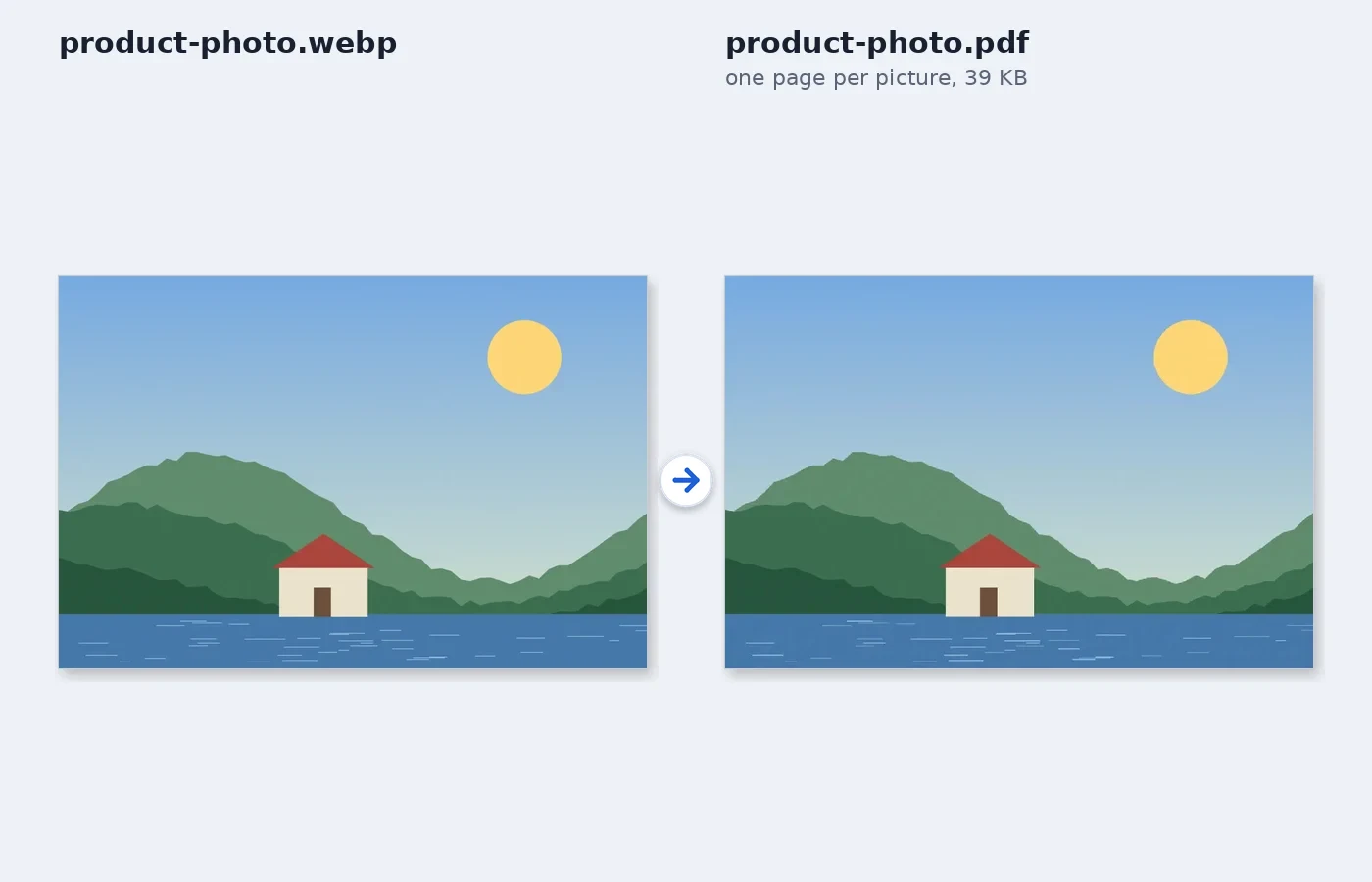
product-photo.webpproduct-photo.pdf
One picture, one page
- Page the size of the picture
- 39 KB PDF
A sample picture we made ourselves, with made-up names and data, opened in this tool and shown as it came out. Your own files stay on your device.
How to convert WebP to PDF
-
Step 1
Choose the pictures
Screenshots of an order, saved product pages, a comic, recipe photos.
-
Step 2
Check the list
The PDF follows its order; remove any picture with ×.
-
Step 3
Make the PDF
One page per picture, saved to your downloads.
When you need WebP in a PDF
More and more pictures on the web arrive as WebP: product photos you want to keep as proof of an order, pages of a manual or a comic, recipe pictures, images from a chat. Printing them one by one is a chore, and attaching a dozen .webp files to an email is worse, because the person receiving them may not be able to open them. A single PDF solves both: it prints in one go and opens on every device.
What WebP to PDF gives you
Every picture gets its own page, exactly the size of the picture, so nothing is cut off and there are no borders. Pages follow the order of the list. The picture is stored in the PDF as a high-quality JPG; transparent parts are filled with white, as they would be on paper. Animated WebP pictures contribute their first frame. When you print, choose "Fit to page" in the print dialog to get each picture on a sheet of A4 or Letter. If you want A4 or Letter pages with margins already in the PDF, convert the pictures to JPG first and use image to PDF, which offers those page sizes.
Size and searching
A PDF of photos can get large, roughly the size of the pictures as JPG. For email or upload limits, shrink it with compress PDF. Since the pages are pictures, words on them are not searchable or copyable; if the pictures are of text (screenshots of a page, say), OCR PDF adds a hidden text layer. To join this PDF with others, merge PDF.
Without a converter
Windows has "Microsoft Print to PDF": open the WebP in Photos, print, and choose it as the printer. It works for one picture at a time and puts it on a page with margins. On a Mac, select the pictures in Finder, open them in Preview, then File > Print > Save as PDF to get them all in one PDF. On phones, the share sheet's Print option can also save a PDF. This page does the same in one step on any device, and keeps the original picture size.
Privacy
Your pictures are not uploaded: the browser decodes them and builds the PDF in memory, then saves it to your downloads. Nothing is kept when you close the page.
Printing straight from the PDF
Once the PDF is made, open it and print it like any document. For a picture that is wider than it is tall, choose landscape in the print dialog, or let "Auto rotate" do it. To get two or four pictures on one sheet, many print dialogs offer "Pages per sheet". If your printer adds white edges, that is its unprintable margin, not the PDF. Saving the PDF to a USB stick is also the easiest way to print at a copy shop that does not accept WebP.
More free image converters
- Image converter
- Compress image
- JPG to PNG
- PNG to JPG
- JPEG to JPG
- Compress JPEG
- Compress PNG
- GIF to PNG
- PNG to GIF
- GIF to JPG
- JPG to GIF
- GIF maker
- Remove background
- Background eraser
- Make background transparent
- White background for photo
- Remove white background
- Resize image
- Crop image
- Rotate image
- Flip image
- Blur image
- Pixelate image
- Black and white photo
- Invert image colors
- Merge images
- Watermark image
- Add text to image
- Remove EXIF data
- EXIF viewer
- Change DPI
- Image to Base64
- Base64 to image
- MP4 to GIF
- Video to GIF
- GIF to MP4
- GIF compressor
- PNG to SVG
- JPG to SVG
- Image to SVG
- SVG to PDF
- Image to text
- PNG to DXF
- SVG to DXF
- DXF to SVG
- HEIC to JPG
- HEIC to PNG
- HEIC to PDF
- HEIC viewer
- WebP to PNG
- WebP to JPG
- WebP to GIF
- PNG to WebP
- JPG to WebP
- AVIF to PNG
- AVIF to JPG
- JFIF to JPG
- JFIF to PNG
- SVG to PNG
- SVG to JPG
- PNG to ICO
- ICO to PNG
- BMP to JPG
- BMP to PNG
- TIFF to JPG
- TIFF to PNG
- PSD viewer
- PSD to PNG
- PSD to JPG
- PSD to PDF
- AI to SVG
- AI to PNG
- Open AI file
- EPS to PNG
- DDS to PNG
- TGA to PNG
- TGA to JPG
- RAW to JPG
- CR3 to JPG
- CR2 to JPG
- NEF to JPG
Questions about WebP to PDF
One PDF or one per picture?
One PDF with all the pictures, one per page.
Can I get A4 pages?
The pages are picture-sized. Print with "Fit to page", or convert to JPG and use image to PDF for A4 or Letter pages.
Is the text in the pictures searchable?
No, they are pictures. OCR PDF adds a text layer.
Are my pictures uploaded?
No, the PDF is made in your browser.
What about transparent WebP?
Transparent areas become white on the page.