Free No account · the file is deleted after 24 hours
Unlock PDF: remove the password
Unlock PDF files here: type the password once and download a copy that opens without asking, and prints, copies and edits freely. You need to know the password; this is not a way into other people's files.
or drop it here. Up to 200 MB. Free, no account.
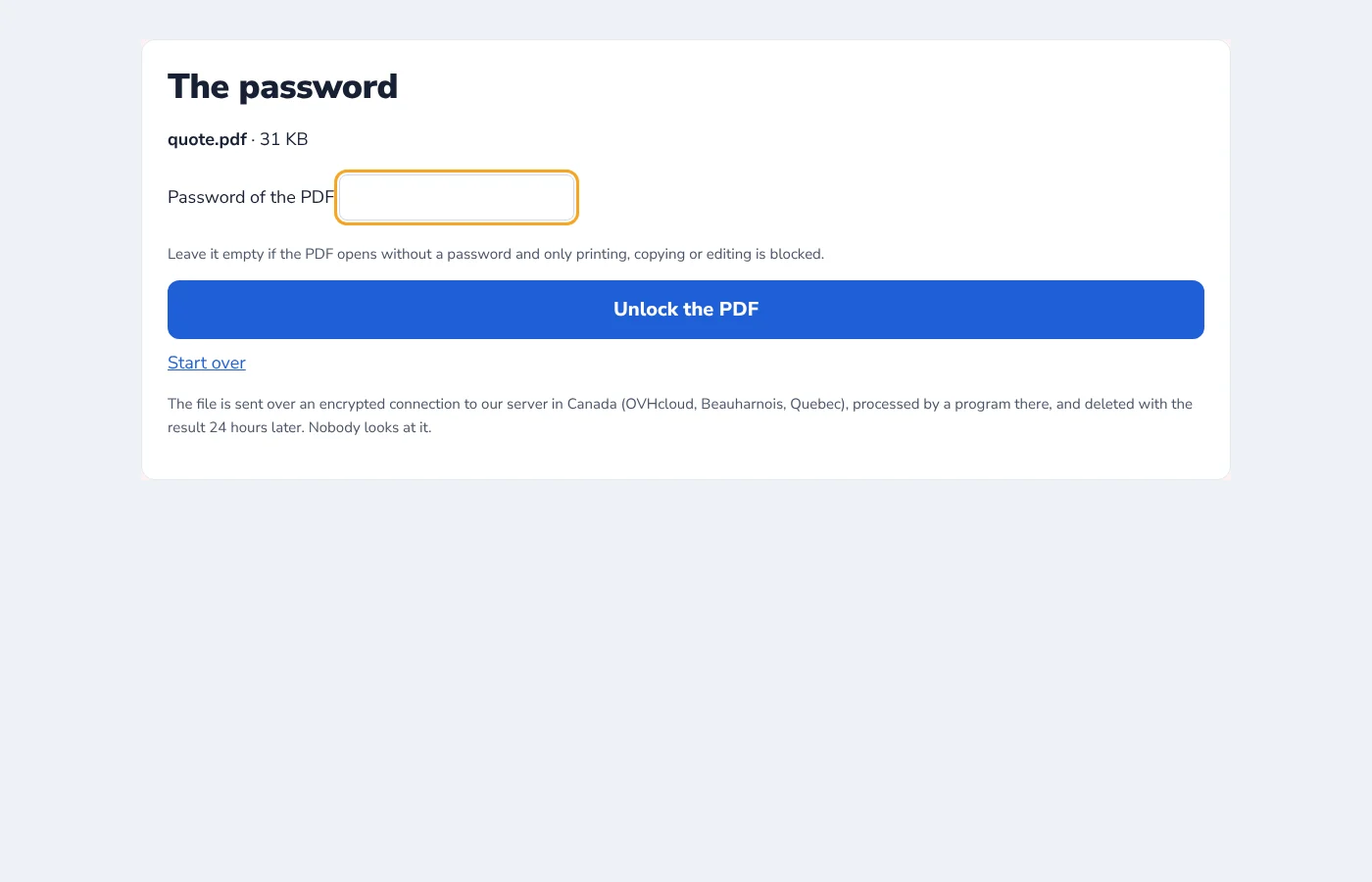
The password
The file is sent over an encrypted connection to our server in Canada (OVHcloud, Beauharnois, Quebec), processed by a program there, and deleted with the result 24 hours later. Nobody looks at it.
Unlock PDF in use
quote.pdfunlocked.pdf
Type the password once
- Empty if only printing or copying is blocked
- The copy opens without a password
Sample letter we made ourselves, with made-up names and data, converted here and shown as they came out. Your own files are never shown to anyone.
How to remove a password from a PDF
-
Step 1
Choose the PDF
A bank statement, payslip or contract that asks for a password every time.
-
Step 2
Type the password
The one you use to open it. Leave it empty if it opens without one and only printing or copying is blocked.
-
Step 3
Download the copy
It opens with no password. Keep the original if you still need a locked one.
Two kinds of PDF password
A PDF can have an open password (also called a user password): without it the file shows nothing. Banks, payroll services and phone companies send statements like this, usually with your date of birth or part of an account number as the password. And it can have restrictions set with an owner password: it opens freely, but printing, copying text or editing is blocked. This tool removes both. For an open password you type it once, and the copy you download opens without it. For restrictions alone, leave the field empty; they are removed and the copy prints and copies normally.
Only with the password, and only your own files
If you do not know the open password, nobody can honestly unlock the PDF for you: modern PDFs are encrypted with AES, and the only way in without the password is guessing, which for a decent password takes longer than anyone has. Sites that promise to "crack" any PDF either guess weak passwords for hours or are not telling the truth. Ask the sender for the password: banks usually explain it in the e-mail or on their website. Removing restrictions is meant for PDFs that are yours or that you have the right to print and copy, such as your own statements or documents your company made and locked by habit. Do not use it to get around the rights of an author or publisher.
Why remove a password you know
A locked statement has to be unlocked every time it is opened, and it cannot be handled by most other tools: merging a year of statements into one file, compressing it for an upload, converting it to Excel for your accounts, or uploading it to a mortgage or tax portal that refuses encrypted files. Accountants and lawyers often ask for unlocked copies for the same reason. You can do it in Chrome too: open the PDF, type the password, then print it to "Save as PDF", but the result is a new PDF in which links and form fields may be lost. Here the original file is decrypted as it is, with everything kept.
How to unlock PDF files on Mac, Windows and in Acrobat
On a Mac, open the PDF in Preview, type the password, then File > Export and untick "Encrypt". In Adobe Acrobat (the paid version), File > Properties > Security > No Security. Acrobat Reader, the free one, cannot remove passwords. On Windows without Acrobat there is no built-in way other than printing to a new PDF. On phones, this page is the easiest route. To lock a PDF yourself, use Protect PDF.
Privacy
The PDF and the password are sent to our server over an encrypted connection. The password is used once by qpdf, the program that decrypts the file, and deleted from the server straight away; it is never written to our logs. The PDF and the unlocked copy are deleted 24 hours later.
More free PDF tools and converters
- Merge PDF
- Split PDF
- Compress PDF
- Compress PDF to 100 KB
- Delete PDF pages
- Rotate PDF
- Extract PDF pages
- Reorder PDF pages
- Crop PDF
- Add page numbers
- Watermark PDF
- Sign PDF
- Protect PDF
- OCR PDF
- Flatten PDF
- PDF to grayscale
- Invert PDF colors
- Remove PDF metadata
- PDF to Word
- Word to PDF
- PDF to Excel
- Excel to PDF
- PDF to PowerPoint
- PowerPoint to PDF
- JPG to PDF
- PNG to PDF
- Image to PDF
- PDF to JPG
- PDF to PNG
- PDF to text
- HTML to PDF
- PDF to EPUB
- PDF to PDF/A
- PDF to TIFF
- PDF to SVG
Questions about unlocking PDFs
Can you unlock a PDF without the password?
Not one that needs a password to open: it is encrypted, and only the password opens it. Restrictions on printing and copying can be removed without it.
What password does my bank statement use?
Usually your date of birth, postcode or part of an account number; the bank's e-mail or website says which.
Is the password stored?
No. It is used once and deleted from the server right away.
Will the unlocked PDF be the same?
Yes: same pages, links, bookmarks and form fields, just without encryption.
Is it legal?
For your own documents and files you have the right to use, yes. Do not use it to break someone else's protection.