Free Your pictures are not uploaded
AVIF to JPG converter
Convert AVIF to JPG here when a website hands you .avif pictures that nothing else accepts: each becomes a standard JPG at the quality you choose, ready for forms, printing, chats and older programs. Converted in your browser.
or drop them here, as many as you like. Nothing is uploaded.
Your AVIF images
Everything happens in this browser tab: your pictures are not sent to FileOpens or anywhere else, and nothing is kept when you close the page.
An AVIF image converted to JPG by FileOpens
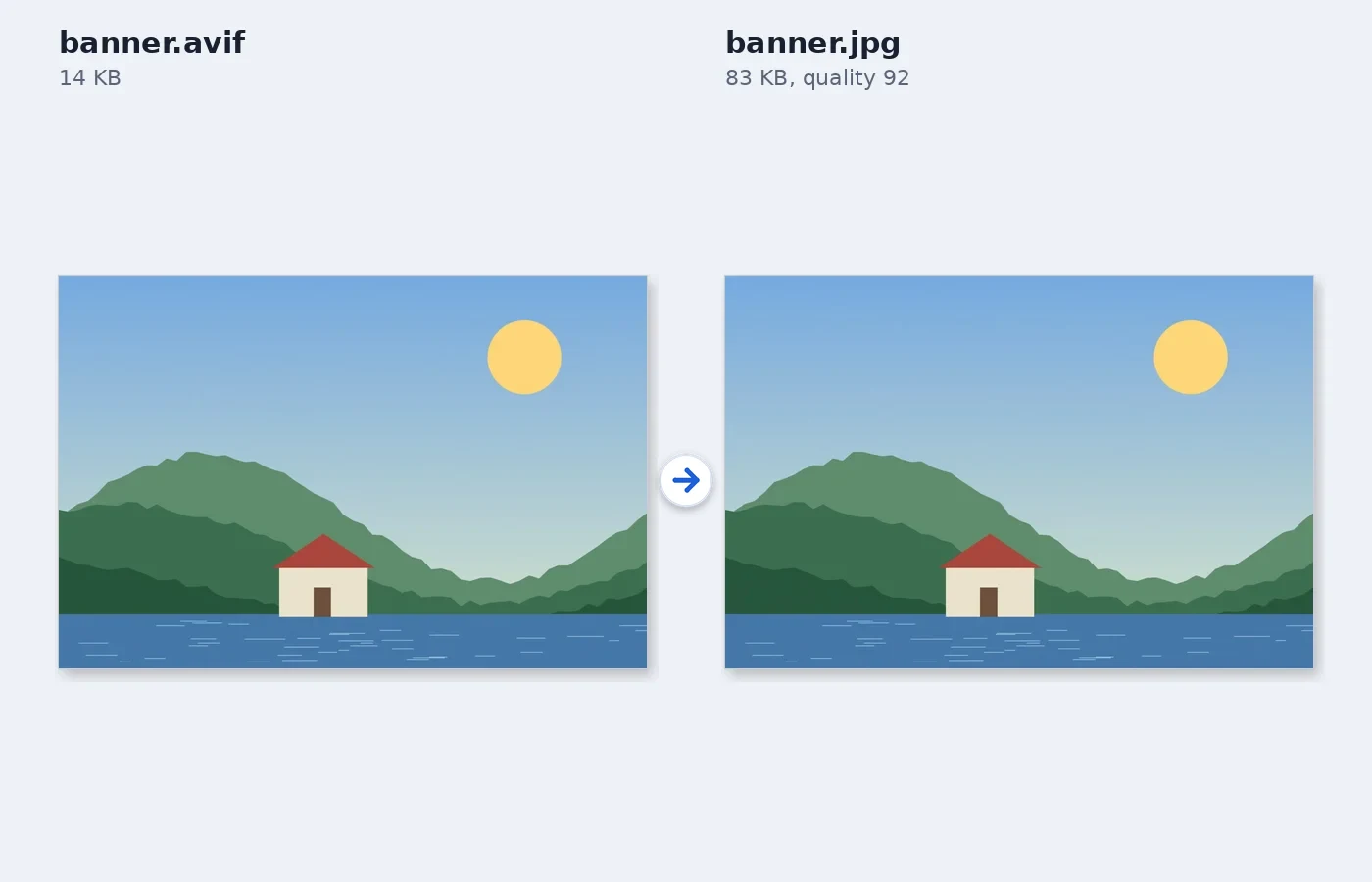
banner.avifbanner.jpg
AVIF banner to JPG
- 83 KB JPG at quality 92
- Opens in any program
A sample picture we made ourselves, with made-up names and data, opened in this tool and shown as it came out. Your own files stay on your device.
How to convert AVIF to JPG
-
Step 1
Choose the .avif files
Product photos, news pictures, wallpapers saved from the web.
-
Step 2
Set the quality
92 looks like the original; 80 is smaller.
-
Step 3
Download
Each JPG, or all of them in a ZIP.
Why you suddenly have AVIF files
Image services and large websites now send pictures as AVIF to any browser that can display it, because AVIF files are about half the size of comparable JPGs. You do not notice while browsing, but "Save image as" then gives you a .avif file, and that is where the trouble starts: upload forms that accept "JPG, PNG", photo printing services, older Windows and Office versions, many Android gallery apps and messaging apps do not know the format. JPG is the universal fallback.
AVIF to JPG quality settings
The JPG quality slider runs from 50 to 100; the default 92 is visually identical to the AVIF. 80 gives files about half as big and is still good for screens and email. Because AVIF compresses so well, the JPG will usually be larger than the AVIF at any setting that looks the same; that is expected. If a form limits the file size, lower the quality step by step and watch the size shown in the list.
Transparency, HDR and animation
AVIF can have transparent areas; JPG cannot, so they are filled with white, or with a colour you pick. To keep transparency, use AVIF to PNG. HDR AVIF pictures are converted the way your screen shows them, which on ordinary displays is the standard dynamic range version. Animated AVIF (rare, but it exists) becomes a JPG of the first frame.
Doing it on your computer
On Windows 11, install the free "AV1 Video Extension" from the Microsoft Store; Photos then opens AVIF and can save a copy as JPG. On a Mac with macOS Ventura or later, open the AVIF in Preview and export as JPEG. In Chrome you can also right-click an AVIF picture, choose Copy image, and paste it into Paint or Word. All these work one picture at a time; this page converts a whole set.
Browser support and privacy
The page uses the AVIF decoder already built into your browser: current Chrome, Edge, Firefox and Safari 16 or later. If your browser is older, the page tells you it cannot read the file. Nothing is uploaded and nothing is kept. Several pictures into one document? Convert to JPG here, then JPG to PDF.
AVIF to JPG on phones
On Android, Chrome reads AVIF, so this page works directly on the phone: choose the files from Downloads and the JPGs are saved beside them. On an iPhone or iPad, AVIF needs iOS 16 or later, which current devices have. The JPGs go to the Files app; share them to Photos or straight into a message. If the photos come from a phone that saves AVIF itself, switching its camera format to JPG avoids converting at all.
More free image converters
- Image converter
- Compress image
- JPG to PNG
- PNG to JPG
- JPEG to JPG
- Compress JPEG
- Compress PNG
- GIF to PNG
- PNG to GIF
- GIF to JPG
- JPG to GIF
- GIF maker
- Remove background
- Background eraser
- Make background transparent
- White background for photo
- Remove white background
- Resize image
- Crop image
- Rotate image
- Flip image
- Blur image
- Pixelate image
- Black and white photo
- Invert image colors
- Merge images
- Watermark image
- Add text to image
- Remove EXIF data
- EXIF viewer
- Change DPI
- Image to Base64
- Base64 to image
- MP4 to GIF
- Video to GIF
- GIF to MP4
- GIF compressor
- PNG to SVG
- JPG to SVG
- Image to SVG
- SVG to PDF
- Image to text
- PNG to DXF
- SVG to DXF
- DXF to SVG
- HEIC to JPG
- HEIC to PNG
- HEIC to PDF
- HEIC viewer
- WebP to PNG
- WebP to JPG
- WebP to GIF
- WebP to PDF
- PNG to WebP
- JPG to WebP
- AVIF to PNG
- JFIF to JPG
- JFIF to PNG
- SVG to PNG
- SVG to JPG
- PNG to ICO
- ICO to PNG
- BMP to JPG
- BMP to PNG
- TIFF to JPG
- TIFF to PNG
- PSD viewer
- PSD to PNG
- PSD to JPG
- PSD to PDF
- AI to SVG
- AI to PNG
- Open AI file
- EPS to PNG
- DDS to PNG
- TGA to PNG
- TGA to JPG
- RAW to JPG
- CR3 to JPG
- CR2 to JPG
- NEF to JPG
Questions about AVIF to JPG
Why is the JPG larger than the AVIF?
AVIF compresses about twice as well as JPG; that is normal.
What happens to transparent parts?
They become white, or a colour you choose. AVIF to PNG keeps them.
My browser cannot read AVIF. What now?
Update it: current Chrome, Edge, Firefox and Safari 16+ read AVIF.
Are my images uploaded?
No, they are converted in your browser.
Can I convert many at once?
Yes, and save them as one ZIP.