Free No account · the file is deleted after 24 hours
GIF to MP4 converter
Convert GIF to MP4 here: an animated GIF becomes an H.264 MP4 video, the format every phone, social network and website plays, usually many times smaller than the GIF and with smoother colours. Repeat the animation inside the video if a short GIF should play longer.
or drop it here. One animated GIF, up to 200 MB. Free, no account.
Make your MP4
The file is sent over an encrypted connection to our server in Canada (OVHcloud, Beauharnois, Quebec), processed by a program there, and deleted with the result 24 hours later. Nobody looks at it.
A GIF turned into an MP4 by FileOpens
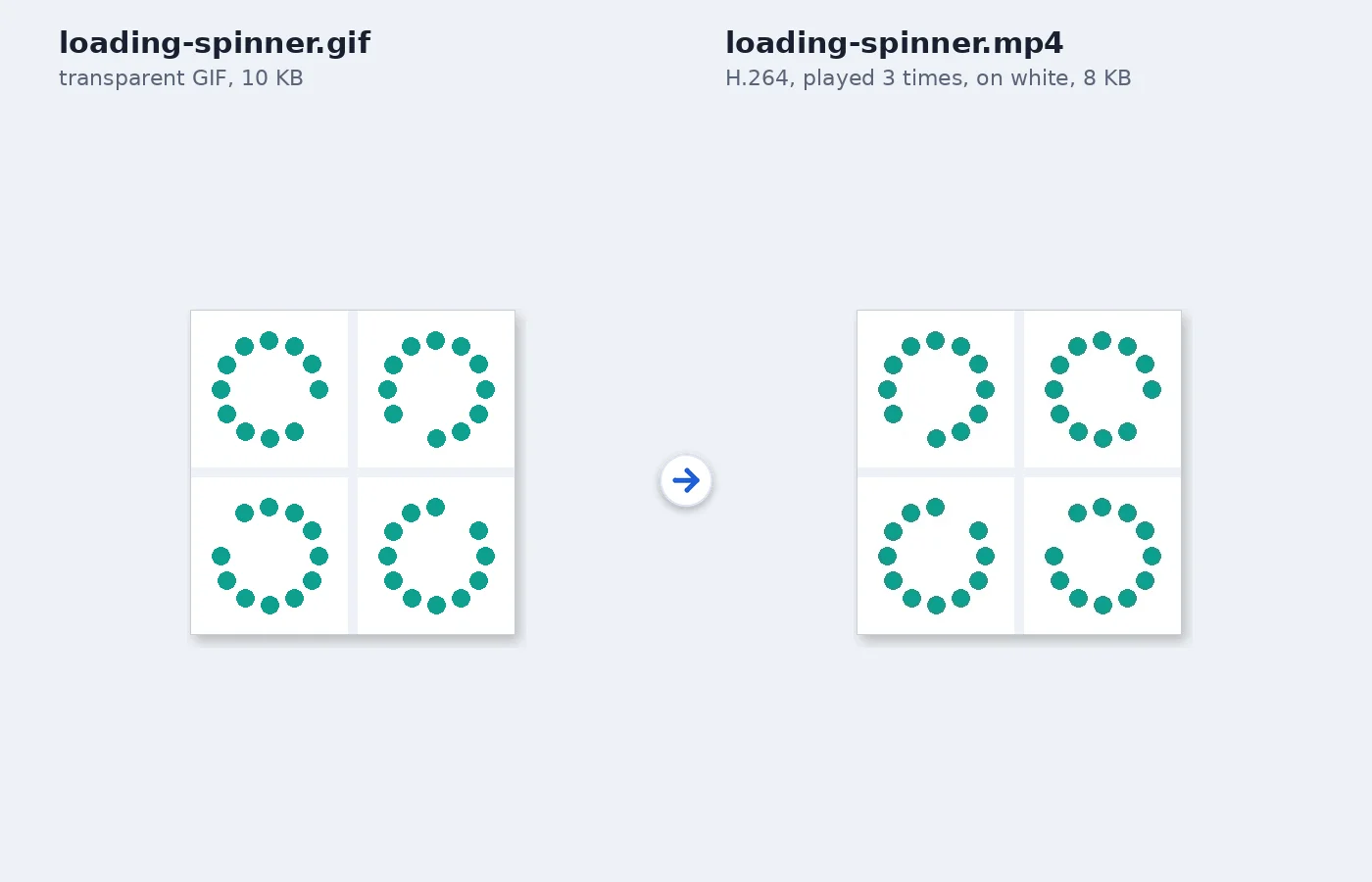
loading-spinner.gifloading-spinner.mp4
A transparent spinner GIF as H.264 video
- Played 3 times in one video
- Transparent parts on white
- 8 KB MP4
A sample animation we made ourselves, with made-up names, converted by this tool and shown as it came out. Files you upload are deleted after 24 hours and never shown to anyone.
How to convert GIF to MP4
-
Step 1
Choose the GIF
A reaction, a screen recording, an animation.
-
Step 2
Repeat it if needed
Once, or 3, 5 or 10 times inside the video.
-
Step 3
Download the MP4
With a preview on the result page.
Why convert GIF to MP4
Instagram, TikTok, YouTube Shorts and many other platforms do not accept GIF uploads, but take MP4 videos. MP4 is also far more efficient: a 6 MB GIF often becomes a few hundred kilobytes as H.264 video, with more colours than GIF's 256, because video compression stores only what changes between frames. Websites use short looping MP4s instead of GIFs to load faster.
How GIF to MP4 works here
FFmpeg on our server reads every frame of the GIF with its timing and encodes an MP4 with H.264 video in the widely compatible yuv420p colour format, with the moov information at the start so it begins playing while it downloads. Width and height are rounded to even numbers, which H.264 needs, so a GIF that is 481 pixels wide becomes 480. Video cannot be transparent, so transparent parts of the GIF are put on white. The video has no sound track.
Loops and repeats
A GIF loops forever by itself; an MP4 normally plays once. On websites you can make it loop with the loop attribute of the video tag, and most social networks loop short videos automatically. If a platform needs a minimum length, for example three seconds, or you want the animation to play several times in one video, choose to repeat it 3, 5 or 10 times inside the MP4.
GIF to MP4 for Instagram and TikTok
Instagram and TikTok prefer tall videos (1080 × 1920) and may add bars to small or square ones; the animation itself stays as it was. Very short videos may be rejected, so repeat a one-second GIF a few times. To make a GIF from a video instead, use video to GIF; to make a big GIF smaller while keeping it a GIF, use the GIF compressor.
GIF to video for websites
On a web page, a looping MP4 in a video tag with the autoplay, muted, loop and playsinline attributes looks exactly like a GIF but loads much faster, which is why large sites stopped serving big GIFs. Search engines and page speed tools such as Google PageSpeed Insights recommend this for animated content. Keep the original GIF as a fallback only if very old email clients matter, since many email programs do not play video. The result page shows the video so you can check it before downloading.
Privacy and limits
The file goes to our server over an encrypted connection, is processed automatically and is deleted with the result 24 hours later. Nobody looks at it. Up to 200 MB.
More free image converters
- Image converter
- Compress image
- JPG to PNG
- PNG to JPG
- JPEG to JPG
- Compress JPEG
- Compress PNG
- GIF to PNG
- PNG to GIF
- GIF to JPG
- JPG to GIF
- GIF maker
- Remove background
- Background eraser
- Make background transparent
- White background for photo
- Remove white background
- Resize image
- Crop image
- Rotate image
- Flip image
- Blur image
- Pixelate image
- Black and white photo
- Invert image colors
- Merge images
- Watermark image
- Add text to image
- Remove EXIF data
- EXIF viewer
- Change DPI
- Image to Base64
- Base64 to image
- MP4 to GIF
- Video to GIF
- GIF compressor
- PNG to SVG
- JPG to SVG
- Image to SVG
- SVG to PDF
- Image to text
- PNG to DXF
- SVG to DXF
- DXF to SVG
- HEIC to JPG
- HEIC to PNG
- HEIC to PDF
- HEIC viewer
- WebP to PNG
- WebP to JPG
- WebP to GIF
- WebP to PDF
- PNG to WebP
- JPG to WebP
- AVIF to PNG
- AVIF to JPG
- JFIF to JPG
- JFIF to PNG
- SVG to PNG
- SVG to JPG
- PNG to ICO
- ICO to PNG
- BMP to JPG
- BMP to PNG
- TIFF to JPG
- TIFF to PNG
- PSD viewer
- PSD to PNG
- PSD to JPG
- PSD to PDF
- AI to SVG
- AI to PNG
- Open AI file
- EPS to PNG
- DDS to PNG
- TGA to PNG
- TGA to JPG
- RAW to JPG
- CR3 to JPG
- CR2 to JPG
- NEF to JPG
Questions about GIF to MP4
Will the MP4 be smaller than the GIF?
Usually many times smaller, with smoother colours.
Does the MP4 loop?
Video players play it once unless they loop it; you can repeat it inside the video.
Can I post it on Instagram?
Yes, MP4 with H.264 is accepted by Instagram, TikTok, X and YouTube.
Is there sound?
No, a GIF has no sound, so the video is silent.
Why did the size change by one pixel?
H.264 needs even widths and heights.
Can I convert a GIF from a website?
Yes, save the GIF first, then choose it here.
Is it free?
Yes, with no account and no watermark.