Free No account · the file is deleted after 24 hours
AI to PNG converter
Convert AI to PNG here: a logo or illustration from Adobe Illustrator becomes a transparent PNG at the width you choose, from 1024 to 8192 pixels, ready for slides, documents, social media and websites. No Illustrator needed.
or drop it here. .ai from any Illustrator version, up to 200 MB. Free, no account.
Convert to PNG
The file is sent over an encrypted connection to our server in Canada (OVHcloud, Beauharnois, Quebec), processed by a program there, and deleted with the result 24 hours later. Nobody looks at it.
An Illustrator file converted to PNG by FileOpens
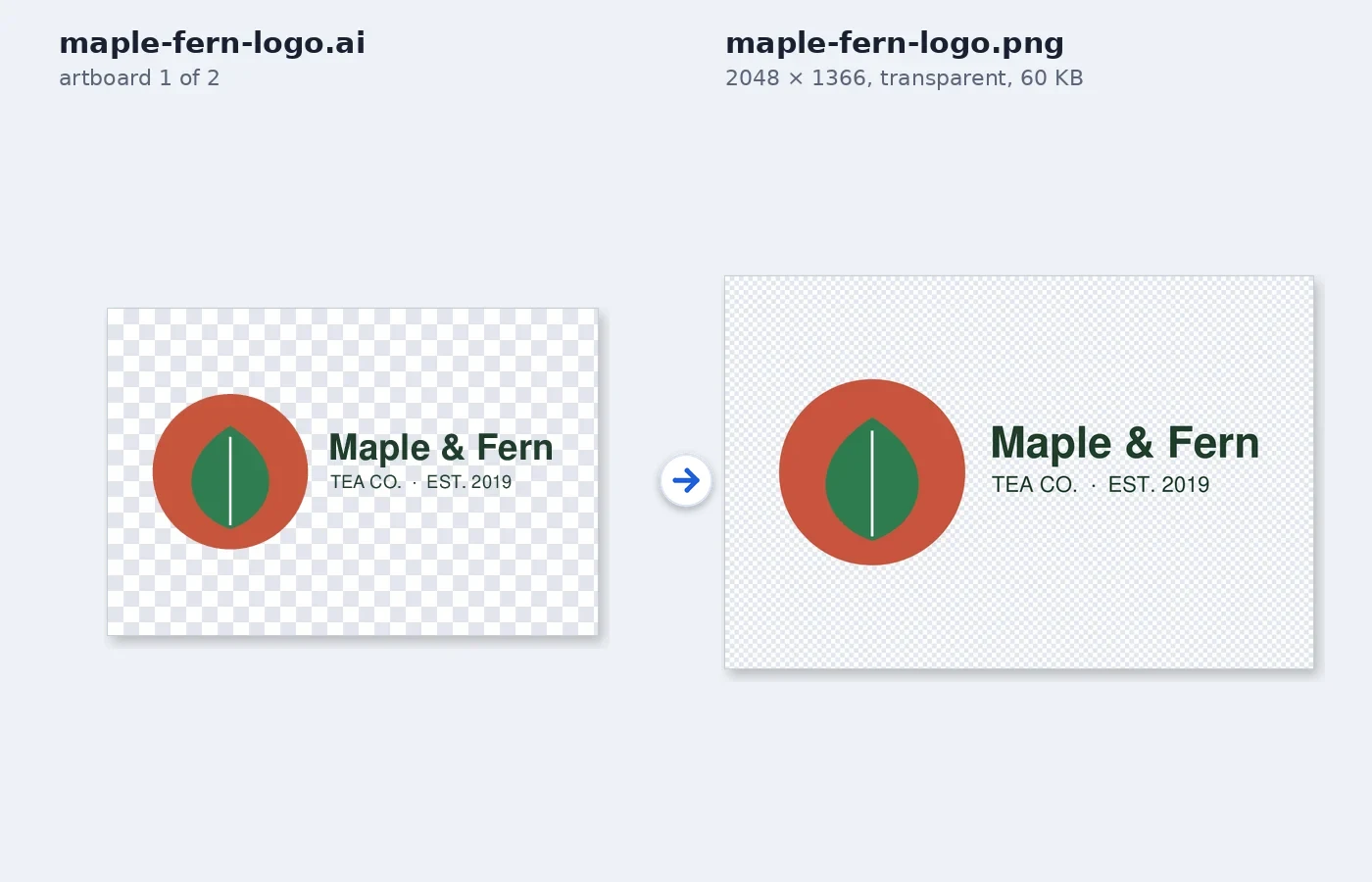
maple-fern-logo.aimaple-fern-logo.png
A logo drawn at 2048 pixels
- 2048 × 1366, transparent
- The first of 2 artboards; the page says so
A sample logo we made ourselves, with made-up names, converted by this tool and shown as it came out. Files you upload are deleted after 24 hours and never shown to anyone.
How to convert AI to PNG
-
Step 1
Choose the .ai file
A logo from a brand kit, an illustration, an icon.
-
Step 2
Pick the width
1024, 2048, 4096 or 8192 pixels; the height follows.
-
Step 3
Download
A transparent PNG, drawn fresh at that size.
When a PNG is what you need
A brand kit often holds the logo only as .ai, and almost nothing outside Illustrator opens it. Word, PowerPoint, Google Slides, Canva, social networks, email signatures and most website builders want a picture: PNG, because it keeps the transparent background so the logo sits cleanly on any colour. Converting here draws the vector artwork directly at the size you choose, so the PNG is sharp, not an enlarged small preview.
Choosing the size
Pick a width of 1024, 2048, 4096 or 8192 pixels; the height follows the artwork's proportions. 1024 is enough for slides and documents, 2048 for websites and high-resolution screens, 4096 for large banners, and 8192 for print: at 300 dpi it covers about 27 inches (69 cm) of width. The PNG is drawn from the vector shapes at that size, with smooth edges and a transparent background wherever the artboard has no artwork.
How the file is read
Modern .ai files (Illustrator 9 and later, with "Create PDF Compatible File" on, the default) contain a PDF version of the artwork, which we draw on our server with MuPDF. Illustrator 8 and older files are PostScript and are drawn with Ghostscript. Fonts do not need to be installed, because the file carries the outlines or the fonts it uses. If the AI has several artboards, the PNG shows the first; open AI file gives every artboard as a page of a PDF. Files saved without PDF compatibility cannot be read outside Illustrator, and the page tells you so.
AI to PNG for brand kits and social media
Brand kits usually contain the logo in several colour versions on separate artboards or in separate files. Convert each one at 2048 pixels for general use and keep them together with the original .ai, so you never have to enlarge a small PNG. For social media profile pictures, 1024 is plenty; for a printed roll-up banner, use 8192. A PNG made from a logo is usually small, often under 200 KB, because flat colours compress well.
Other ways to convert AI to PNG
On a Mac, Preview opens most .ai files as a PDF and can export a PNG, but at screen resolution and with a white background. Inkscape (free) imports .ai and exports PNG at any size. If you need the artwork as vectors for the web, Figma or a cutting machine, use AI to SVG. For EPS logos, see EPS to PNG.
Privacy
The file goes to our server over an encrypted connection, is drawn automatically and is deleted with the PNG 24 hours later. Nobody looks at it. Up to 200 MB.
More free image converters
- Image converter
- Compress image
- JPG to PNG
- PNG to JPG
- JPEG to JPG
- Compress JPEG
- Compress PNG
- GIF to PNG
- PNG to GIF
- GIF to JPG
- JPG to GIF
- GIF maker
- Remove background
- Background eraser
- Make background transparent
- White background for photo
- Remove white background
- Resize image
- Crop image
- Rotate image
- Flip image
- Blur image
- Pixelate image
- Black and white photo
- Invert image colors
- Merge images
- Watermark image
- Add text to image
- Remove EXIF data
- EXIF viewer
- Change DPI
- Image to Base64
- Base64 to image
- MP4 to GIF
- Video to GIF
- GIF to MP4
- GIF compressor
- PNG to SVG
- JPG to SVG
- Image to SVG
- SVG to PDF
- Image to text
- PNG to DXF
- SVG to DXF
- DXF to SVG
- HEIC to JPG
- HEIC to PNG
- HEIC to PDF
- HEIC viewer
- WebP to PNG
- WebP to JPG
- WebP to GIF
- WebP to PDF
- PNG to WebP
- JPG to WebP
- AVIF to PNG
- AVIF to JPG
- JFIF to JPG
- JFIF to PNG
- SVG to PNG
- SVG to JPG
- PNG to ICO
- ICO to PNG
- BMP to JPG
- BMP to PNG
- TIFF to JPG
- TIFF to PNG
- PSD viewer
- PSD to PNG
- PSD to JPG
- PSD to PDF
- AI to SVG
- Open AI file
- EPS to PNG
- DDS to PNG
- TGA to PNG
- TGA to JPG
- RAW to JPG
- CR3 to JPG
- CR2 to JPG
- NEF to JPG
Questions about AI to PNG
Is the background transparent?
Yes, wherever the artboard has no artwork.
How large can the PNG be?
Up to 8192 pixels wide, enough for print at about 27 inches.
My AI has several artboards. What do I get?
The first artboard. Open AI file gives all of them as a PDF.
Do I need the fonts?
No, the file carries what it needs to be drawn.
Can I get a JPG instead?
Convert to PNG here, then open the PNG in any photo app and save it as JPG; the transparent background turns white.
Is it free?
Yes, with no account and no watermark.