Free No account · the file is deleted after 24 hours
PDF to SVG converter
Convert a PDF to SVG here: each page becomes a vector SVG, so logos, drawings and charts stay sharp at any size on a website, in Inkscape or Figma, or on a cutting machine. Free, no account.
or drop it here. Up to 200 MB, 300 pages. Free, no account.
Convert to SVG
The file is sent over an encrypted connection to our server in Canada (OVHcloud, Beauharnois, Quebec), processed by a program there, and deleted with the result 24 hours later. Nobody looks at it.
A PDF converted to SVG by FileOpens
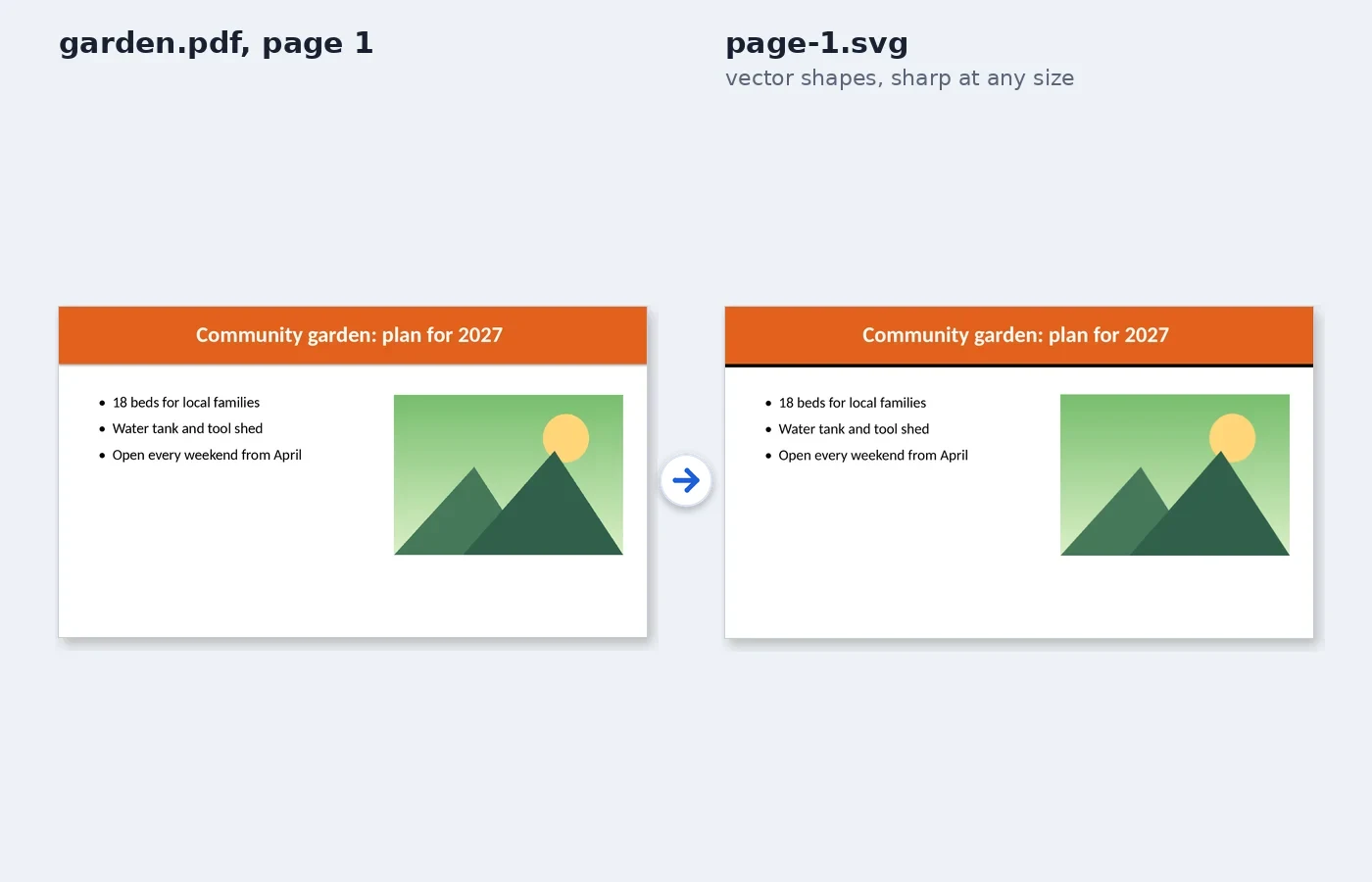
garden.pdfpage-1.svg
A slide as an SVG
- Shapes and colours as vectors
- Letters as outlines, exact at any size
- One SVG per page, in a ZIP
Sample presentation we made ourselves, with made-up names and data, converted here and shown as they came out. Your own files are never shown to anyone.
How to convert a PDF to SVG
-
Step 1
Choose the PDF
A logo or drawing exported as PDF, a chart, a plan, a pattern.
-
Step 2
Pages become SVG
MuPDF writes each page as vector shapes.
-
Step 3
Download
One page gives an .svg file; more pages a ZIP with page-1.svg, page-2.svg…
Why convert PDF to SVG
SVG is the vector format of the web: browsers draw it themselves, so it stays sharp at any zoom and on any screen, and a simple logo is a few kilobytes. Designers often receive logos and drawings as PDF (a PDF from Illustrator, a plan from a CAD program, a chart exported from Excel) and need them as SVG for a website, for editing in Inkscape or Figma, or for cutting machines such as Cricut and laser cutters, whose software imports SVG. Converting keeps the shapes as shapes instead of turning them into pixels the way PDF to PNG does.
What you get
The conversion is done by MuPDF. Every page becomes one SVG of the same size, with lines, curves, fills and colours as vector paths. Text is converted into the outlines of its letters, so it looks exactly right without the font being installed, but it is no longer editable as text in an editor: you edit it as shapes. Photos and other pictures inside the PDF are embedded in the SVG as pictures, since they were pixels to begin with. One-page PDFs give you one .svg file; longer ones a ZIP with a file for each page, numbered so they sort in order.
Using the SVG
In Inkscape, open the SVG and use Ungroup to get at single shapes. In Figma, drag the file into a frame. In Cricut Design Space and most laser and plotter software, use Upload or Import; for cutting, only the outlines matter, so a drawing made of clean lines works best. On a website, use it as an <img> or paste the code inline. A page full of text gives a large SVG, because every letter becomes a path; for text documents, PDF is the better format, and if you want an image of the page, PNG is smaller. Colours come through as the RGB values the PDF uses, and transparent areas stay transparent, so a logo with no background drops cleanly onto any web page. If the SVG has a white rectangle behind everything, that is a background the PDF itself drew; delete that shape in your editor. To get only the logo from a page with other content, crop the PDF around it first.
When the PDF has no vectors
A scanned page or a photo saved as PDF has no shapes inside, only a picture, so its SVG is just that picture wrapped in an SVG file, no sharper than before. Real tracing of a bitmap into vector shapes is a different job (Inkscape's Trace Bitmap does it). If you need a single page from a long PDF, take it out first with extract pages and convert only that.
Privacy and limits
The PDF goes to our server over an encrypted connection and is converted automatically; both files are deleted 24 hours later. Up to 200 MB and 300 pages.
More free PDF tools and converters
- Merge PDF
- Split PDF
- Compress PDF
- Compress PDF to 100 KB
- Delete PDF pages
- Rotate PDF
- Extract PDF pages
- Reorder PDF pages
- Crop PDF
- Add page numbers
- Watermark PDF
- Sign PDF
- Protect PDF
- Unlock PDF
- OCR PDF
- Flatten PDF
- PDF to grayscale
- Invert PDF colors
- Remove PDF metadata
- PDF to Word
- Word to PDF
- PDF to Excel
- Excel to PDF
- PDF to PowerPoint
- PowerPoint to PDF
- JPG to PDF
- PNG to PDF
- Image to PDF
- PDF to JPG
- PDF to PNG
- PDF to text
- HTML to PDF
- PDF to EPUB
- PDF to PDF/A
- PDF to TIFF
Questions about converting PDF to SVG
Is the text editable in the SVG?
No, letters become outlines: they look exact but are edited as shapes.
Do I get one file per page?
Yes. One page gives an .svg; more pages a ZIP of numbered SVG files.
Will a scanned PDF become vector?
No, a scan has no shapes; the SVG contains the picture as it is.
Does it work with Cricut and laser cutters?
Yes, they import SVG. Line drawings work best.
Is it free?
Yes, with no account.