Free No account · the file is deleted after 24 hours
Video to GIF converter
Convert video to GIF here: an iPhone MOV, an Android or screen recording, a WEBM from the web, an MKV, AVI or WMV becomes a looping GIF. Choose the start and length of the clip, its width and how smooth it should be, and the GIF gets its own colour palette for good quality.
or drop it here. MOV, MP4, WEBM, MKV, AVI, WMV, 3GP and more, up to 200 MB.
Make your GIF
The file is sent over an encrypted connection to our server in Canada (OVHcloud, Beauharnois, Quebec), processed by a program there, and deleted with the result 24 hours later. Nobody looks at it.
A WEBM video turned into a GIF by FileOpens
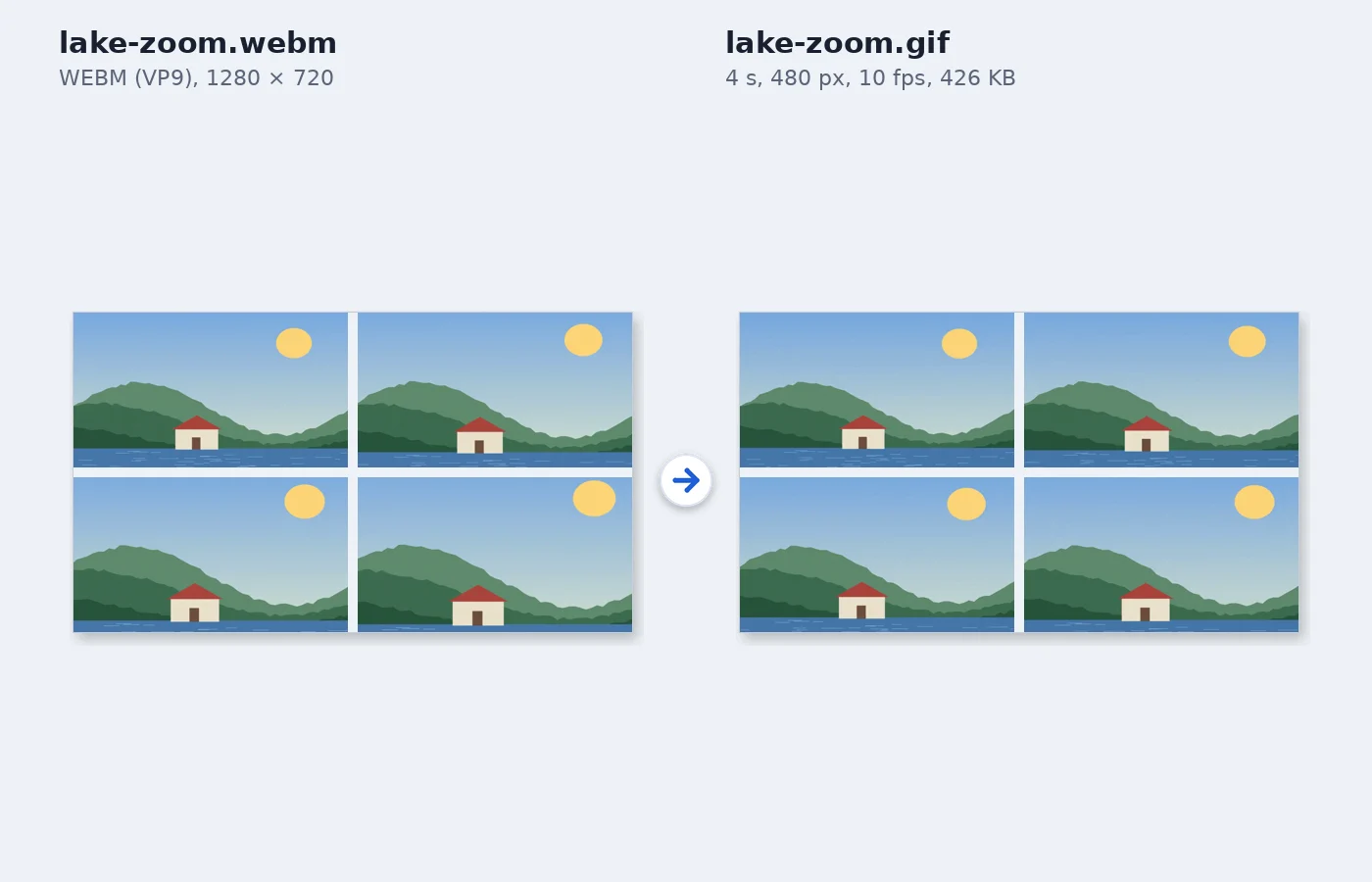
lake-zoom.webmlake-zoom.gif
A WEBM (VP9) video as a looping GIF
- 4 s at 10 frames per second
- 426 KB GIF
A sample video we made ourselves, with made-up names, converted by this tool and shown as it came out. Files you upload are deleted after 24 hours and never shown to anyone.
How to convert a video to GIF
-
Step 1
Choose the video
From your phone, a screen recorder, a camera or the web.
-
Step 2
Pick the clip
Start, length up to 30 seconds, width and smoothness.
-
Step 3
Download the GIF
Ready for chats, slides, docs and websites.
Videos from phones, cameras and the web
iPhones record MOV files in HEVC, Android phones and screen recorders make MP4 or WEBM, browsers save WEBM, older cameras and Windows programs use AVI, WMV or 3GP, and downloaded films are often MKV. This page reads all of them with FFmpeg on our server, so you do not have to convert the video to MP4 first or install anything. Portrait videos stay portrait, and the GIF has the proportions of the video.
Making a good GIF from a video
Find the moment you want in your video player and note the second it starts; enter it as the start and choose a length. Short is better: a GIF of a reaction or a single action rarely needs more than four seconds, a feature demo maybe ten. For text on screen, such as a software tutorial, choose 640 or 800 pixels so it stays readable, but fewer frames per second, because screens change little between frames. For people and motion, 480 pixels at 15 to 20 frames per second looks smooth.
Video to GIF quality
GIF can only show 256 colours per frame, so videos with soft gradients, skies or dark scenes may show some banding or dots. To keep that as clean as possible, the page makes a palette tuned to your clip and uses ordered dithering, which stays still between frames instead of flickering, then optimises the file with gifsicle. For the best quality at the smallest size, a short MP4 video is technically better, and GIF to MP4 converts back when a site accepts video.
Where GIFs work best
Use GIFs in chat apps, documentation, GitHub and GitLab issues, help centres, email newsletters and presentations, wherever a video player is not available or would be too much. If a platform limits the size, compress the GIF further with the GIF compressor or make it again narrower. From pictures rather than a video, make an animation with PNG to GIF.
Portrait, landscape and phone videos
Phone videos are often portrait, 1080 x 1920; the GIF keeps that shape, so a 480-pixel width gives a GIF 853 pixels tall. For chats that is fine; for documents and web pages a landscape clip or a smaller width reads better. Slow-motion iPhone videos are stored at high frame rates, but the GIF uses the smoothness you choose, so the motion plays at normal speed. Videos with rotation flags from phones are turned the right way up automatically. Very long videos are fine as a source, since only the part you choose is read, and the upload limit is 200 MB.
Privacy and limits
The file goes to our server over an encrypted connection, is processed automatically and is deleted with the result 24 hours later. Nobody looks at it. Up to 200 MB. Up to 30 seconds of the video become the GIF; sound is dropped.
More free image converters
- Image converter
- Compress image
- JPG to PNG
- PNG to JPG
- JPEG to JPG
- Compress JPEG
- Compress PNG
- GIF to PNG
- PNG to GIF
- GIF to JPG
- JPG to GIF
- GIF maker
- Remove background
- Background eraser
- Make background transparent
- White background for photo
- Remove white background
- Resize image
- Crop image
- Rotate image
- Flip image
- Blur image
- Pixelate image
- Black and white photo
- Invert image colors
- Merge images
- Watermark image
- Add text to image
- Remove EXIF data
- EXIF viewer
- Change DPI
- Image to Base64
- Base64 to image
- MP4 to GIF
- GIF to MP4
- GIF compressor
- PNG to SVG
- JPG to SVG
- Image to SVG
- SVG to PDF
- Image to text
- PNG to DXF
- SVG to DXF
- DXF to SVG
- HEIC to JPG
- HEIC to PNG
- HEIC to PDF
- HEIC viewer
- WebP to PNG
- WebP to JPG
- WebP to GIF
- WebP to PDF
- PNG to WebP
- JPG to WebP
- AVIF to PNG
- AVIF to JPG
- JFIF to JPG
- JFIF to PNG
- SVG to PNG
- SVG to JPG
- PNG to ICO
- ICO to PNG
- BMP to JPG
- BMP to PNG
- TIFF to JPG
- TIFF to PNG
- PSD viewer
- PSD to PNG
- PSD to JPG
- PSD to PDF
- AI to SVG
- AI to PNG
- Open AI file
- EPS to PNG
- DDS to PNG
- TGA to PNG
- TGA to JPG
- RAW to JPG
- CR3 to JPG
- CR2 to JPG
- NEF to JPG
Questions about video to GIF
Can I convert an iPhone video (MOV) to GIF?
Yes, MOV files in HEVC or H.264 work directly.
Which formats are supported?
MOV, MP4, M4V, WEBM, MKV, AVI, WMV, 3GP, MPG, TS, FLV and OGV.
How long can the clip be?
Up to 30 seconds from any point in the video.
Why does my GIF look grainy?
GIF has 256 colours per frame; very colourful or dark scenes show it most.
Is the sound kept?
No, GIF has no sound.
Is it free?
Yes, with no account and no watermark.