Free No account · the file is deleted after 24 hours
Word to PDF converter
Convert Word to PDF here, even on a computer or phone without Word: upload the .docx or the older .doc and download a PDF with the same pages, pictures and tables. Free, no account.
or drop it here. .docx, .doc, .rtf, .odt, up to 200 MB. Free, no account.
Convert to PDF
The file is sent over an encrypted connection to our server in Canada (OVHcloud, Beauharnois, Quebec), processed by a program there, and deleted with the result 24 hours later. Nobody looks at it.
A Word document converted to PDF by FileOpens
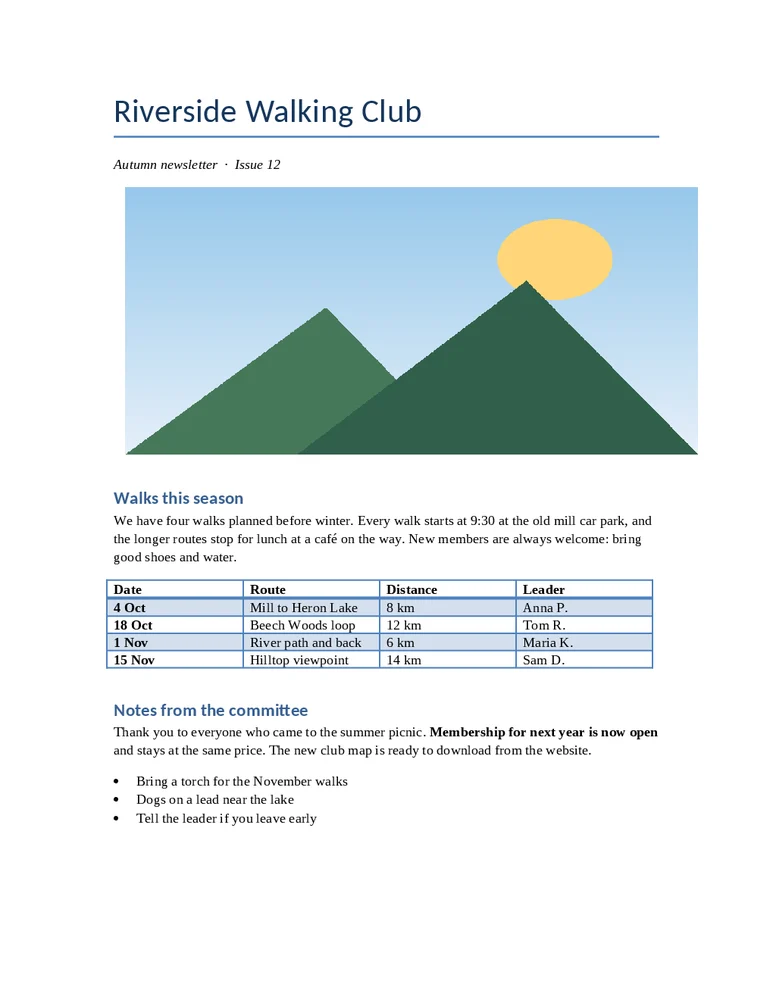
newsletter.docxnewsletter.pdf
Club newsletter with a picture and a table
- Headings, picture and table in place
- Fonts matched to the original widths
- Text stays searchable
Sample newsletter we made ourselves, with made-up names and data, converted here and shown as they came out. Your own files are never shown to anyone.
How to convert Word to PDF
-
Step 1
Choose the document
.docx from Word 2007 or later, .doc from older Word, .rtf, or .odt from LibreOffice.
-
Step 2
It is laid out
LibreOffice opens it and lays the pages out the way Word does.
-
Step 3
Download the PDF
Check the page previews, then save the PDF.
Word to PDF without Word
If Word is installed, the quickest way is inside Word: File > Save As (or Export) and choose PDF; Word has been able to do that on its own since Office 2007 Service Pack 2. This page is for the other times: a Chromebook, a phone, a borrowed computer, an old .doc sent by e-mail, or Word asking for a subscription before it lets you edit. Here the document is converted by LibreOffice, the free office suite, on our server, and you get the PDF back in a few seconds. The page previews on the result page show you every page before you send the PDF to anyone.
What carries over
Text with its fonts, sizes and colours, headings, numbered and bulleted lists, tables with borders and shading, pictures and shapes, headers and footers with page numbers, footnotes, columns and page breaks all come through. Links stay clickable in the PDF. Comments are left out, but tracked changes are printed as markup (coloured insertions, struck-through deletions), so accept or reject them in Word first. A table of contents is converted as it was last updated in Word.
Fonts: why a line can break differently
A Word document does not contain its fonts; it only names them, and the computer that opens it supplies them. Our server has free fonts with exactly the same letter widths as the common Microsoft ones: Carlito for Calibri, Caladea for Cambria, and Liberation Sans, Serif and Mono for Arial, Times New Roman and Courier New. So documents in those fonts keep their line and page breaks. A document in a rare or bought font is shown in a similar font instead, and a line may wrap a word earlier or later. If that matters, embed the fonts in Word (File > Options > Save > Embed fonts in the file) before uploading.
Old .doc files and other formats
The older binary .doc format from Word 97 to 2003, and even Word 6 and 95 documents, open fine. So do .rtf, .docm with macros (the macros do not run and are not in the PDF), templates (.dotx, .dot), OpenDocument .odt and plain .txt. For documents from other old programs, such as WordPerfect, Works or Apple Pages, see WordPerfect, Microsoft Works and Pages to PDF. Spreadsheets and slides have their own pages: Excel to PDF and PowerPoint to PDF.
Privacy and limits
The document goes to our server over an encrypted connection and is converted automatically; the file and the PDF are deleted 24 hours later. Files up to 200 MB are accepted. A document protected with a password to open cannot be converted: remove the password in Word (File > Info > Protect Document) and upload it again. If you then need the PDF smaller, run it through compress PDF.
More free PDF tools and converters
- Merge PDF
- Split PDF
- Compress PDF
- Compress PDF to 100 KB
- Delete PDF pages
- Rotate PDF
- Extract PDF pages
- Reorder PDF pages
- Crop PDF
- Add page numbers
- Watermark PDF
- Sign PDF
- Protect PDF
- Unlock PDF
- OCR PDF
- Flatten PDF
- PDF to grayscale
- Invert PDF colors
- Remove PDF metadata
- PDF to Word
- PDF to Excel
- Excel to PDF
- PDF to PowerPoint
- PowerPoint to PDF
- JPG to PDF
- PNG to PDF
- Image to PDF
- PDF to JPG
- PDF to PNG
- PDF to text
- HTML to PDF
- PDF to EPUB
- PDF to PDF/A
- PDF to TIFF
- PDF to SVG
Questions about converting Word to PDF
Do I need Word installed?
No. The conversion happens on our server, so it works on any computer, Chromebook, tablet or phone.
Will my fonts look the same?
Calibri, Cambria, Arial, Times New Roman and Courier New are replaced by fonts of identical width, so the pages match. Rare fonts are replaced by similar ones.
Can I convert an old .doc file?
Yes. Word 97–2003 .doc files, and older Word 6 and 95 documents, convert fine.
Are comments and tracked changes included?
Comments are not. Tracked changes show as coloured markup with deleted text struck through, so accept or reject them first.
Is it free?
Yes, with no account and no watermark.