Free Your pictures are not uploaded
PSD to PDF converter
Convert PSD to PDF here: choose one or many Photoshop files and get a single PDF with each design on its own page, ready to send for review, attach to a quote or print. No Photoshop needed; the PDF is made in your browser.
or drop them here. They go into one PDF, in the order of the list. Nothing is uploaded.
Designs for your PDF
Everything happens in this browser tab: your pictures are not sent to FileOpens or anywhere else, and nothing is kept when you close the page.
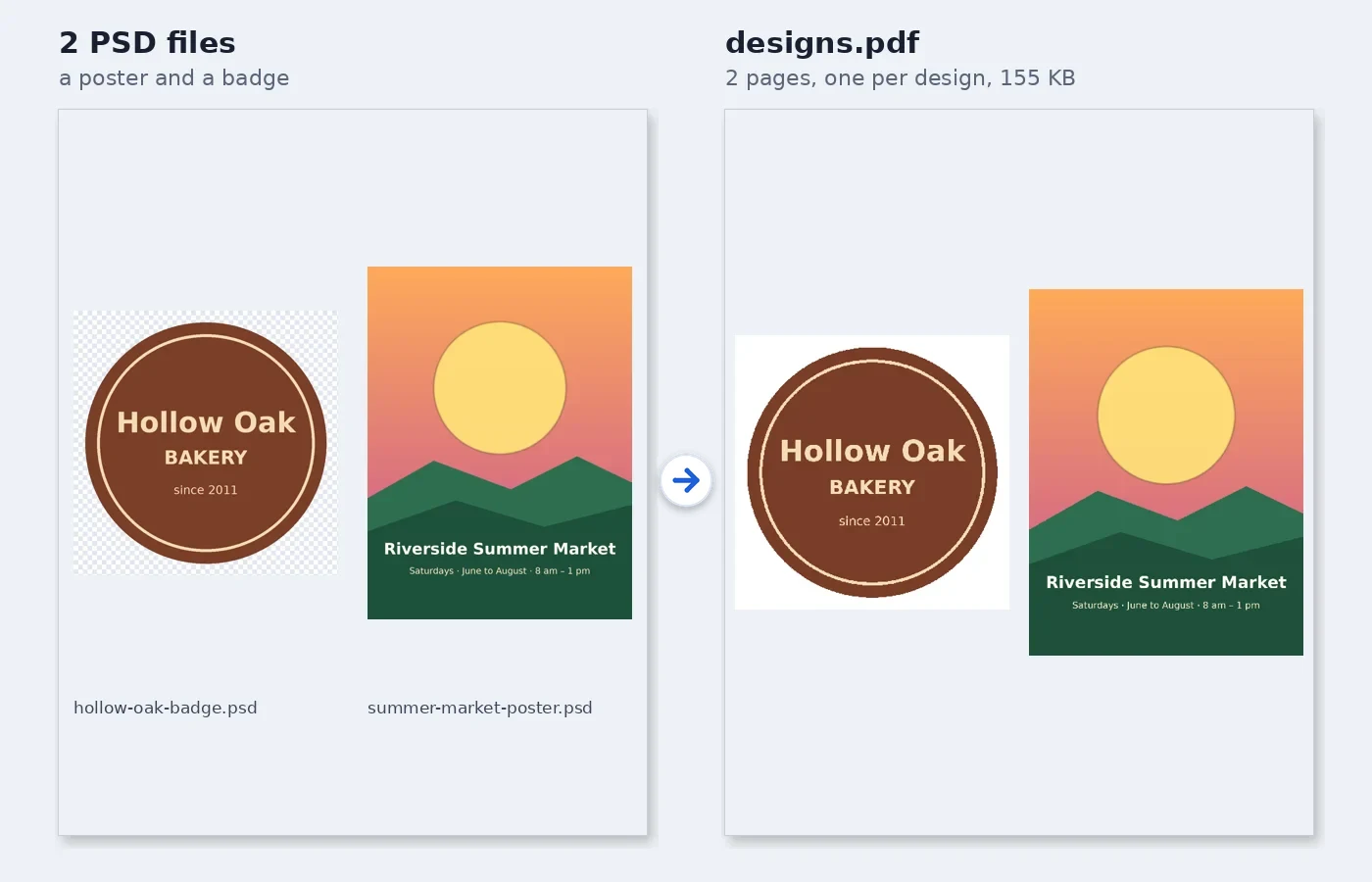
Two PSDs put into one PDF by FileOpens
2 PSD filesdesigns PDF
A badge and a poster in one PDF
- One page per design
- Each page the size of its design
- 155 KB in total
A sample designs we made ourselves, with made-up names and data, opened in this tool and shown as it came out. Your own files stay on your device.
How to convert PSD to PDF
-
Step 1
Choose the .psd files
A set of designs, pages of a brochure, mock-ups for a client.
-
Step 2
Check the order
The PDF follows the list; remove any file with ×.
-
Step 3
Make the PDF
One page per design, saved to your downloads.
Why send designs as a PDF
A client or a print shop rarely has Photoshop, and a stack of PSD files is heavy and awkward to open. One PDF with every design on its own page opens on any device, keeps the order you chose, can be commented on in any PDF reader, and is easy to forward. It is also how many print shops prefer to receive finished artwork, as long as the resolution is right.
What the PDF contains
Each PSD becomes one page exactly the size of the design at 96 pixels per inch, showing the finished picture with all visible layers merged, as Photoshop shows it. The picture is stored in the PDF as a high-quality JPG, with transparent areas on white. Text from text layers is part of the picture, so it is not selectable or searchable in the PDF, and the layers are not kept: this is a PDF for viewing, approving and printing, not for further editing.
PSD to PDF for print
For printing, what matters is pixels, not inches: an A4 page printed at 300 dpi needs a design of about 2480 × 3508 pixels. The PDF keeps every pixel of the design, so a design made at print size prints sharply when you choose "Fit to page" or "Actual size" in the print dialog. Professional printers that require CMYK PDF/X files with bleed need Photoshop's own "Save as Photoshop PDF" with the right preset; this page gives you an RGB PDF that is right for office printers, proofs and client review.
Order, page size and file size
The pages follow the order of the list, which is the order you chose the files in; remove a file with × and add more with "Add more", so you can build a presentation of a whole project. Each page has the size of its own design, so a portrait poster and a landscape banner can sit in one PDF. Because the pictures are stored as JPG at high quality, the PDF is usually far smaller than the PSD files together, small enough to email: a set of ten 1920 × 1080 designs typically gives a PDF of a few megabytes.
Without Photoshop
On a Mac, open the PSD files in Preview, select them in the sidebar and use File > Print > Save as PDF to combine them. On Windows, GIMP can export one PSD at a time as PDF. This page does a whole set in one step on any device. To share single designs as pictures instead, use PSD to JPG; to join the PDF with other PDFs, merge PDF.
Private
Your designs are read in the browser and never uploaded, which matters for unreleased client work.
More free image converters
- Image converter
- Compress image
- JPG to PNG
- PNG to JPG
- JPEG to JPG
- Compress JPEG
- Compress PNG
- GIF to PNG
- PNG to GIF
- GIF to JPG
- JPG to GIF
- GIF maker
- Remove background
- Background eraser
- Make background transparent
- White background for photo
- Remove white background
- Resize image
- Crop image
- Rotate image
- Flip image
- Blur image
- Pixelate image
- Black and white photo
- Invert image colors
- Merge images
- Watermark image
- Add text to image
- Remove EXIF data
- EXIF viewer
- Change DPI
- Image to Base64
- Base64 to image
- MP4 to GIF
- Video to GIF
- GIF to MP4
- GIF compressor
- PNG to SVG
- JPG to SVG
- Image to SVG
- SVG to PDF
- Image to text
- PNG to DXF
- SVG to DXF
- DXF to SVG
- HEIC to JPG
- HEIC to PNG
- HEIC to PDF
- HEIC viewer
- WebP to PNG
- WebP to JPG
- WebP to GIF
- WebP to PDF
- PNG to WebP
- JPG to WebP
- AVIF to PNG
- AVIF to JPG
- JFIF to JPG
- JFIF to PNG
- SVG to PNG
- SVG to JPG
- PNG to ICO
- ICO to PNG
- BMP to JPG
- BMP to PNG
- TIFF to JPG
- TIFF to PNG
- PSD viewer
- PSD to PNG
- PSD to JPG
- AI to SVG
- AI to PNG
- Open AI file
- EPS to PNG
- DDS to PNG
- TGA to PNG
- TGA to JPG
- RAW to JPG
- CR3 to JPG
- CR2 to JPG
- NEF to JPG
Questions about PSD to PDF
Can I put several PSDs into one PDF?
Yes, one page per file, in the order of the list.
Is the text selectable in the PDF?
No, each page is the finished picture. Text layers are part of it.
Are layers kept?
No, the PDF is for viewing and printing, not for editing.
Is it good enough for print?
Yes, at the design's own resolution. Professional CMYK presses need Photoshop's PDF export.
Are my files uploaded?
No, the PDF is made in your browser.