Free Your pictures are not uploaded
Remove white background
Remove white background from a logo, signature, stamp, drawing or scan here: the white turns transparent while the colours of the design stay exactly as they are, and the result is saved as a PNG ready for documents, slides and websites. It works instantly in your browser, with nothing uploaded.
or drop them here. PNG, JPG, scans and more. Nothing is uploaded.
Your pictures
Everything happens in this browser tab: your pictures are not sent to FileOpens or anywhere else, and nothing is kept when you close the page.
A white background made transparent by FileOpens
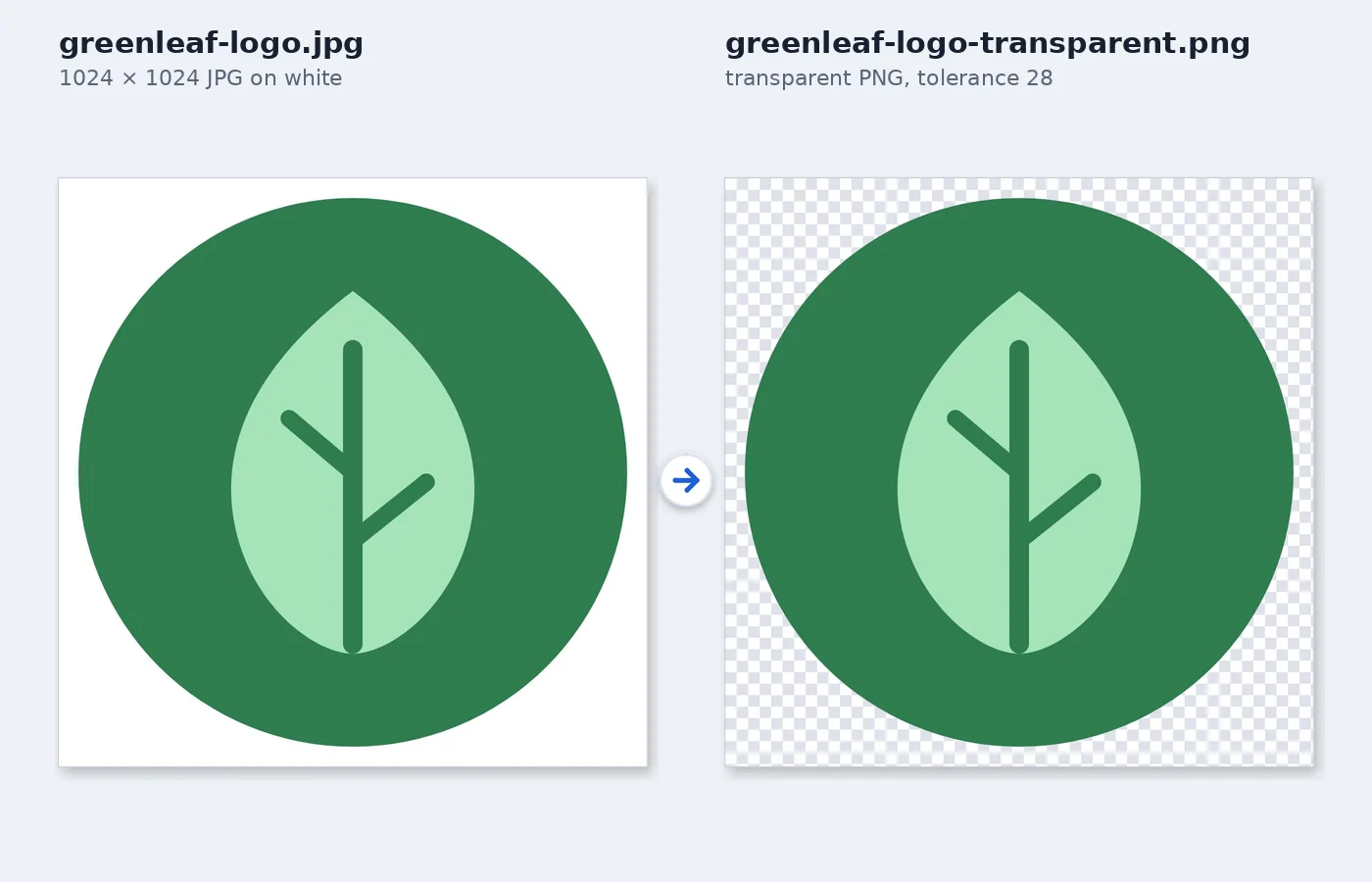
greenleaf-logo.jpggreenleaf-logo-transparent.png
A JPG logo on white
- White around the logo removed
- Light green leaf inside kept
- Clean round edge, no halo
A sample logo we made ourselves, with made-up names and data, opened in this tool and shown as it came out. Your own files stay on your device.
How to remove a white background
-
Step 1
Choose the picture
A logo, signature, stamp or line drawing on white.
-
Step 2
Set the tolerance
Watch the preview until the white is gone.
-
Step 3
Save the PNG
With a transparent background.
White to transparent, without AI guesswork
When a design sits on plain white, there is no need for an AI model: the page simply makes white pixels transparent. That keeps every line of a logo or signature exactly where it was, works in a fraction of a second even on large scans, and never removes part of the design by mistake. Pixels that are almost white become partly transparent, and the white is taken out of their colour, so edges do not get a pale halo on dark backgrounds.
Only the background, or all white
By default only the white connected to the edges of the picture is removed, so white inside the design stays: the inside of the letter O, the eyes of a mascot, a white star on a blue badge. Choose "All white" when the white inside should also disappear, for example the holes of a stencil or a line drawing that should show the page underneath.
Choosing the tolerance
The tolerance sets how far from pure white a pixel may be and still count as background. Scans and phone photos of paper are rarely pure white: raise the tolerance until the grey or cream paper is gone. If light parts of the design start to disappear, lower it again. For a photo of a product, person or pet with a background that is not plain, use remove background, which finds the subject with AI.
Transparent signatures for documents
A signature photographed or scanned on white paper becomes a PNG you can place in Word, Google Docs or a PDF without a white box over the text. For a crisp black signature, first make it black and white with grayscale image (the black and white mode), then remove the white here. Keep the file private and use it only where you would sign by hand. Scanned rubber stamps, hand-drawn line art, coloring pages, tattoo sketches and clip art usually come on white paper. Removing the white lets you place them over photos, combine several in one design, or use them as overlays in video editors. Coloured stamps keep their exact ink colour, since only pixels close to white are touched. Many pictures can be done at once and saved together in one ZIP.
Remove white background from JPG
JPG cannot store transparency, so the result is always a PNG. JPG compression also leaves faint speckles around dark lines; a slightly higher tolerance cleans them up. If the design itself contains very light colours, such as pale yellow, keep the tolerance low and choose "Only the background". A logo saved as a JPG on white looks fine on a white page but shows an ugly box on a coloured header, a dark mode site, a photo or a T-shirt mock-up. After removing the white, the PNG sits cleanly on any background. For the sharpest result at any size, the transparent PNG can then be traced into vectors with PNG to SVG, which also keeps the transparency, or made smaller with the PNG compressor.
Private
The picture is processed by the page in your browser. Nothing is uploaded, and nothing is kept when you close the page.
More free image converters
- Image converter
- Compress image
- JPG to PNG
- PNG to JPG
- JPEG to JPG
- Compress JPEG
- Compress PNG
- GIF to PNG
- PNG to GIF
- GIF to JPG
- JPG to GIF
- GIF maker
- Remove background
- Background eraser
- Make background transparent
- White background for photo
- Resize image
- Crop image
- Rotate image
- Flip image
- Blur image
- Pixelate image
- Black and white photo
- Invert image colors
- Merge images
- Watermark image
- Add text to image
- Remove EXIF data
- EXIF viewer
- Change DPI
- Image to Base64
- Base64 to image
- MP4 to GIF
- Video to GIF
- GIF to MP4
- GIF compressor
- PNG to SVG
- JPG to SVG
- Image to SVG
- SVG to PDF
- Image to text
- PNG to DXF
- SVG to DXF
- DXF to SVG
- HEIC to JPG
- HEIC to PNG
- HEIC to PDF
- HEIC viewer
- WebP to PNG
- WebP to JPG
- WebP to GIF
- WebP to PDF
- PNG to WebP
- JPG to WebP
- AVIF to PNG
- AVIF to JPG
- JFIF to JPG
- JFIF to PNG
- SVG to PNG
- SVG to JPG
- PNG to ICO
- ICO to PNG
- BMP to JPG
- BMP to PNG
- TIFF to JPG
- TIFF to PNG
- PSD viewer
- PSD to PNG
- PSD to JPG
- PSD to PDF
- AI to SVG
- AI to PNG
- Open AI file
- EPS to PNG
- DDS to PNG
- TGA to PNG
- TGA to JPG
- RAW to JPG
- CR3 to JPG
- CR2 to JPG
- NEF to JPG
Questions about removing white backgrounds
Will white inside my logo disappear?
Not with "Only the background", the default.
What if the paper is grey or cream?
Raise the tolerance until it is gone.
Why is the result a PNG?
Only PNG keeps transparency; JPG cannot.
Does it work for photos?
For photos without a plain white background, use remove background.
Is anything uploaded?
No, it works in your browser.