Free Your pictures are not uploaded
Watermark image
Watermark images here: add your name, website or logo to photos before you post or send them, in a corner, in the centre or repeated across the whole picture, with the size and opacity you choose. A whole batch gets the same watermark at once, with a live preview, in your browser.
or drop them here. JPG, PNG, WebP, HEIC, AVIF, GIF, BMP, TIFF. Nothing is uploaded.
Your photos
Everything happens in this browser tab: your pictures are not sent to FileOpens or anywhere else, and nothing is kept when you close the page.
Photos watermarked by FileOpens
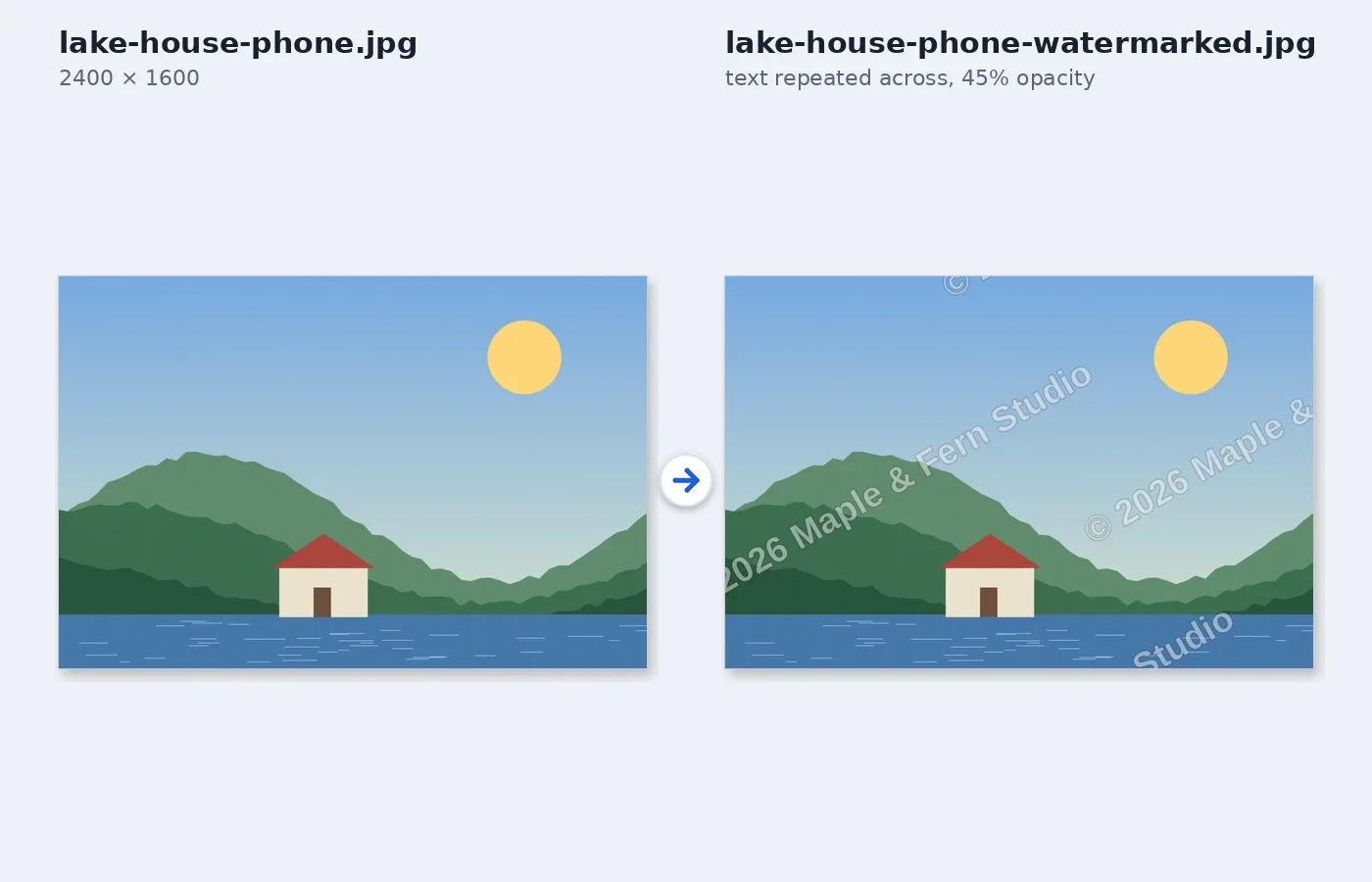
lake-house-phone.jpglake-house-phone-watermarked.jpg
A text watermark repeated across
- 45% opacity, turned 30°
- Cannot be cropped away
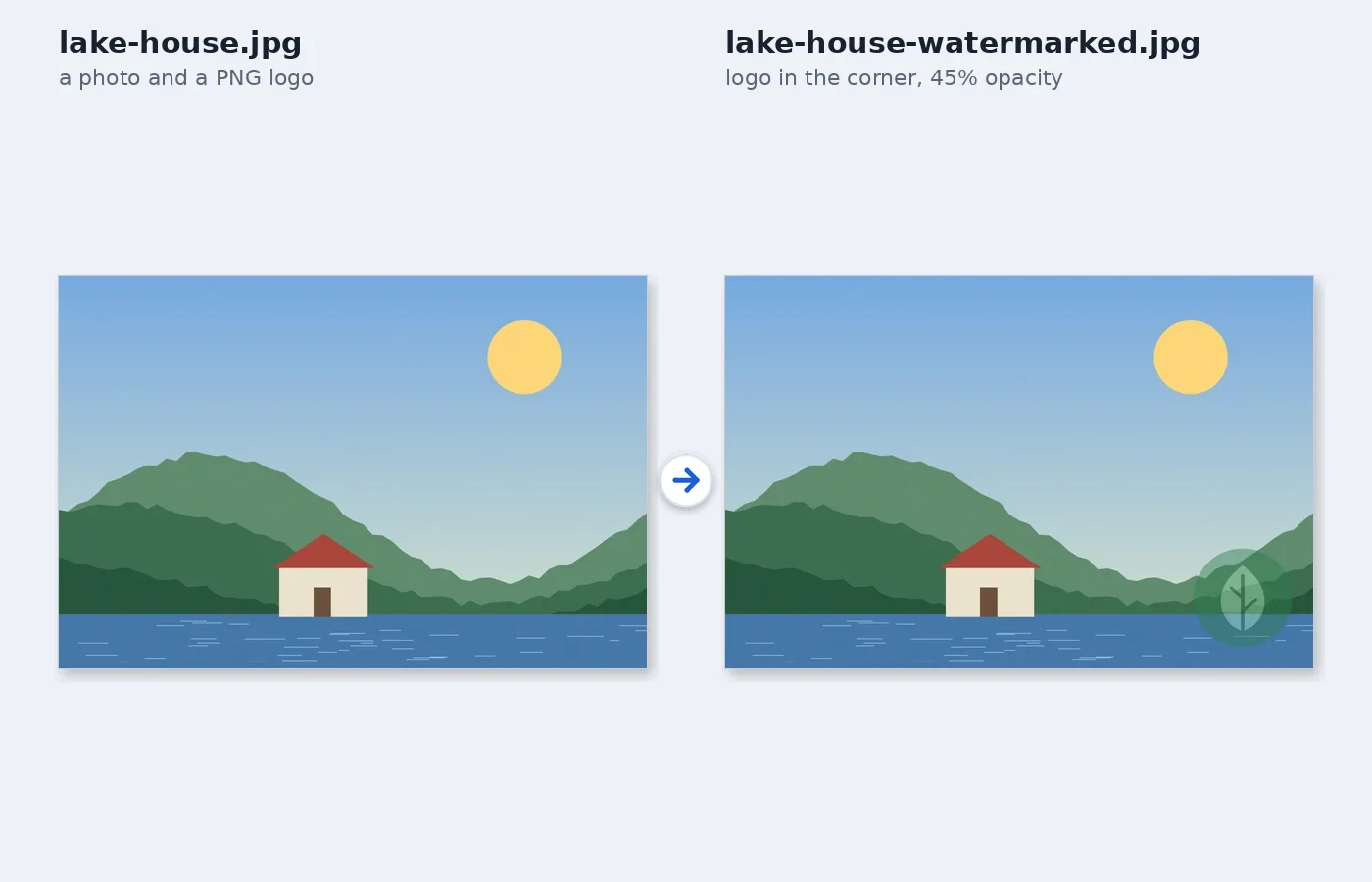
lake-house.jpglake-house-watermarked.jpg
A PNG logo in the corner
- Logo scaled to the photo
- Transparency of the logo kept
A sample photo we made ourselves, with made-up names and data, opened in this tool and shown as it came out. Your own files stay on your device.
How to watermark an image
-
Step 1
Choose the photos
Portfolio shots, product photos, documents, artwork.
-
Step 2
Design the watermark
Text or a logo file; position, size and opacity, with a preview.
-
Step 3
Watermark and download
Every photo gets the same mark, one by one or in a ZIP.
Why watermark images
A watermark shows who a picture belongs to when it travels: photographers mark previews they send to clients, sellers mark product photos so other shops cannot reuse them unnoticed, artists mark work they post online, and people mark copies of ID documents they must send ("Copy for Example Bank only") so the copy cannot be reused elsewhere. It does not make copying impossible, but it makes it obvious and inconvenient.
Text or logo
For a text watermark, type your name, studio, website or a copyright line such as "© 2026 Your Name"; choose white for dark photos or a darker colour for light ones. A thin outline keeps it readable on both. For a logo, choose a PNG with a transparent background; it is scaled to the size you set and drawn with the opacity you choose. The preview shows the selected photo; click another one in the list to check how the watermark looks there.
Corner or repeated
A small mark in a corner at 30–50% opacity is discreet and suits portfolios and social media, but it can be cropped off. "Repeated across the picture" places the mark diagonally all over the photo, which is what stock photo sites do for previews and what you want for ID copies and documents: it cannot be removed by cropping and is hard to retouch. Size is set as a share of the picture width, so photos of different sizes get a mark of the same proportion.
Batch watermark photos
Add as many photos as you like: they all get the same watermark, in the same position relative to their size, and "Download all" gives one ZIP. JPG photos stay JPG at quality 92 and PNGs keep their transparency. To protect privacy at the same time, hide faces or numbers with blur image; for a PDF, use watermark PDF.
Good watermark settings
For portfolios, a text mark of 4 to 6 percent of the width at about 40 percent opacity in a corner is visible without spoiling the photo. For client previews and stock-style protection, use the repeated mark at 25 to 35 percent opacity, so the picture can still be judged but not used. For documents and ID copies, use the repeated mark at 50 percent or more and write the purpose and date, for example "Copy for Example Bank, November 2026", so the copy is useless for anything else. White text with the thin dark outline works on most photos; try black on very bright pictures.
Private
Your photos and logo are processed in your browser and never uploaded.
More free image converters
- Image converter
- Compress image
- JPG to PNG
- PNG to JPG
- JPEG to JPG
- Compress JPEG
- Compress PNG
- GIF to PNG
- PNG to GIF
- GIF to JPG
- JPG to GIF
- GIF maker
- Remove background
- Background eraser
- Make background transparent
- White background for photo
- Remove white background
- Resize image
- Crop image
- Rotate image
- Flip image
- Blur image
- Pixelate image
- Black and white photo
- Invert image colors
- Merge images
- Add text to image
- Remove EXIF data
- EXIF viewer
- Change DPI
- Image to Base64
- Base64 to image
- MP4 to GIF
- Video to GIF
- GIF to MP4
- GIF compressor
- PNG to SVG
- JPG to SVG
- Image to SVG
- SVG to PDF
- Image to text
- PNG to DXF
- SVG to DXF
- DXF to SVG
- HEIC to JPG
- HEIC to PNG
- HEIC to PDF
- HEIC viewer
- WebP to PNG
- WebP to JPG
- WebP to GIF
- WebP to PDF
- PNG to WebP
- JPG to WebP
- AVIF to PNG
- AVIF to JPG
- JFIF to JPG
- JFIF to PNG
- SVG to PNG
- SVG to JPG
- PNG to ICO
- ICO to PNG
- BMP to JPG
- BMP to PNG
- TIFF to JPG
- TIFF to PNG
- PSD viewer
- PSD to PNG
- PSD to JPG
- PSD to PDF
- AI to SVG
- AI to PNG
- Open AI file
- EPS to PNG
- DDS to PNG
- TGA to PNG
- TGA to JPG
- RAW to JPG
- CR3 to JPG
- CR2 to JPG
- NEF to JPG
Questions about watermarking images
Can I use my logo as a watermark?
Yes, choose "Logo or picture" and pick a PNG, ideally with a transparent background.
How do I watermark many photos at once?
Add them all; every photo gets the same watermark.
Can a watermark be removed?
A corner mark can be cropped; a repeated one across the photo is much harder to remove.
How do I mark an ID copy?
Use text like "Copy for … only", repeated across the picture.
Is the original photo changed?
No, you download new copies; your originals stay as they are.
Are my photos uploaded?
No, everything happens in your browser.