Free Your pictures are not uploaded
JPG to WebP converter
Convert JPG to WebP here and your website photos get lighter without looking any different: pick the quality, see the new size of every file, and download them one by one or in a ZIP. The photos are converted in your browser.
or drop them here, as many as you like. .jpg and .jpeg. Nothing is uploaded.
Your photos
Everything happens in this browser tab: your pictures are not sent to FileOpens or anywhere else, and nothing is kept when you close the page.
A JPG photo converted to WebP by FileOpens
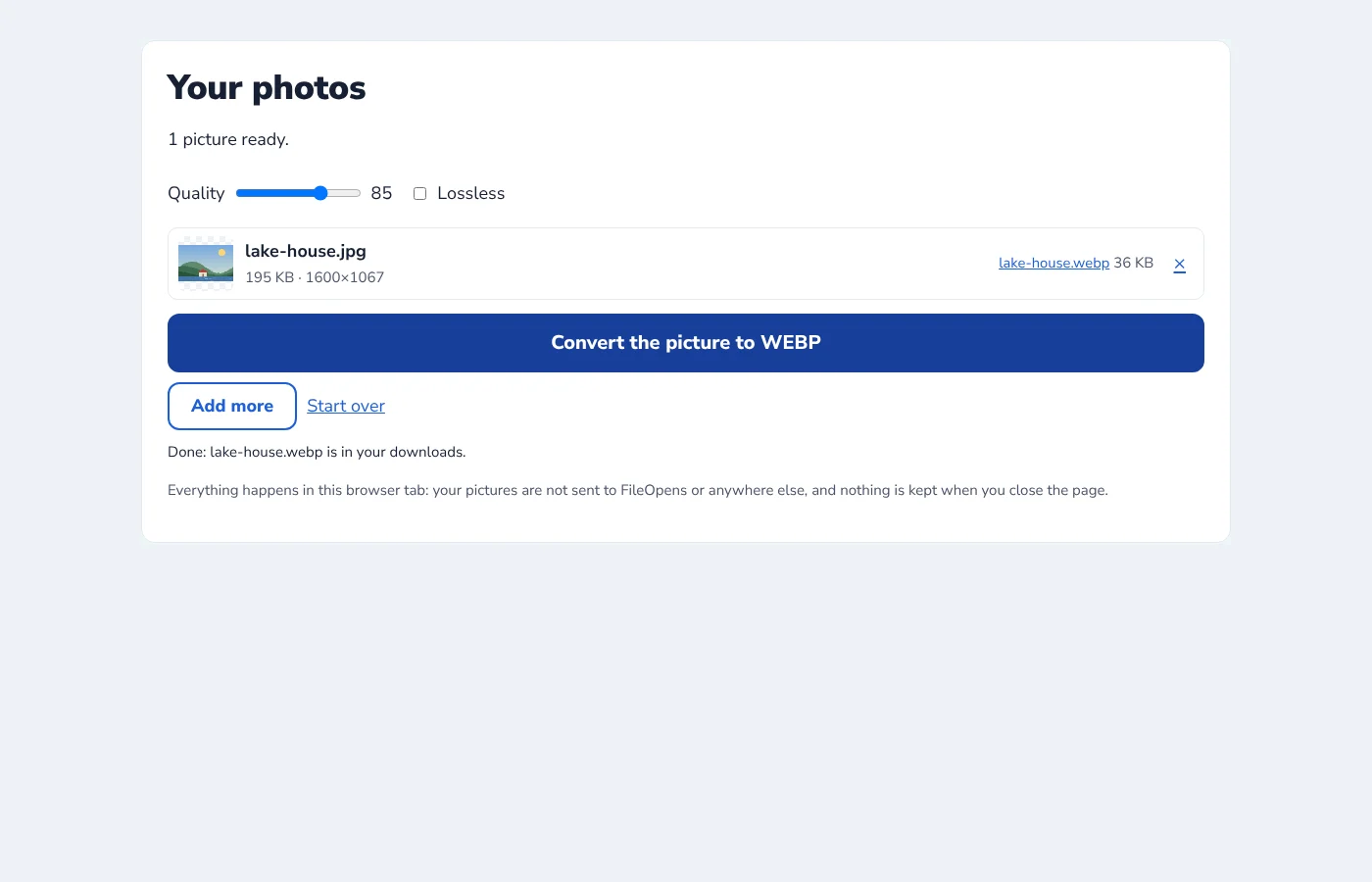
lake-house.jpglake-house.webp
Website photo to WebP
- 195 KB JPG to 36 KB WebP at quality 85
- 1600 × 1067 kept
A sample photo we made ourselves, with made-up names and data, opened in this tool and shown as it came out. Your own files stay on your device.
How to convert JPG to WebP
-
Step 1
Choose the photos
Blog pictures, product photos, a gallery.
-
Step 2
Pick the quality
80–85 for websites; compare the sizes in the list.
-
Step 3
Download
Upload the WebP files to your site instead of the JPGs.
What you gain from JPG to WebP
Google's own measurements found lossy WebP files 25–34% smaller than JPGs of equal quality. On a page with ten photos that is often a megabyte or more, which mobile visitors notice and which counts toward Google's page speed scores. Photos are where the gain is largest, since JPG is already a photo format and WebP simply does the same job more efficiently. Every current browser displays WebP, including Safari since 2020, so the switch costs nothing for your visitors.
Choosing the quality
The quality numbers of JPG and WebP are not the same scale, so do not copy your JPG setting. For websites, WebP at 80–85 usually looks the same as the original photo; product photos where customers zoom in may deserve 90. Lower than 75 and smooth areas like sky and skin start to look flat. The list shows the size of each new file next to the original, so you can try a setting on one photo, then convert the rest. Since a JPG has already lost some detail, converting it to WebP cannot make it better, only lighter; start from the best original you have.
Before you upload
Resize first if your photos are bigger than they will ever be shown: a 4000-pixel phone photo shown 1200 pixels wide wastes far more than the format does. Keep the original JPGs as your master copies. WordPress 5.8 and later, Shopify, WooCommerce and most site builders accept WebP uploads; some older themes and email newsletters do not, so for email keep JPG. If you use a CDN or an image plugin that already serves WebP automatically, you do not need to convert by hand.
Browser support for writing WebP
The conversion uses your browser's built-in WebP encoder, available in Chrome, Edge and Firefox. Safari shows WebP but cannot create it from a web page; on a Mac, open this page in Chrome, Edge or Firefox. On an iPhone or iPad every browser uses Safari's engine, so the page will tell you it cannot write WebP; convert on a computer or an Android phone instead. Camera details (EXIF) such as the date and location are not copied into the WebP, which is usually what you want on a public site.
Privacy and related tools
Your photos are not uploaded; everything happens in this tab. For PNG graphics and screenshots, use PNG to WebP, which also offers lossless WebP. To go back from WebP to JPG, WebP to JPG.
Converting a whole site
For a few dozen photos, converting here and uploading the WebP files is quickest. For hundreds, or a site that keeps getting new photos, an automatic route saves time: WordPress plugins such as WebP Express or the image optimisation built into some hosting plans create WebP copies on upload, and image CDNs convert on the fly. Either way, check the result on a phone over a mobile connection, where the gain is felt most, and keep JPG for newsletters, because many email programs still do not show WebP.
More free image converters
- Image converter
- Compress image
- JPG to PNG
- PNG to JPG
- JPEG to JPG
- Compress JPEG
- Compress PNG
- GIF to PNG
- PNG to GIF
- GIF to JPG
- JPG to GIF
- GIF maker
- Remove background
- Background eraser
- Make background transparent
- White background for photo
- Remove white background
- Resize image
- Crop image
- Rotate image
- Flip image
- Blur image
- Pixelate image
- Black and white photo
- Invert image colors
- Merge images
- Watermark image
- Add text to image
- Remove EXIF data
- EXIF viewer
- Change DPI
- Image to Base64
- Base64 to image
- MP4 to GIF
- Video to GIF
- GIF to MP4
- GIF compressor
- PNG to SVG
- JPG to SVG
- Image to SVG
- SVG to PDF
- Image to text
- PNG to DXF
- SVG to DXF
- DXF to SVG
- HEIC to JPG
- HEIC to PNG
- HEIC to PDF
- HEIC viewer
- WebP to PNG
- WebP to JPG
- WebP to GIF
- WebP to PDF
- PNG to WebP
- AVIF to PNG
- AVIF to JPG
- JFIF to JPG
- JFIF to PNG
- SVG to PNG
- SVG to JPG
- PNG to ICO
- ICO to PNG
- BMP to JPG
- BMP to PNG
- TIFF to JPG
- TIFF to PNG
- PSD viewer
- PSD to PNG
- PSD to JPG
- PSD to PDF
- AI to SVG
- AI to PNG
- Open AI file
- EPS to PNG
- DDS to PNG
- TGA to PNG
- TGA to JPG
- RAW to JPG
- CR3 to JPG
- CR2 to JPG
- NEF to JPG
Questions about JPG to WebP
How much smaller will my photos be?
Typically 25–35% at the same visual quality; the list shows each file's new size.
What quality should I use?
80–85 for most websites, 90 for product photos people zoom into.
Is the date and location kept?
No, camera details (EXIF) are not copied into the WebP.
Why can't Safari do it?
Safari cannot write WebP from a web page. Use Chrome, Edge or Firefox.
Are my photos uploaded?
No, they are converted in your browser.