Free No account · the file is deleted after 24 hours
PDF to PowerPoint
Convert a PDF to PowerPoint here: each page becomes one slide in a .pptx, drawn sharp at 150 dpi, with the page's text copied into the speaker notes. Good for presenting a PDF or adding it to a deck.
or drop it here. Up to 200 MB, 300 pages. Free, no account.
Convert to PowerPoint
The file is sent over an encrypted connection to our server in Canada (OVHcloud, Beauharnois, Quebec), processed by a program there, and deleted with the result 24 hours later. Nobody looks at it.
A PDF converted to PowerPoint by FileOpens
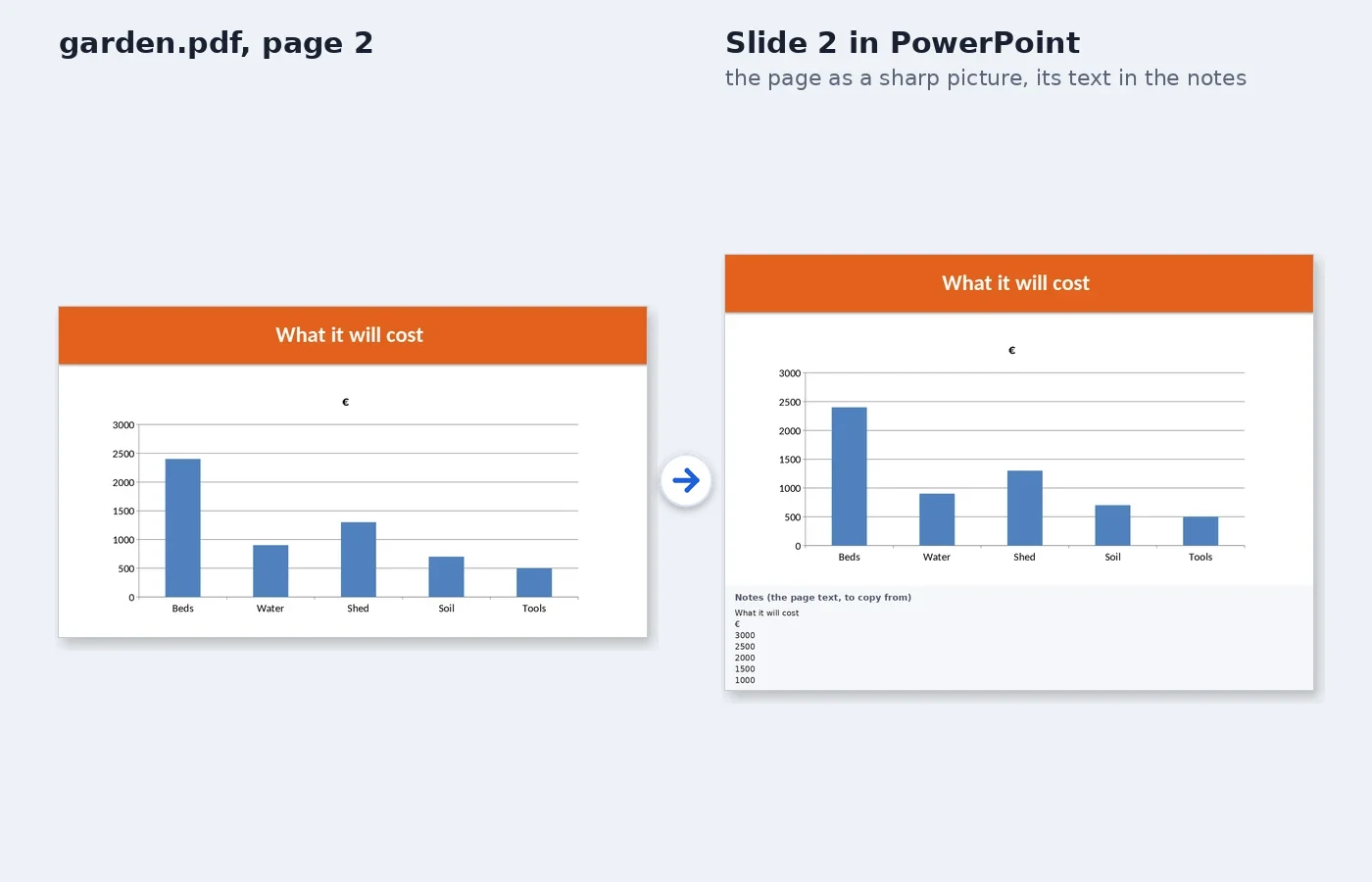
garden.pdfgarden.pptx
Every page becomes a slide
- The page as a sharp picture, 150 dpi
- Its text copied into the speaker notes
- Slide shape follows the page
Sample presentation we made ourselves, with made-up names and data, converted here and shown as they came out. Your own files are never shown to anyone.
How to convert a PDF to PowerPoint
-
Step 1
Choose the PDF
Slides someone sent as a PDF, a report you want to present, a handout.
-
Step 2
Pages become slides
The slide size follows the shape of the pages.
-
Step 3
Download the .pptx
Open it in PowerPoint, Keynote or Google Slides and present.
What this converter does, honestly
There are two ways to turn a PDF into slides. One tries to rebuild every text box and shape so you can edit them; with PDFs that were not made from PowerPoint this often ends in a mess of hundreds of tiny text boxes, wrong fonts and shifted pictures. The other, which this tool uses, puts each page on its own slide as a sharp picture, so it looks exactly like the PDF, every time. The words on the slides cannot be edited directly, but the text of each page is copied into the slide's speaker notes, so you can copy a sentence from there or read from it while presenting.
When PDF to PowerPoint is the right tool
Presenting a PDF: in PowerPoint you get the slide show, presenter view, a laser pointer and the ability to jump between pages, which a PDF reader does not give you. Adding pages of a PDF to a deck you are building: copy the slides you need into your own presentation. Drawing on top: PowerPoint's shapes, arrows and highlights can be placed over the page picture, and you can add your own slides between the pages. Handouts and lessons: teachers often get material as PDFs and need it in a presentation.
When you need editable text instead
If the goal is to change the wording, convert the PDF to Word with PDF to Word, which rebuilds paragraphs and tables, then copy the text into slides. If the PDF was exported from PowerPoint in the first place, ask the person who made it for the original .pptx: that is always better than any conversion. And if what you have is Keynote, Keynote to PowerPoint gives you a real, editable .pptx.
Slide size and quality
The slide shape follows the first page: a landscape page gives a wide slide, an A4 portrait page a tall one, so nothing is cut off. Pages are drawn at 150 dpi, sharp on a projector and a big screen, while keeping the file reasonable: roughly 100 to 300 KB per slide. A 30-page PDF makes a .pptx of a few megabytes. Each picture is centred on its slide; pages of different shapes get thin borders rather than being stretched.
Privacy and limits
The PDF goes to our server over an encrypted connection and is converted automatically; both files are deleted 24 hours later. Up to 200 MB and 300 pages; split longer PDFs. The reverse, slides into a PDF, is PowerPoint to PDF.
More free PDF tools and converters
- Merge PDF
- Split PDF
- Compress PDF
- Compress PDF to 100 KB
- Delete PDF pages
- Rotate PDF
- Extract PDF pages
- Reorder PDF pages
- Crop PDF
- Add page numbers
- Watermark PDF
- Sign PDF
- Protect PDF
- Unlock PDF
- OCR PDF
- Flatten PDF
- PDF to grayscale
- Invert PDF colors
- Remove PDF metadata
- PDF to Word
- Word to PDF
- PDF to Excel
- Excel to PDF
- PowerPoint to PDF
- JPG to PDF
- PNG to PDF
- Image to PDF
- PDF to JPG
- PDF to PNG
- PDF to text
- HTML to PDF
- PDF to EPUB
- PDF to PDF/A
- PDF to TIFF
- PDF to SVG
Questions about converting PDF to PowerPoint
Can I edit the text on the slides?
Not directly: each page is a picture, so it looks exactly right. The page text is in the speaker notes to copy from.
Why not editable text boxes?
For PDFs not made in PowerPoint, rebuilt text boxes are usually broken. For editable text use PDF to Word.
Does it work in Google Slides and Keynote?
Yes, the .pptx opens in both.
What slide size will I get?
The shape of the PDF pages: wide for landscape pages, tall for portrait.
Is it free?
Yes, with no account and no watermark.