Free No account needed
DjVu viewer: open a .djvu file online
Found a book or a scan in .djvu format and nothing opens it? This online DjVu viewer shows the pages in your browser, free, and turns the whole file into a PDF you can keep.
- Free. No account, no watermark.
- See the pages right on this site.
- Deleted after 24 hours. Nobody reads it.
A DjVu converted by FileOpens
village-hall.djvuvillage-hall.pdf
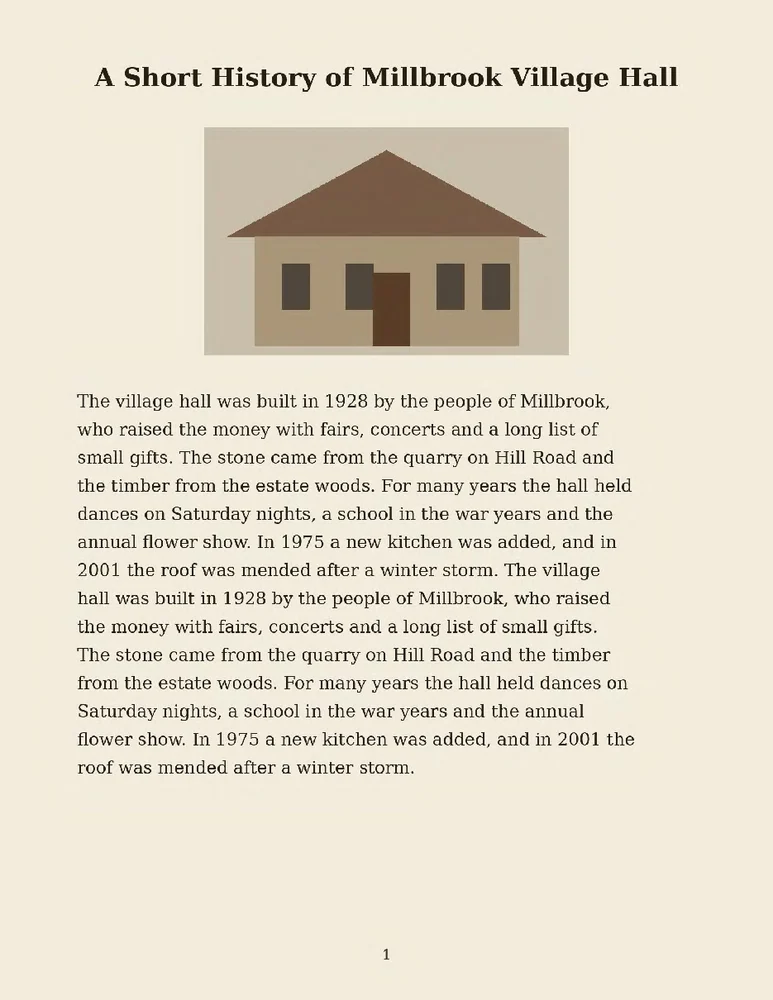
Scanned page with a picture
- Paper colour kept
- Full page resolution
village-hall.djvuvillage-hall.pdf
Text page
- Every page in order
- No text layer in this scan, so no search
Sample scan we made ourselves, with made-up names and data, converted here and shown as they came out. Your own files are never shown to anyone.
What you get
- Every page as PDFEach scanned page in good quality, in a PDF that opens on any device.
- The text, tooIf the DjVu has a text layer (OCR), you also get it as a .txt file.
- Books and documentsSingle pages, scanned books and magazines with hundreds of pages.
- See it firstThe pages appear on this site before you download anything.
Why you need a DjVu viewer
DjVu is a compact format for scanned pages, popular for digitised books, journals and manuals since the early 2000s. No operating system opens it out of the box: double-clicking a .djvu file on Windows or a Mac asks which app to use, and phones and e-readers do not know it. Desktop viewers exist, WinDjView for Windows and DjView for Mac and Linux, but they need to be found, downloaded and installed, which is not possible everywhere and is a lot of effort for one file.
How this online DjVu viewer works
Choose the file above or drop it on the box. The file is rendered on our server, and the first pages appear on this site after a few seconds; you can enlarge them to read. Then download the whole document as a PDF, which opens on every computer, phone, tablet and most e-readers, and keeps the page order and size. If the DjVu has a hidden text layer, it comes as a .txt file as well. For the conversion details see DjVu to PDF.
Open DjVu on a Mac, iPhone or Android
On a Mac, DjView works but is unsigned, so macOS warns about it; on an iPhone or iPad there are paid DjVu reader apps; on Android a few free readers support DjVu. If you only need to read the book, converting it to PDF once is often simpler: the PDF opens in Preview, Apple Books, Google Drive and every PDF reader, and you can send it to anyone without asking them to install a DjVu viewer.
Large books and multi-file DjVu
Books with hundreds of pages are fine; they upload in pieces if they are large. A few DjVu books are split into many files with a small index.djvu; that index alone has no pages. Bundle such a book into one file with DjVuLibre first (djvmcvt -b), then open it here.
What you see in the preview
The preview shows the first pages at screen resolution so you can check that it is the right book and that the scan is readable; the PDF you download has every page in full quality. If the file turns out to be damaged or only the index of a multi-file book, the page tells you so instead. Old DjVu files from the early 2000s open as well as recent ones.
Privacy
The file is used only to show and convert it, and it is deleted automatically after 24 hours. Nobody looks at it. For other old formats, see old office files.
Also on FileOpens
Questions about opening DjVu files
How do I open a DjVu file without installing anything?
Upload it here. The pages appear in your browser and you can download the book as a PDF, free.
Can I read DjVu on a Kindle?
Kindles do not open DjVu. Convert it to PDF here and send the PDF to the Kindle.
Is the DjVu viewer free?
Yes, with no account, no watermark and no limit on files. Books of several hundred pages are fine, and the PDF you download has every page in full quality.
Is it really free?
Yes: no account, no watermark, no limit on the number of files. We make our money converting old document formats such as Publisher and Works files.
What happens to my file?
It is used only to make your PDF and is deleted automatically 24 hours after upload. Nobody looks at it.