Free No account needed
AZW3 to PDF: convert Kindle files
Have a Kindle book as an .azw3 or .azw file? If it has no DRM, convert AZW3 to PDF here, free: the whole book as a PDF to read anywhere or print, plus an EPUB for other e-readers.
- Free. No account, no watermark.
- See the pages right on this site.
- Deleted after 24 hours. Nobody reads it.
An AZW3 book converted by FileOpens
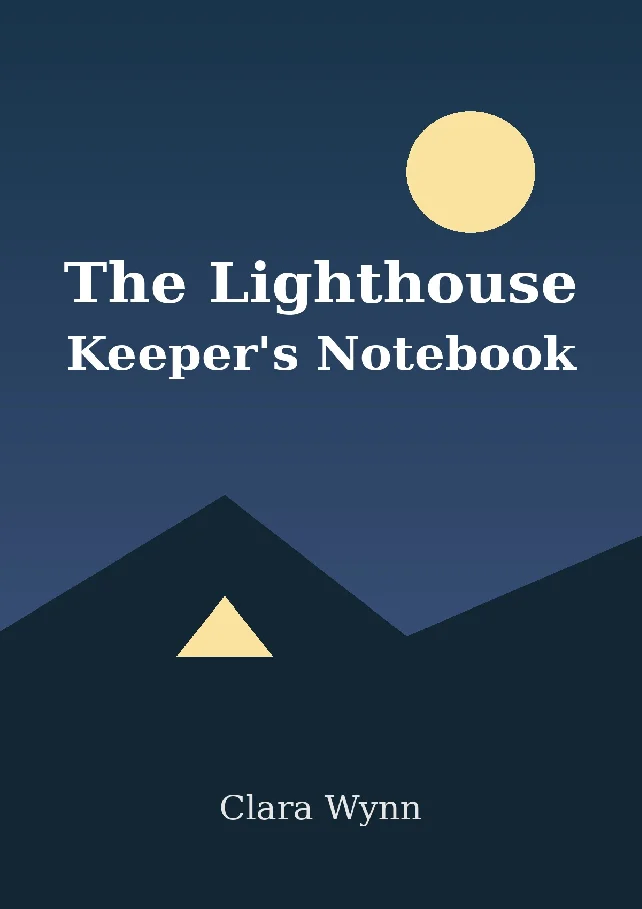
lighthouse.azw3lighthouse.pdf
The cover kept
- Cover as the first page
- A5 paperback pages
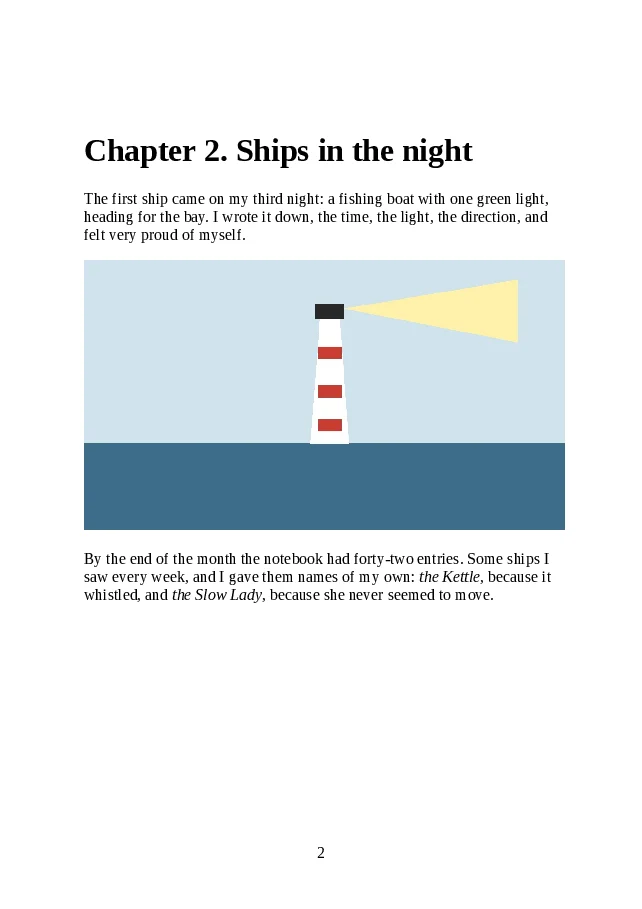
lighthouse.azw3lighthouse.pdf
A chapter with a picture
- Chapter title and text
- Illustration in place
Sample e-book we made ourselves, with made-up names and data, converted here and shown as they came out. Your own files are never shown to anyone.
What you get
- PDF of the bookEvery chapter on A5 pages with page numbers, to read on any screen or print.
- EPUB as wellFor Kobo, Apple Books, Google Play Books and most reading apps.
- MOBI, AZW3, FB2, EPUBKindle books without DRM, FictionBook files and EPUBs all work the same way.
- See it firstThe first pages appear on this site before you download anything.
What AZW3 and AZW files are
AZW3, also called KF8, is the Kindle format Amazon introduced in 2011 for books with richer layout; AZW is the older Kindle format, close to MOBI. You get these files when you download a book with Kindle for PC or Mac, when an author sends a review copy, from some free-book sites, or when you make a Kindle file in calibre. Outside a Kindle device or app, nothing opens them: not the PDF reader on your computer, not Apple Books, not a Kobo.
How to convert AZW3 to PDF here
Choose the file above. In under a minute the first pages appear on this site so you can check the book. Then download the PDF, the EPUB, or both. It is free, with no account and no watermark. The conversion is done by calibre, the open-source e-book program: chapters, headings, italics, pictures and the table of contents come through, laid out on A5 pages with page numbers.
Kindle to PDF: what is possible
Most books bought in the Kindle Store are protected with DRM and tied to your Amazon account. Neither we nor any honest service can convert those; if you upload one, you see a clear message and nothing is made. You can still read them in the free Kindle app on any phone, tablet or computer. Newer downloads in the KFX format are not supported either. Books without DRM convert normally: many independent and public-domain books, review copies, and files you made yourself.
PDF or EPUB
The PDF has fixed paperback-size pages: good for reading on a laptop, printing, annotating or sending to someone without a Kindle. The EPUB reflows to the screen and is the right choice for Kobo, Apple Books, Google Play Books and most reading apps. Both come from the same conversion; download whichever you need.
Other formats and privacy
Older Kindle files: MOBI to PDF. Only the EPUB: MOBI to EPUB. Other e-books: EPUB to PDF. Your book is deleted 24 hours after upload.
Also on FileOpens
Questions about AZW3 and Kindle files
Can I convert a book I bought on Kindle to PDF?
Only if it has no DRM, which is rare for books from the Kindle Store. Locked books cannot be converted by anyone without breaking the protection; read them in the Kindle app instead.
What is the difference between AZW3 and MOBI?
AZW3 (KF8) is the newer Kindle format with better layout and fonts; MOBI is the older one. Both convert the same way here.
My file ends in .kfx. Can you open it?
No. KFX is Amazon's newest Kindle format and is always tied to the Kindle apps.
How do I get an AZW3 file onto a Kobo or into Apple Books?
Convert it here and download the EPUB. Copy it to the Kobo over USB, or open it on your iPhone, iPad or Mac and choose Books. Both read EPUB directly, with adjustable fonts.
Is it really free?
Yes: no account, no watermark, no limit on the number of files. We make our money converting old document formats such as Publisher and Works files.
What happens to my file?
It is used only to make your PDF and is deleted automatically 24 hours after upload. Nobody looks at it.